
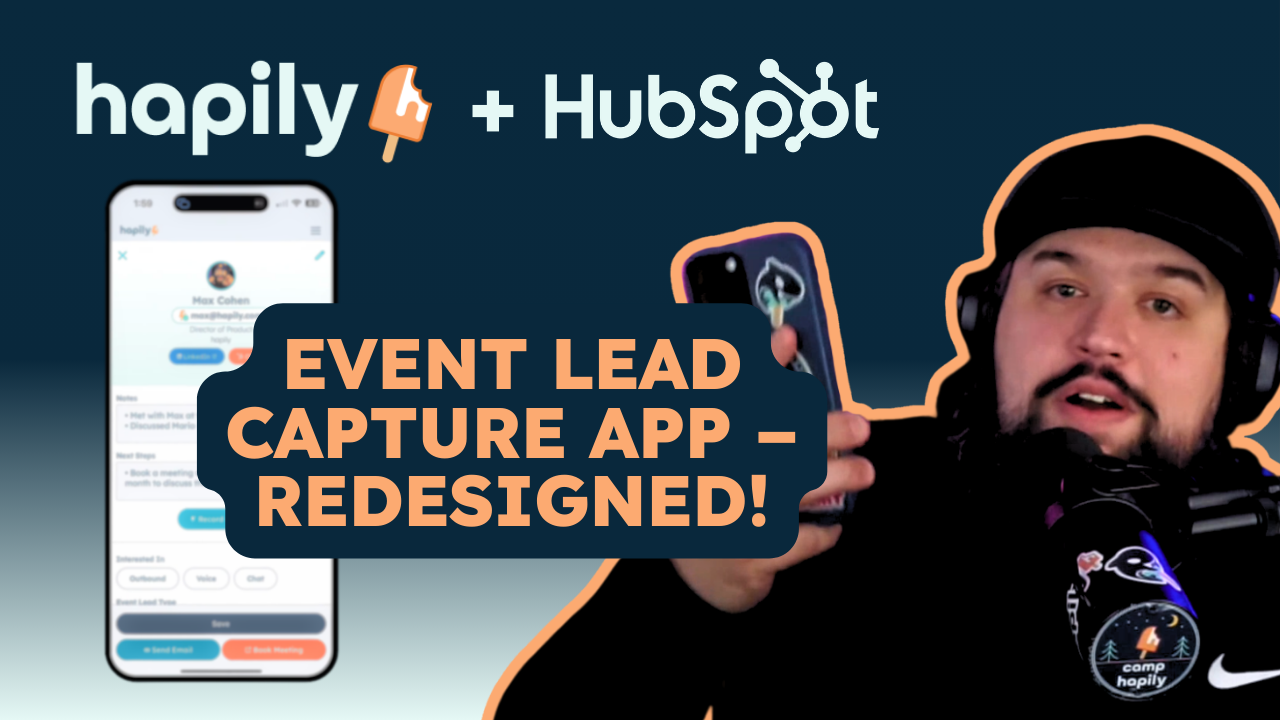
We’ve made some big upgrades to the hapily mobile lead capture experience designed to elevate how your team captures, enriches, and acts on leads in the moment.
Because when you’re at an event, everything is happening at once. Conversations move fast, details matter, and whatever you capture in that moment needs to hold up later — when your team is following up, building pipeline, and turning that interaction into something real.
From how leads are captured, to how data is enriched, to what your team can do immediately after, it’s now more seamless, more connected, and a lot more reliable. The goal is simple: help your team walk away from every interaction with data they trust and context they can actually use.
Here’s what’s new 😎
Streamlined Capture, End to End
We’ve refined the capture experience to make it faster and easier to move through on-site without changing how your team already works.
Scanning badges, entering details manually, or uploading images now feel more unified and easier to navigate in one place. Instead of bouncing between different inputs or second guessing where to go next, everything is accessible from a single, consistent flow.
It’s a subtle shift, but it removes friction in the moment especially when conversations are moving quickly and your team needs to capture information without breaking stride.
A More Thoughtful In-App Experience
We’ve made a series of improvements across the app to make the overall experience feel smoother and more predictable while you’re capturing leads.
That includes clearer guidance throughout the flow, better handling when something doesn’t go as expected, and more visibility into what’s complete vs. what may need attention.
It’s less about any one feature, and more about making sure your team always knows what’s happening — and what to do next — without second guessing.
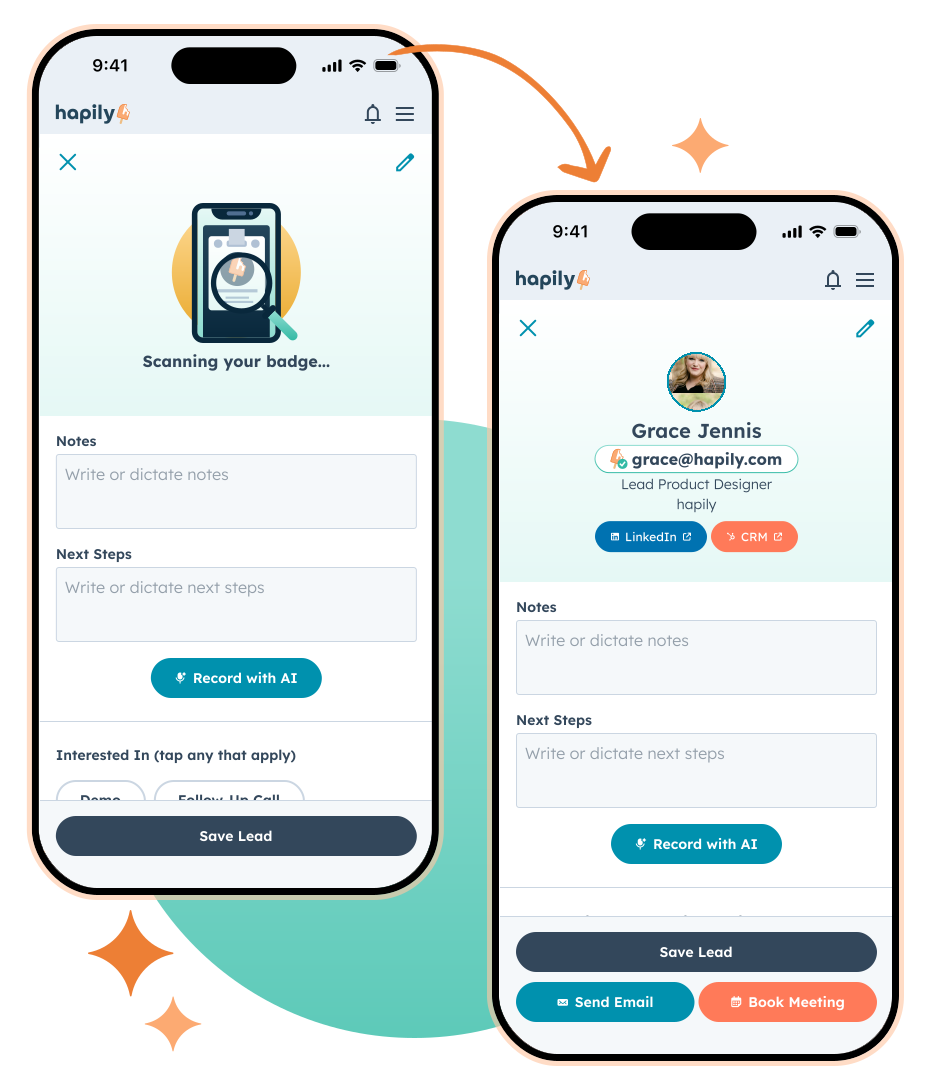
Improved Data Coverage + Enrichment
We’ve significantly expanded data coverage and improved how enrichment works behind the scenes — with a direct impact on the quality of what makes it into your CRM.
-
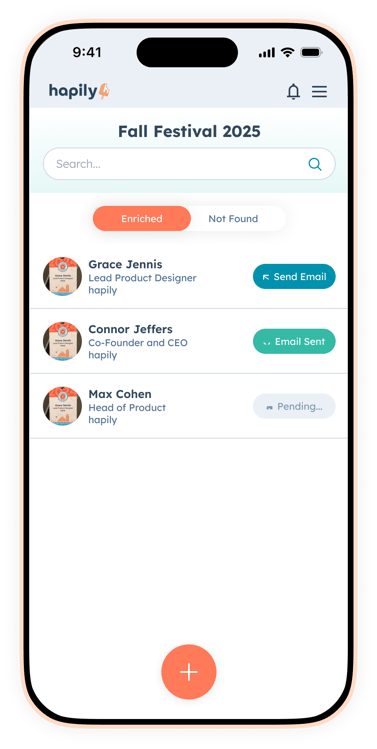
Overall scan coverage increased from 80% → 95.5%
-
Previously “unfound” leads now recover an additional 74.5% of data
-
Phone number coverage has been added (for an additional credit)
We’ve also improved how incoming data is validated before enrichment begins, helping ensure stronger inputs and more reliable outputs.
The result is more complete, more accurate records flowing directly into HubSpot — with less need for manual cleanup or guesswork after the event.
CRM Matching
Better coverage is a big step forward. But just as important is what happens when the person you’re talking to is someone you already know.
Because that’s more common than people think.
A lot of the contacts you meet at events are already in your CRM — from past campaigns, target account lists, or attendee lists you uploaded ahead of time. Before, those would often get captured as brand new records, and someone had to sort that out later.
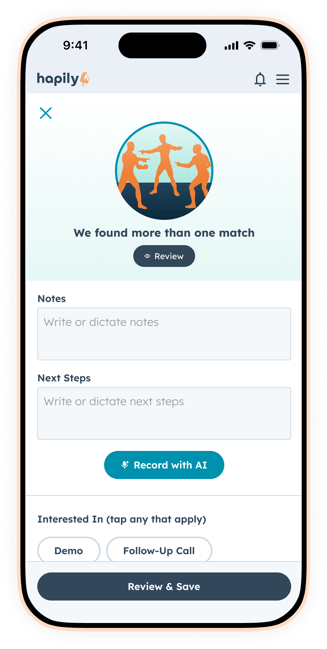
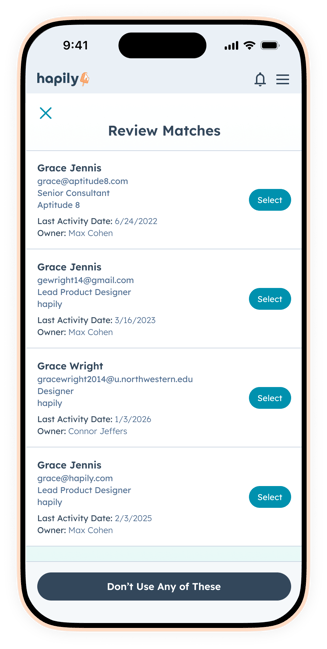
Now, we search your CRM alongside enrichment and surface matching contacts in real time.
That means:
- existing contacts are recognized immediately
- you can select the right record if there are duplicates
- and you can jump straight into their CRM profile for context
Instead of creating new data and reconciling it later, you’re connecting the interaction to the right contact from the start.
AI Voice Notes
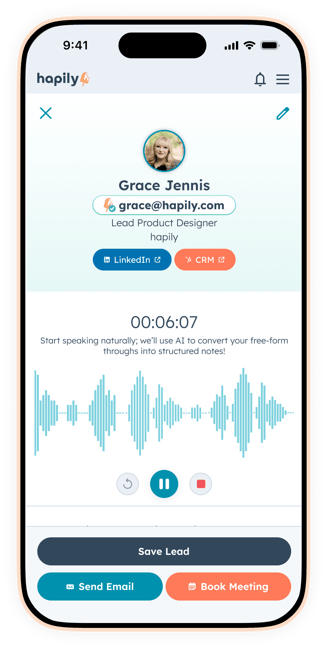
We’ve introduced a new way to capture what actually happened in the conversation without slowing you down.
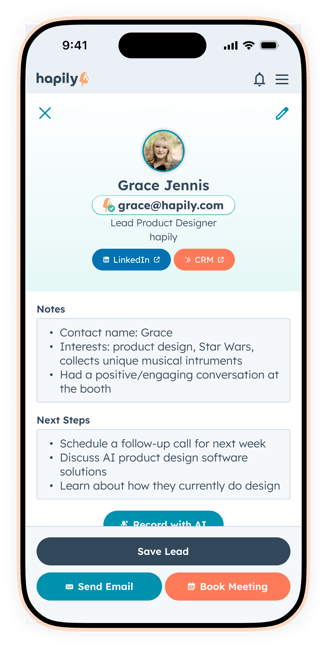
Instead of typing notes between interactions (or trying to remember details later), your team can record voice notes in the moment. Hapily automatically turns that into structured notes and next steps, pulling out key details like what was discussed, level of interest, and any follow-up commitments .
You can still review, edit, or re-record if needed — but the heavy lifting is done for you.
It’s a faster, more natural way to capture context, and it ensures your team leaves each interaction with something clear and actionable — not just a name and an email.
Instant Actions
Capturing the lead is just one part of the workflow — what happens immediately after is just as important.
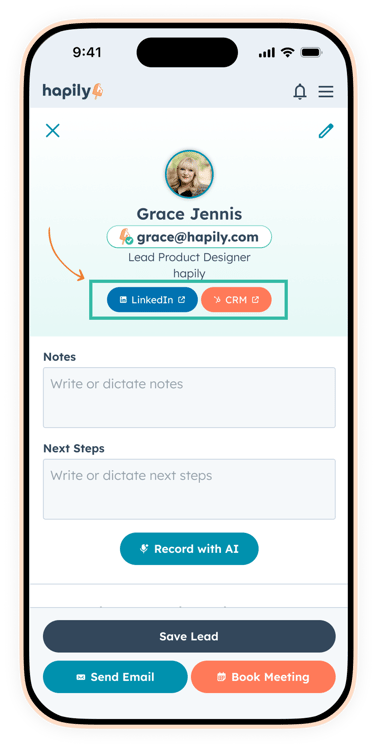
We’ve made it easier to take action on a lead the moment they’re captured, without leaving the app or breaking your flow.
-
Open the contact directly in HubSpot to view or update their record
-
Jump to LinkedIn in one tap to validate or learn more about who you’re speaking with
These actions are built directly into the capture experience, so your team can validate details, confirm information, and move the conversation forward in the moment — not later.
Offline Capture That Keeps Everything Moving
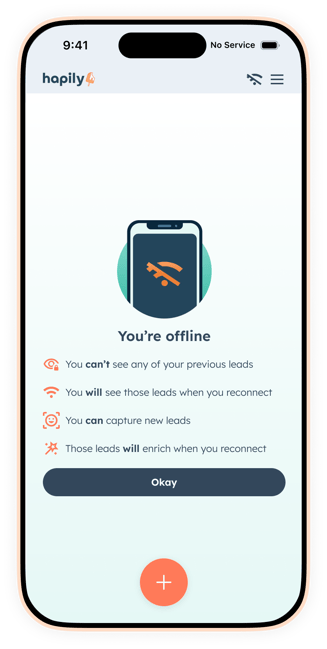
We’ve also upgraded offline mode so your team can keep capturing leads without interruption, even when connectivity is limited.
Leads captured offline are stored and processed once you’re back online, including enrichment — with clear visibility into what was captured and when. So whether you’re on strong WiFi or barely hanging on, the experience stays consistent.
.png?width=327&height=650&name=iPhone%2016%20Pro%20(1).png)
Admin Lead Management (More Control Behind the Scenes)
We’ve introduced improvements to how leads are managed on the admin side, giving teams more visibility and control over what’s being captured.
From reviewing enriched vs. incomplete leads to managing how data flows into HubSpot, it’s easier to monitor, clean up, and ensure everything is structured the way you need it.
We’ll be going deeper into this in an upcoming post — but at a high level, it’s about giving your team more control beyond the point of capture.
What This Unlocks
Taken together, these updates make the entire lead capture experience more dependable and more actionable.
Your team can move faster in the moment, capture higher-quality data without overthinking it, and leave every interaction with the confidence that everything is already where it needs to be — inside your CRM, with the right context attached.
That means faster follow-up, better visibility across marketing and sales, and a much cleaner path from event engagement to pipeline.
If you want to see how this all comes together on-site, Ben and Max will be walking through the full experience live on Thursday 4/2/26 @ 1:30PM ET. ET.
Heading into your next event and need to get this in your team’s hands? Request a demo to see how hapily helps your team capture better data, move faster on-site, and turn conversations into pipeline without the cleanup afterward.

.png)