


hapily vs. Eventbrite
Two ways to run free & paid registration to your events. One was built for HubSpot, the other bolts on beside it. Let's break it down, so you can pick the right fit for your team.
Meet both tools
hapily & Eventbrite at a glance.
Both platforms register attendees and sell tickets to your events. They take very different approaches. Here's the gist of each.

hapily
Event management and registration purpose-built for HubSpot. Build your event, open paid or free registration with Registration Flows, and every registrant lands on a real Event Record in your CRM, ready to attribute to pipeline.
Eventbrite
Ticketing and registration for public events. Sell tickets, get listed on the Eventbrite marketplace, and reach a broad consumer audience. Connects to HubSpot through a surface-level contact sync.
The data model
Where the real difference lives: your data model.
When Eventbrite syncs into HubSpot, it writes through the stock Marketing Events object, so you inherit one event object and a locked participant list. hapily gives you a connected set of fully customizable objects, so your event data works like the rest of your CRM.
A connected event data model.
Five dedicated objects, each a real HubSpot object you can customize, automate, segment, and report on.
Synced through one locked object.
Eventbrite pushes into HubSpot's stock Marketing Event object, plus a Marketing Participant you can't shape to fit how your events actually work.
That's essentially all that lands in HubSpot. No custom properties, no extra context.
The hapily Event Object
Full Event Records. Full registration context.
Eventbrite syncs a registration into HubSpot as a contact property, and only through the basic Marketing Events object. Register for a second event and that property is overwritten. hapily creates a dedicated Event in HubSpot that holds every registrant, payment, and deal, forever.
A contact property that gets overwritten.
Registration syncs into HubSpot as a contact field, through the basic Marketing Events object. Register for a second event and the value is replaced, with no record of what came before.
Newest registration wins. Past registrations and payments disappear.
A full Event in HubSpot. Every registrant and payment attached.
Every event is its own HubSpot record. Registrants, paid orders, line items, and attributed deals all live there, and a contact's full registration history stacks up cleanly on their timeline.
Summit 2026, Boston
Dec 1 to Dec 4, 2026
Summit 2026
Registration type
Registration status
May 2026
hapily
Olivia Bennett registered for Summit 2026
hapily
Marcus Reyes registered a group for Summit 2026
hapily
Priya Shah joined the waitlist for Summit 2026

Everything in one record
Registrations, paid orders, line items, deals, expenses, and ROI, all on one Event in HubSpot.

No properties getting overwritten
Each registration is logged on the event, so registering for Summit 2026 doesn't wipe out last year's history.

Real ROI
Paid registration revenue and attributed deals on the same record. See net revenue and ROI without exporting anything.
Side by side
Feature comparison.
The honest checklist. Both tools have their strengths. Here's what each one actually does for your team.
| Feature |

|
Eventbrite |
|---|---|---|
| Built specifically for HubSpot Native integration, no middleware to configure | ||
| Paid registration & ticketing Sell tickets and take payment for your events | ||
| Free registration & RSVPs Open registration for free events and RSVPs | ||
| Branded registration on your own site Registration that matches your brand, not a public listing | Eventbrite.com listing | |
| Paid registration synced into HubSpot Orders land as Deals and line items, ready to report on | ||
| Registrants on a real Event Record Stored on the event, not a single overwritten contact field | ||
| Group & multi-guest registration Register teams and multiple guests in one flow | ||
| QR code check-in Scan attendees in at the door from a mobile device | ||
| Walk-up & at-door registration Register and take payment from attendees on-site | ||
| Session & agenda management Build multi-session agendas and track attendance | ||
| Registrant portals & self-service transfers Let registrants manage and transfer their own spot | ||
| Automatic deal attribution See which events sourced and influenced revenue | ||
| Goes beyond the Marketing Events object Full custom Event Records, not just basic event sync | Marketing Events only | |
| Public event marketplace & discovery A consumer audience browsing for public events |
The experience with hapily
Four steps. Your event, live in HubSpot.
What it actually feels like to stand up a hosted event with hapily, from building it to attributing the pipeline it drives.

Build your event
Spin up your event in hapily and define your registration types, paid or free, right inside HubSpot.

Open registration
Embed a branded Registration Flow on your site. Paid, group, multi-guest, and waitlists are all built in.

Registrations land in HubSpot
Every registrant and paid order tucks onto the Event Record as Deals and line items, not overwritten contact fields.

Report & attribute
Report on paid registration with native Deal data, and attribute downstream pipeline automatically.


No CSV exports. No overwritten contact fields.
Every step writes directly into HubSpot in real time . Registrants, paid orders, line items, deals, and attribution. By the time your event goes live, your CRM already knows about every registration, not just a single overwritten property.
Where hapily wins
Why HubSpot teams pick hapily.
Nine reasons your event registration should live in the CRM you already run on.

Purpose-built for HubSpot
Not a side integration. hapily was designed for HubSpot from day one. The install is turnkey, and everything respects your existing CRM setup.

Registration Flows, built in
Paid registration, group and multi-guest, waitlisting, transfers, and registrant portals, all native to hapily.

Paid registration, synced to HubSpot
No one syncs paid registration like we do. Orders land as Deals and line items, ready to report on with native tools.

Own your attendee data
Registrants and payments live on your Event Records, not trapped in a third-party tool behind a CSV export.

Real Event Records, not overwritten fields
Every registrant is stored on the event, going well beyond HubSpot's basic Marketing Events object.

Automatic deal attribution
Know exactly which events sourced and influenced your pipeline. Use the standard HubSpot Report Builder. No spreadsheets, no manual rollups.

Branded registration on your site
Embed registration that matches your brand, instead of sending people to a public eventbrite.com listing.

Full event lifecycle
Promote, register, capture, and follow up in one place, all connected to the CRM you already run on.

AI lead capture at the event
On-site, hapily still captures leads with badge scanning, AI voice notes, and instant follow-up.
Making the call
Which one's right for your team?
Both are good at what they do. The question is which is built for the way you already work.
Pick Eventbrite if
You're selling tickets to public, consumer events
- You're running public, consumer-facing events where ticket buyers are the general public, not your target accounts.
- You want to be discovered on a public marketplace where people browse and buy tickets to events.
Pick hapily if
You're a HubSpot team running B2B events
- HubSpot is your CRM. You want every registrant, paid or free, to live there on a real Event Record.
- You run B2B events. Conferences, summits, dinners, and webinars tied to your pipeline, not public ticket sales.
- You need advanced registration. Paid, group, multi-guest, waitlists, and transfers, all synced natively into HubSpot.
- You measure event ROI. Paid registration revenue and attributed pipeline, reported on without exporting a thing.
FAQ
Common questions.
What HubSpot admins, RevOps folks, and event marketers ask us most often.
hapily's Registration Flows let you take payment for registration, and the order syncs into HubSpot as a Deal with line items, not a single overwritten contact field. You can report on paid registration with the same native Deal tools you already use. We support offline payment methods too, logged alongside online orders so your numbers stay complete.
Eventbrite syncs registration into HubSpot at the contact level, through the basic Marketing Events object. It's a useful connection, but the registration detail lives in Eventbrite, and a contact's event field is overwritten the next time they register.
Yes. Registration Flows support paid and free registration, group and multi-guest sign-ups, waitlisting, registration transfers, and self-service registrant portals, with the data landing on your Event Records.
Yes, and that's its strength. Eventbrite is a public marketplace where consumers browse and buy tickets. hapily is built for B2B events tied to your CRM, so we focus on registration that lives in HubSpot rather than public discovery.
Yes. Paid registration revenue, expenses, and attributed deals all live on the same Event Record, so you can see net revenue and ROI natively, and attribute downstream pipeline to the events that drove it.




.png)
Stay On-Brand: Own Your Full Registration Experience with Brand Settings and Email Sending Domains
Your brand shouldn't vanish the second someone hits register. Now you can keep every event touchpoint yours from signup page to calendar in...

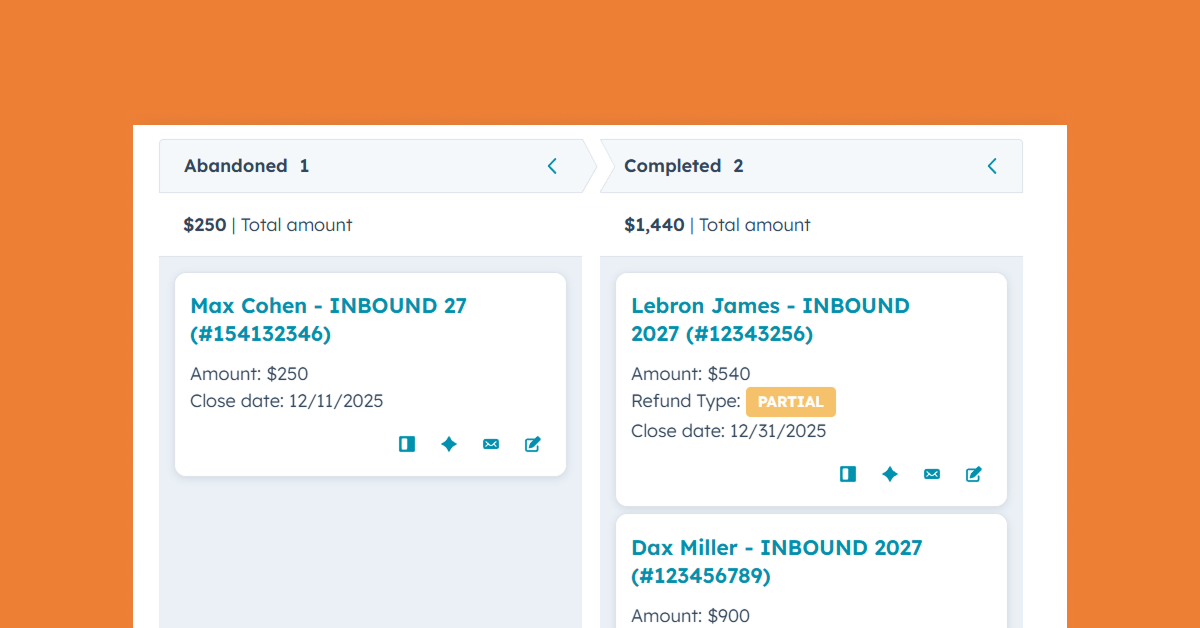
Where Paid Event Revenue Finally Meets Your CRM
Paid event revenue belongs inside your CRM. See how hapily turns ticket purchases into structured HubSpot deal data tied to reporting, acco...
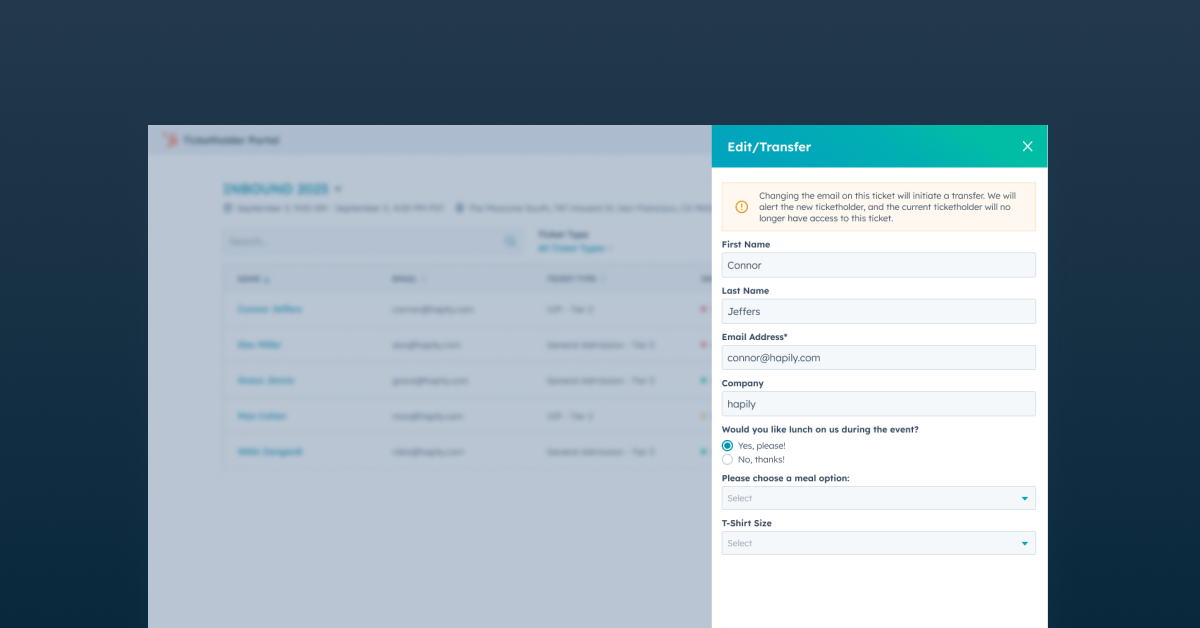
Give Attendees More Control After Registration with a Self-Serve Portal
Ticket transfers, attendee updates, QR codes, and registration changes don’t have to become manual work for your event team. Learn how the ...