


hapily vs. Popl
Two ways to capture leads at events. One was built for HubSpot, the other plugs in alongside it. Here's a stripped down look at how they differ, so you can pick the right fit for your team.
Meet both tools
hapily & Popl at a glance.
Both platforms help your team capture leads at in-person events. They take very different approaches. Here's the gist of each.


hapily
Event lead capture purpose-built for HubSpot. Scan a badge, dictate a voice note, and the lead lands in your CRM, already enriched, already attached to the right Event Record, with a follow-up email drafted by AI.
Popl
Digital business cards and networking. NFC-enabled smart cards, phone tags, and an admin portal, with integrations that push captured contacts into HubSpot, Salesforce, and other CRMs.
The hapily Event Object
Full Event Records. Full Lead Capture context.
Popl pushes a captured contact into HubSpot with a "Lead Source" property. Next event, that property gets overwritten, and your history of who you met at which booth disappears. hapily creates a dedicated Event in HubSpot that holds everything , forever.
A contact property that gets overwritten.
The lead lands in HubSpot as a contact with a single "Lead Source" field. Capture them at a second event and that text gets replaced, or you build a tangle of custom properties to work around it.
Last event scanned wins. Earlier events disappear.
A full Event in HubSpot. Its own record, with everything attached.
Every event you run is its own HubSpot record. Captured leads, notes, registrants, expenses, and attributed deals all live there. A contact's history across multiple events stacks up cleanly on their timeline.
TradeCon 2026, Boston
Dec 1 to Dec 4, 2026
TradeCon 2026
Lead Type Breakdown
Product Interest

Everything in one record
Captured leads, notes, custom fields, contacts, deals, expenses, and ROI, all on one Event in HubSpot.

No properties getting overwritten
Each lead capture is its own logged event, so a contact's history at TradeCon 2024 doesn't get steamrolled by TradeCon 2025.

Real ROI
Expense tracking stays on the same record as attributed deals. See net revenue and ROI without exporting anything.
Side by side
Feature comparison.
The honest checklist. Both tools have their strengths. Here's what each one actually does for your team.
| Feature |

|
Popl |
|---|---|---|
| Built specifically for HubSpot Native integration, no middleware to configure | ||
| Conference badge scanning QR, NFC, and camera capture from a mobile app | ||
| AI voice notes Dictate context, AI structures it onto the contact | ||
| AI lead enrichment Auto-fill emails, phones, job titles, firmographics | ||
| AI-drafted follow-up email from the app Personalized to the conversation, with a meeting link | ||
| Match scans to existing HubSpot contacts Updates the right record instead of creating dupes | ||
| Manage hosted events end-to-end Run happy hours, ancillary events, and track performance across every activity | ||
| Automatic deal attribution See which events sourced and influenced revenue | ||
| Auto-create Lead Objects, Deals & Tasks Direct from a scan, in your HubSpot workflows | ||
| NFC smart cards & phone tags Physical hardware for everyday networking | ||
| Multi-CRM integration Pushes contacts into HubSpot, Salesforce, etc. | Built Exclusively for HubSpot |
The experience with hapily
Four steps. Powered by AI.
What it actually feels like to capture a lead at your booth using hapily. From the moment a prospect walks up to the moment your AE is briefed.
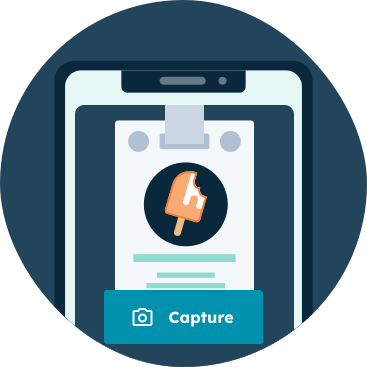
Scan the badge
Take a photo of a badge, business card, or enter details manually from any mobile device.

Dictate AI notes while we enrich
Notes and next steps are automatically transcribed while we enrich the lead with email, title, and firmographic data.

Lead is captured directly in HubSpot
The contact, the company, the notes, and the next steps land on the right Event Record, ready for your team to act on.

AI follow-up email composed, sent at your convenience
A personalized email referencing the event and your conversation is composed automatically. Review and send straight from the app.


No more CSV imports. No more post-conference cleanup.
Every step above writes directly into HubSpot in real time . The contact, the notes, the follow-up email, the task assignment, the attribution. By the time you put your phone back in your pocket, your CRM is already up to date.
Where hapily wins
Why HubSpot teams pick hapily.
Nine reasons your event lead capture should match the CRM you actually run on.

Purpose-built for HubSpot
Not a side integration. hapily was designed for HubSpot from day one. The install is turnkey, and everything respects your existing CRM setup.

One Event Record, full visibility
See every lead captured at an event in one place: notes, next steps, product interest, custom fields, and how each contact's been engaged across past events.

Capture leads anywhere
iOS and Android apps with badge scanning, AI voice notes, and on-floor email follow-ups, all syncing straight into HubSpot.

No HubSpot seats needed for reps
Booth staff, executives, and event-only team members use the hapily app, without paying for additional HubSpot user licenses.

Automate the post-event work
Trigger HubSpot workflows from a scan: auto-create Lead Objects, Tasks, and Deals. Enroll the right contacts into follow-up marketing campaigns.

Automatic deal attribution
Know exactly which events sourced and influenced your pipeline. Use the standard HubSpot Report Builder. No spreadsheets, no manual rollups.

AI enrichment fills in the blanks
Got just a name and a company off a badge? hapily finds the work email, phone, job title, and firmographic data automatically.

Smart matching against your database
When you scan someone already in HubSpot, hapily updates the existing record instead of creating a duplicate. Great for pre-imported target lists.

AI follow-up emails, sent from the floor
Compose and send a personalized email, referencing the event and your conversation, with your meeting link, straight from the app. Logged in HubSpot automatically.
Making the call
Which one's right for your team?
Both are good at what they do. The question is which is built for the way you already work.
Pick Popl if
You're standardizing daily networking across a multi-CRM org
- Branded NFC business cards are central to how your team networks day-to-day, not just at booths.
- Your org runs multiple CRMs (Salesforce in one division, HubSpot in another, Dynamics somewhere else).
Pick hapily if
You're a HubSpot team running tradeshows & conferences
- HubSpot is your CRM. You want event leads to land there, on the right records, ready to act on.
- You want zero post-event cleanup. No CSV imports, no manual mapping, no Monday morning workflow repairs.
- You measure event ROI. Sourced and influenced pipeline reporting matters to your leadership team.
- You want your booth team to move fast. Fast follow-ups, AI voice notes, and instant lead capture from the floor.
FAQ
Common questions.
What HubSpot admins, RevOps folks, and field marketers ask us most often.
No. Reps using the hapily app don't need to be seated HubSpot users, which means you can hand the app to executives, engineers, partners, or temporary booth staff without paying for additional CRM licenses.
hapily checks your live HubSpot database at the moment of scan. If the contact already exists, we update the record with the latest event context instead of creating a duplicate, and fill in any blank fields with our AI enrichment.
Yes. Every lead captured in hapily is automatically linked to an Event Record in HubSpot, and downstream deals are attributed back to that event, both sourced (net-new) and influenced. You can build the reports in your existing HubSpot Report Builder.
Yes. Popl pushes captured contacts into HubSpot through a standard integration. If you want event-specific reporting, your team will typically need to build and maintain workflows to map Popl's tags back to specific events and campaigns.
No. Right from the scan screen, the hapily app drafts a personalized follow-up email using the event context and your dictated notes, then sends it from your address with your meeting link embedded, and logs the whole thing to the contact's HubSpot timeline.


.jpeg)
From Austin to London: What SaaStock USA and HubGem LIVE Taught Us About the Future of Events
One week, two continents, and a whole lot of insights. I just wrapped up a tour of SaaStock USA and HubGem LIVE, and I’m sharing exactly wh...

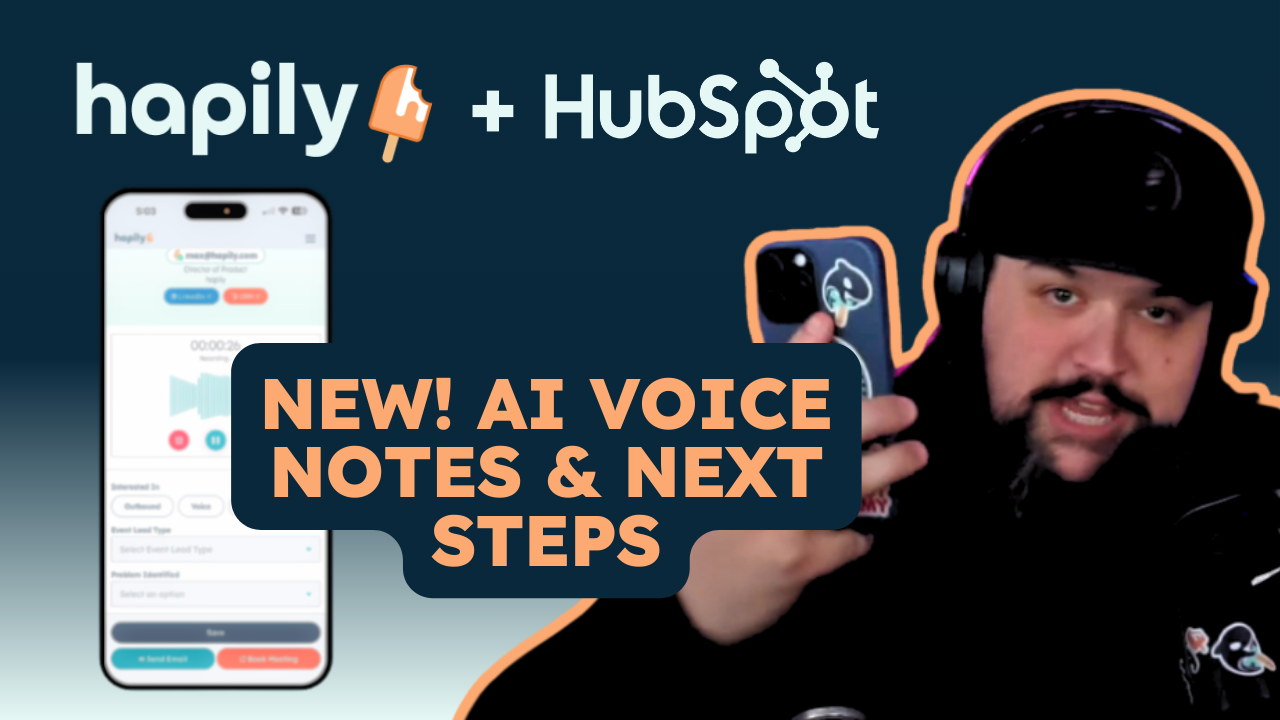
Capture Event Conversations Faster with AI Voice Notes and Instant Actions
Stop typing notes at events. Capture conversations with AI voice notes, organize next steps instantly, and take action without leaving your...

.jpg)
Smarter Error Handling and Admin Control for Lead Capture
Not every event lead comes through perfectly (and that's ok!) See how smarter error handling and admin lead management gives you more contr...