


hapily vs. HubSpot
Marketing Events
HubSpot's native Marketing Events object is a fine starting point, but once your events get real, your registration, sessions, guests, check-in, data model starts to break down. Here's how hapily compares.
Meet both approaches
Two ways to run events in HubSpot.
Both live right inside your HubSpot portal. The difference is how much they can actually model, automate, and report on once your events get complex.

hapily
A full event data model built natively on HubSpot. Dedicated, fully customizable objects for events, sessions, registrants, speakers, and sponsors, so registration data behaves like any other CRM data: automatable, segmentable, reportable.
Marketing Events
HubSpot's built-in object for logging that an event happened and who participated. It captures the basics, but participation lives in a locked Marketing Participant object you can't customize, automate against, or easily report on.
The data model
Where the real difference lives: your data model.
This is the heart of the comparison. HubSpot Marketing Events gives you one object and a locked participant list. hapily gives you a connected set of fully customizable objects, so your event data works like the rest of your CRM.
A connected event data model.
Five dedicated objects, each a real HubSpot object you can customize, automate, segment, and report on.
One object and a locked list.
A single Marketing Event object, plus a Marketing Participant object you can't shape to fit how your events actually work.
That's essentially all it holds. No custom properties, no extra context.
The Registrant object
A real registrant record. Not a locked status.
With Marketing Events, a person is a Marketing Participant with one of three statuses. With hapily, a registrant is a full, customizable HubSpot record, with sessions, guests, payments, and any property you want to track.
Olivia Bennett

Customize like any object
Add properties, views, and associations to the Registrant object exactly like Contacts or Deals.

Automate off registration
Trigger workflows, assign tasks, and enroll sequences directly from registrant data.

Segment & report freely
Build lists and reports on any registrant field, not just a single participation status.
Registration
HubSpot Forms were never built for event registration.
A standard HubSpot Form creates a single contact from a single submission. That's fine for a content download, but events are messier, and that's exactly where forms fall down. Flip the toggle to see how a hapily Registration Flow handles it.
- Guest & group registration. hapily registration flows let one person register their whole team, each as its own registrant record.
- Session selection. Registrants choose sessions as they sign up, captured cleanly against the event.
- Paid registration. Take payment at sign-up and sync it into HubSpot as deals and line items.
- Clean data in HubSpot. Every flow writes structured records, not one flattened contact per submission.
Check-in & attendance
Check people in without touching a workflow.
With Marketing Events, marking who showed up means building complicated workflows to edit the Marketing Participant object, or changing properties by hand, one registrant at a time. hapily makes attendance a non-event.
- QR code scanning for fast, accurate attendance tracking at the door.
- Mobile check-in from any phone or tablet, no laptop or workflow required.
- Walk-up registration for attendees who never signed up in advance.
- Written straight back to the registrant object, so attendance data is instantly usable.

Side by side
Feature comparison.
Where a purpose-built event data model pulls ahead of the stock Marketing Events object, especially once your events get complex.
| Capability |

|
Marketing Events |
|---|---|---|
| Lives natively in HubSpot Inside your portal, no separate platform | ||
| Dedicated, customizable event objects Events, sessions, registrants, speakers, sponsors | One stock object | |
| Registrant data you can customize Add any property, just like a normal object | ||
| Automate workflows off registration Trigger HubSpot workflows from registrant data | ||
| Segment & report on registrants Lists and reports like any other CRM object | Status only | |
| Purpose-built registration flows Not a single-contact HubSpot form | ||
| Guest & group registration Register multiple people in one flow | ||
| Session selection at registration Let registrants pick sessions as they sign up | ||
| Paid registration & ticketing Take payment, synced as deals and line items | ||
| Mobile check-in & QR scanning Scan attendees in from any mobile device | ||
| Walk-up & on-site registration Register and check in attendees at the door | ||
| Attendance written back to the record Check-in status lands on the registrant object | Manual edits |
Where hapily wins
Why teams outgrow Marketing Events.
Nine reasons a purpose-built event data model beats the stock object once your events get real.

A real event data model on HubSpot
Five dedicated, fully customizable objects for events, sessions, registrants, speakers, and sponsors, not one stock object with a locked list.

Customizable registrant records
Add any property you need and treat registrants like Contacts or Deals, instead of a fixed Registered / Attended / No-show status.

Automate off registration
Trigger workflows, assign tasks, and enroll sequences from registrant data, something the Marketing Participant object can't do.

Segment & report freely
Build lists and reports on any registrant field, so registration data is finally usable for the whole funnel.

Purpose-built registration flows
Guest and group registration, session selection, and paid tickets, all impossible with a single-contact HubSpot form.

Complex events, handled
Multi-session agendas, speakers, sponsors, and tiers, modeled cleanly instead of crammed into one object.

Mobile check-in & QR scanning
Track attendance from any device, no workflow gymnastics to update participants one by one.

Walk-up & on-site registration
Register and check in attendees at the door, with everything written back to the registrant record.

Attendance that's actually usable
Check-in writes straight to the registrant object, ready for reporting, attribution, and follow-up.
Making the call
Which approach fits your events?
The out-of-the-box HubSpot Marketing Events object is fine for the basics. Once your events get complex, the data model is what decides whether your data is usable.
MARKETING EVENTS OBJECT IS ENOUGH IF
You just need to log simple events
- You only need to log that an event happened and who showed up, with no complex registration behind it.
- Your events are simple — no paid tickets, guests, sessions, or on-site check-in to manage.
Pick hapily if
You run real events on HubSpot
- You run real, complex events. Sessions, speakers, sponsors, guests, and paid registration, modeled properly.
- You want registration data you can use. Customizable registrant records for automation, segmentation, and reporting.
- You need painless check-in. Mobile, QR, and walk-up, written straight back to the registrant object.
- You live in HubSpot. Keep everything native, without forcing events into a single stock object.
FAQ
Common questions.
What HubSpot admins and event teams ask us most often about the data model.
It's locked. A participant is essentially a status, Registered, Attended, or No-show, and you can't add custom properties, automate workflows off it, or report on it the way you would a normal object. hapily's Registrant object is a fully customizable HubSpot object, so registration data behaves like Contacts or Deals.
You can, but a form creates a single contact per submission. It can't handle guest or group registration, session selection, or paid tickets, and it doesn't produce per-registrant records. hapily's registration flows are purpose-built for that and write clean, structured data into HubSpot.
Sessions are their own objects in hapily, associated to the event and to each registrant. Registrants pick sessions as they sign up, and each selection is a real record you can report on, not a note buried in a contact property.
With Marketing Events, updating attendance usually means building workflows to edit the Marketing Participant object or changing properties manually for each person. hapily offers mobile check-in, QR code scanning, and walk-up registration, all written straight back to the registrant record.
Yes. Every hapily object, events, sessions, registrants, speakers, and sponsors, is a native HubSpot object. You get a purpose-built event data model without leaving HubSpot or syncing from an outside tool.




.png)
Stay On-Brand: Own Your Full Registration Experience with Brand Settings and Email Sending Domains
Your brand shouldn't vanish the second someone hits register. Now you can keep every event touchpoint yours from signup page to calendar in...

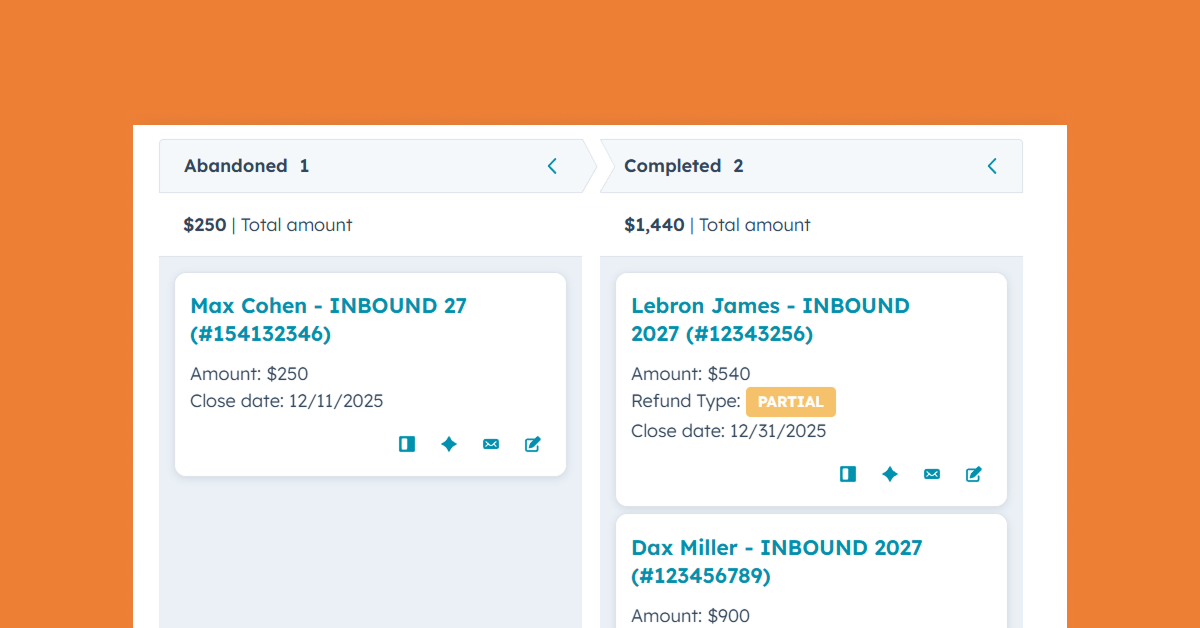
Where Paid Event Revenue Finally Meets Your CRM
Paid event revenue belongs inside your CRM. See how hapily turns ticket purchases into structured HubSpot deal data tied to reporting, acco...
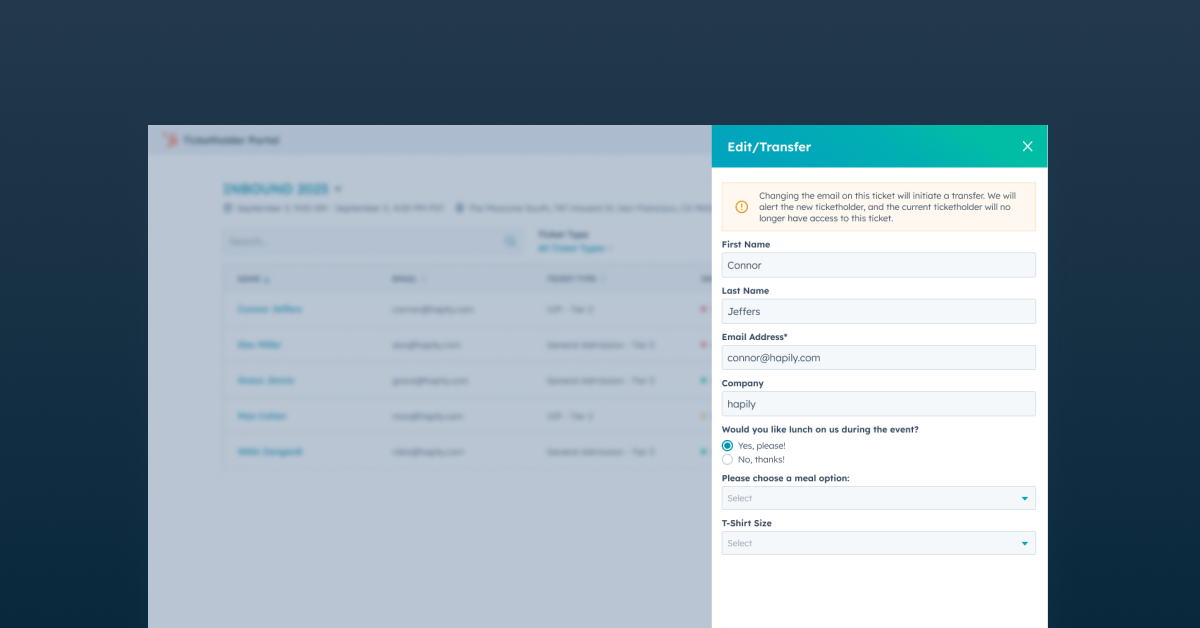
Give Attendees More Control After Registration with a Self-Serve Portal
Ticket transfers, attendee updates, QR codes, and registration changes don’t have to become manual work for your event team. Learn how the ...