
Third-Party Solution vs. HubSpot Native App
|

|
|
|
| Native HubSpot Registration Experience | ||
| Ability to Add Multiple Sessions per Event | ||
| Separate Registration Records | ||
| Trigger Workflow Registrations | ||
| HubSpot Object Association | ||
| Event Record Customization | ||
| Custom Report UI Cards | ||
| Attendance Tracking | ||
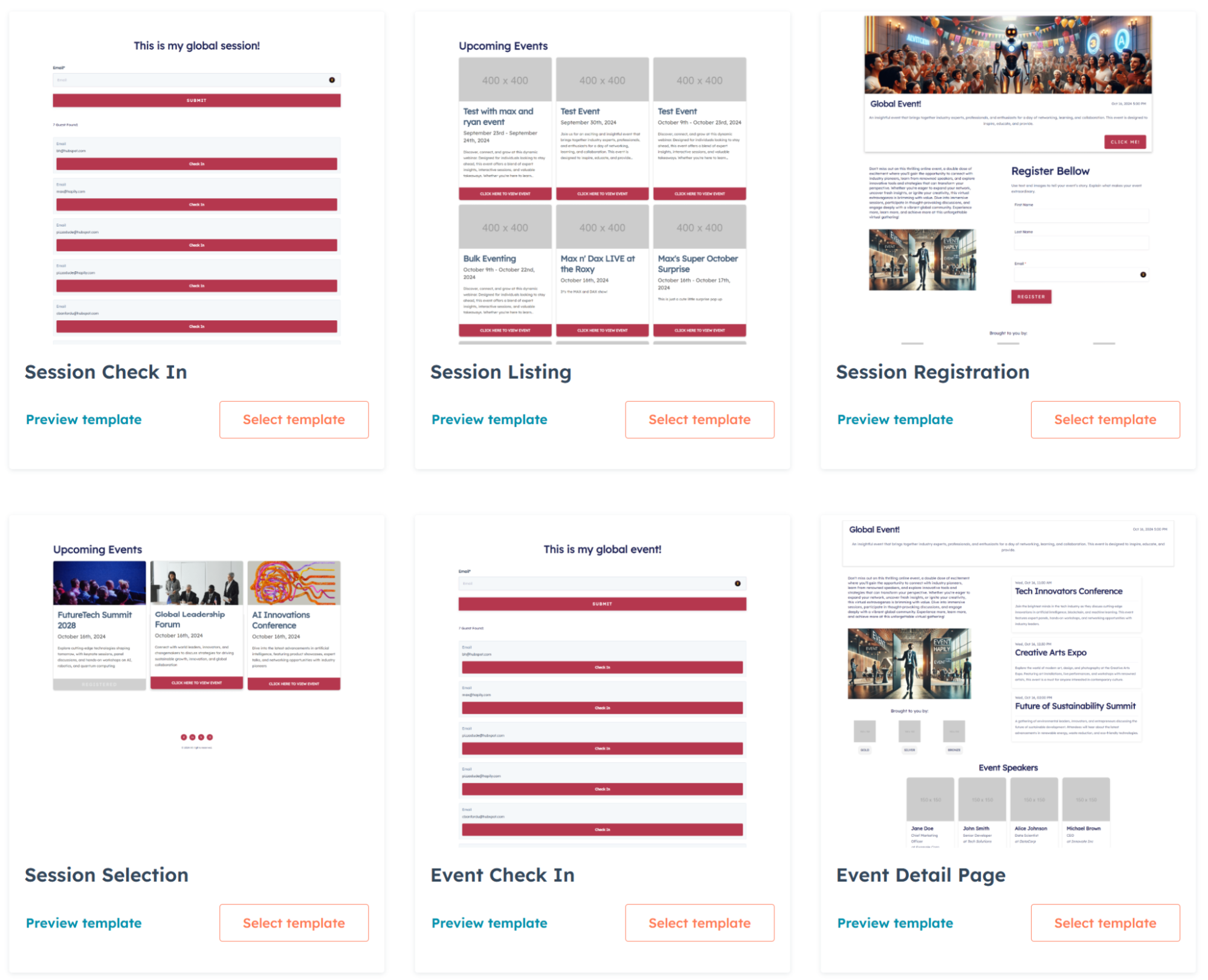
| HubSpot CMS Modules for Registration Pages | ||
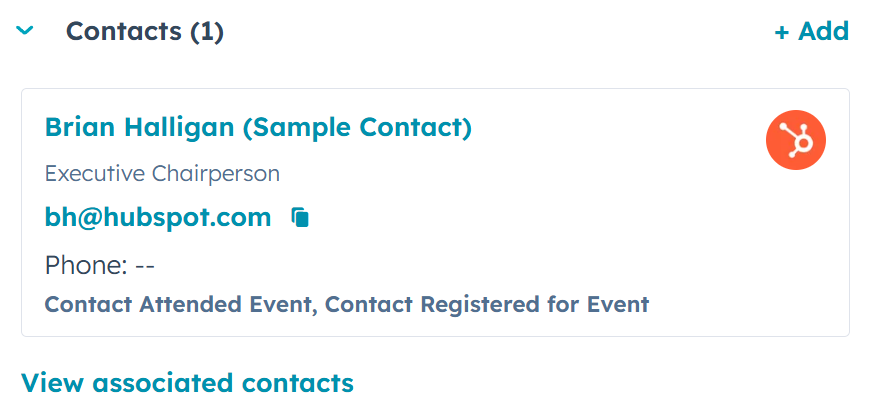
| Event Attendance Status on Contact Records | ||
| Trade Show & Conference Lead Capture Capability | ||
| Track Event ROI | ||
| Create Custom Reports | ||
| Deal Attribution |


Use HubSpot Forms and Workflows for a seamless, native registration experience.
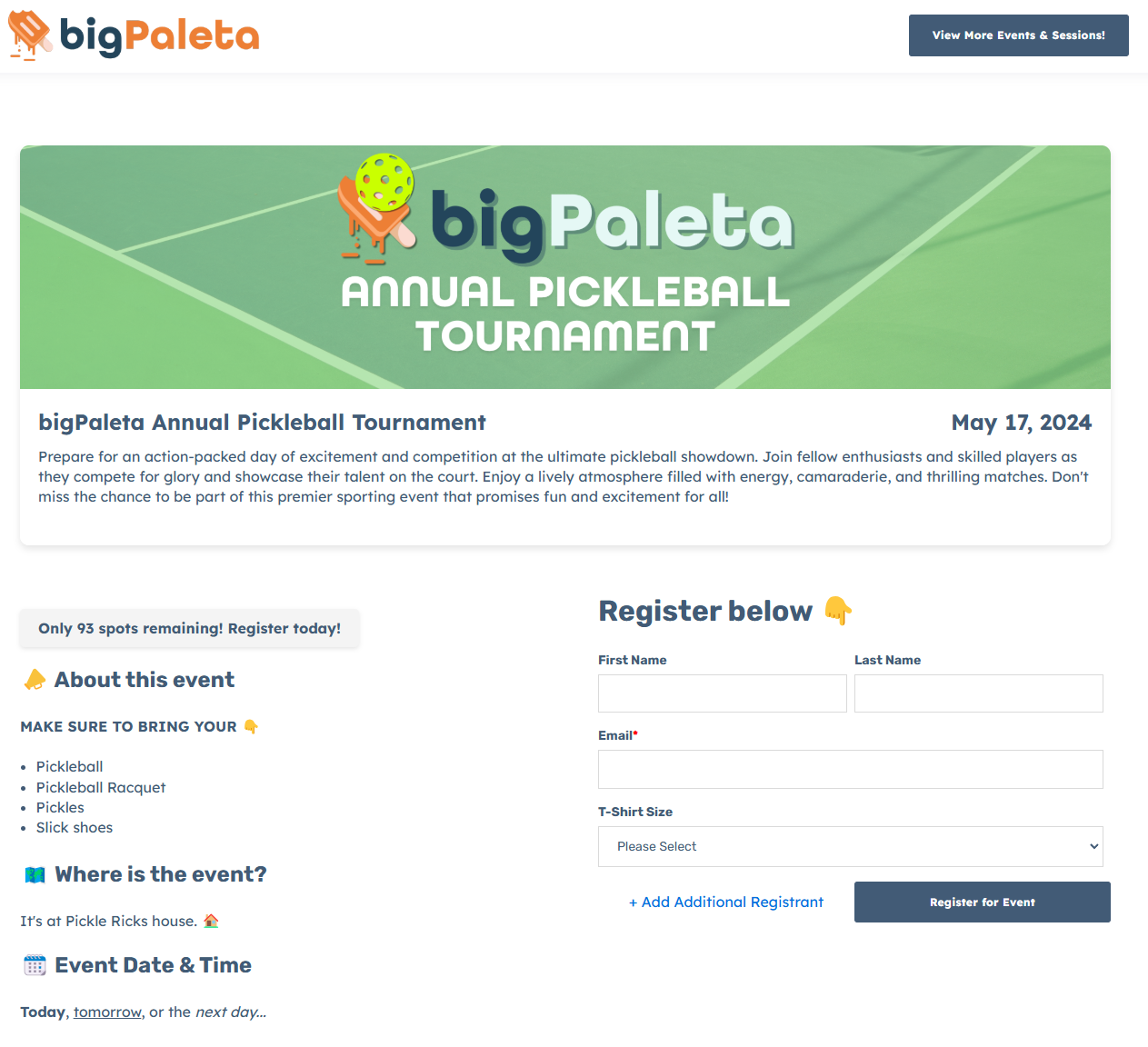

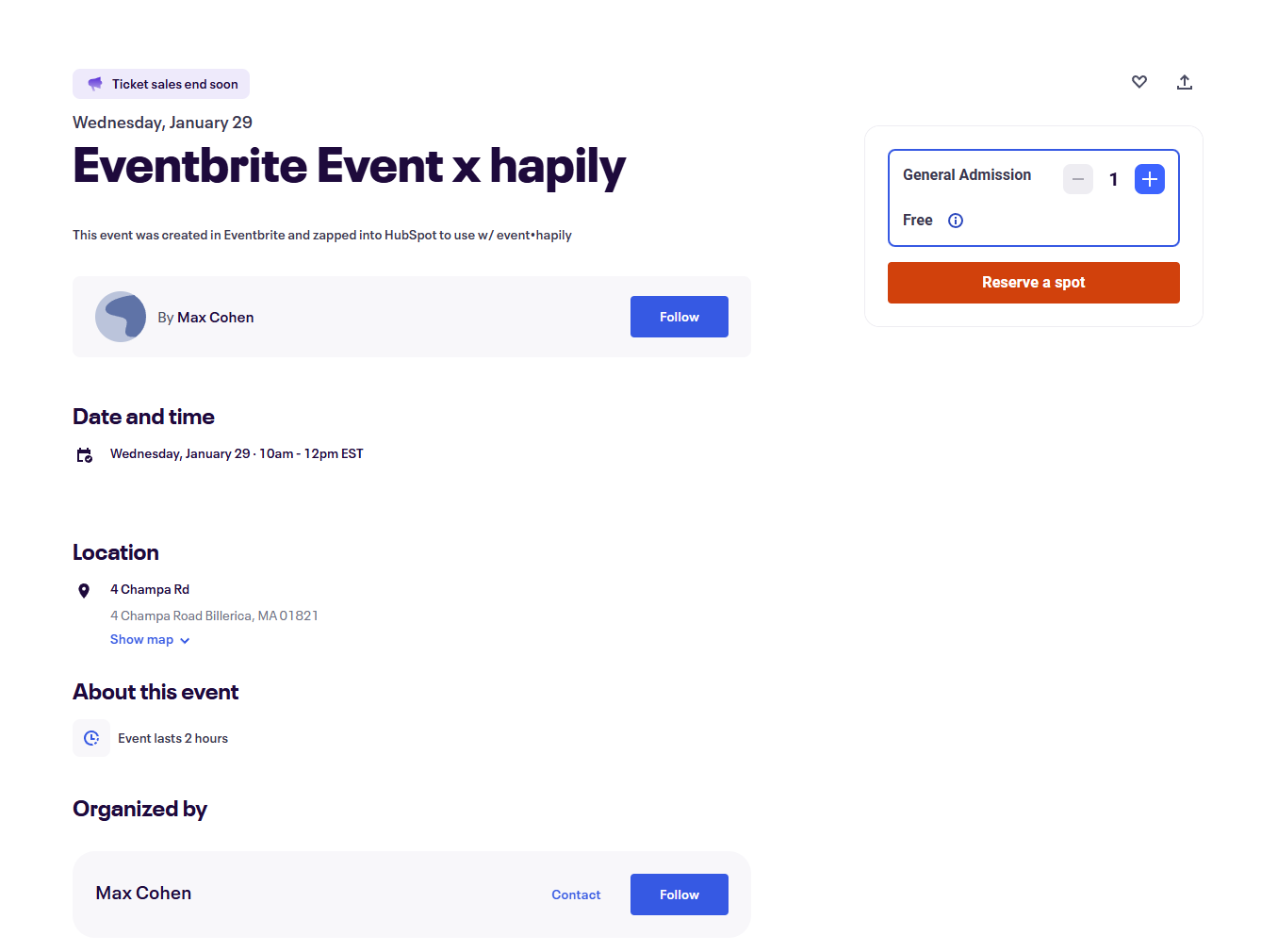
You're stuck with Eventbrite’s registration pages— no HubSpot forms or landing pages allowed.
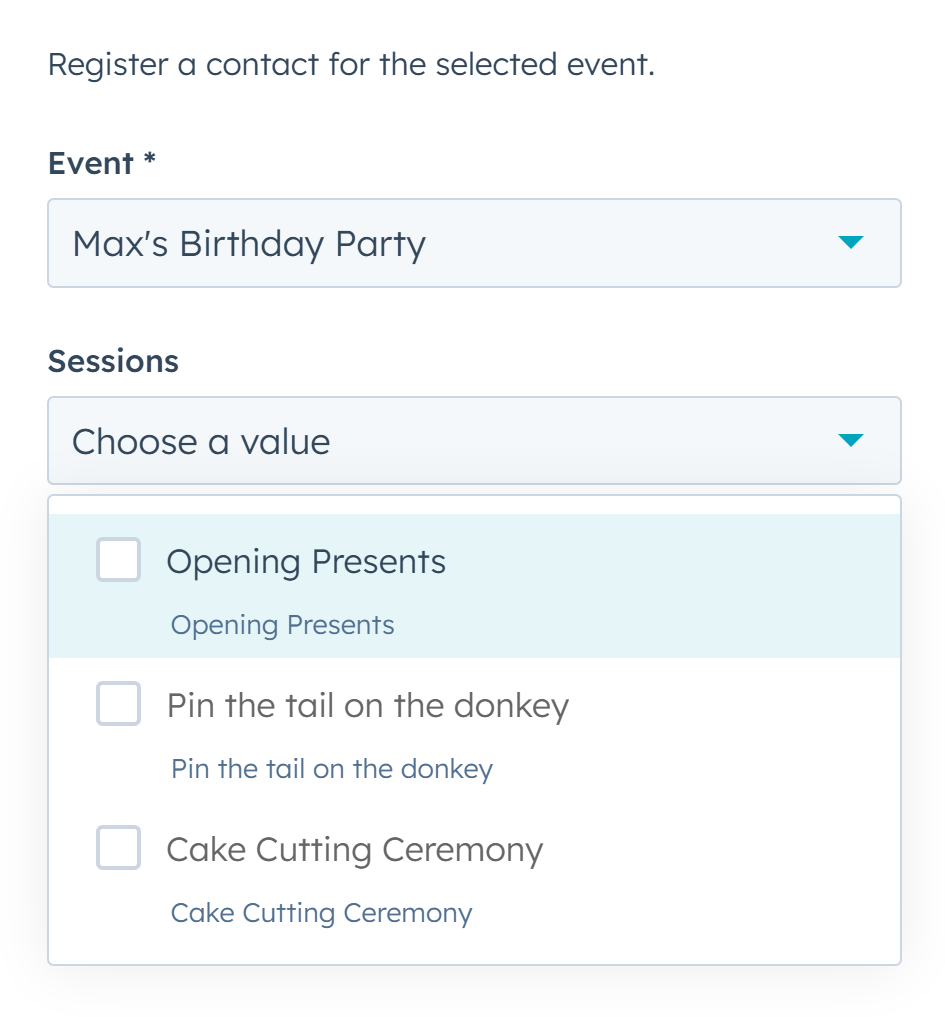
YES! A dedicated Session Object ensures each session is individually managed and represented in HubSpot.
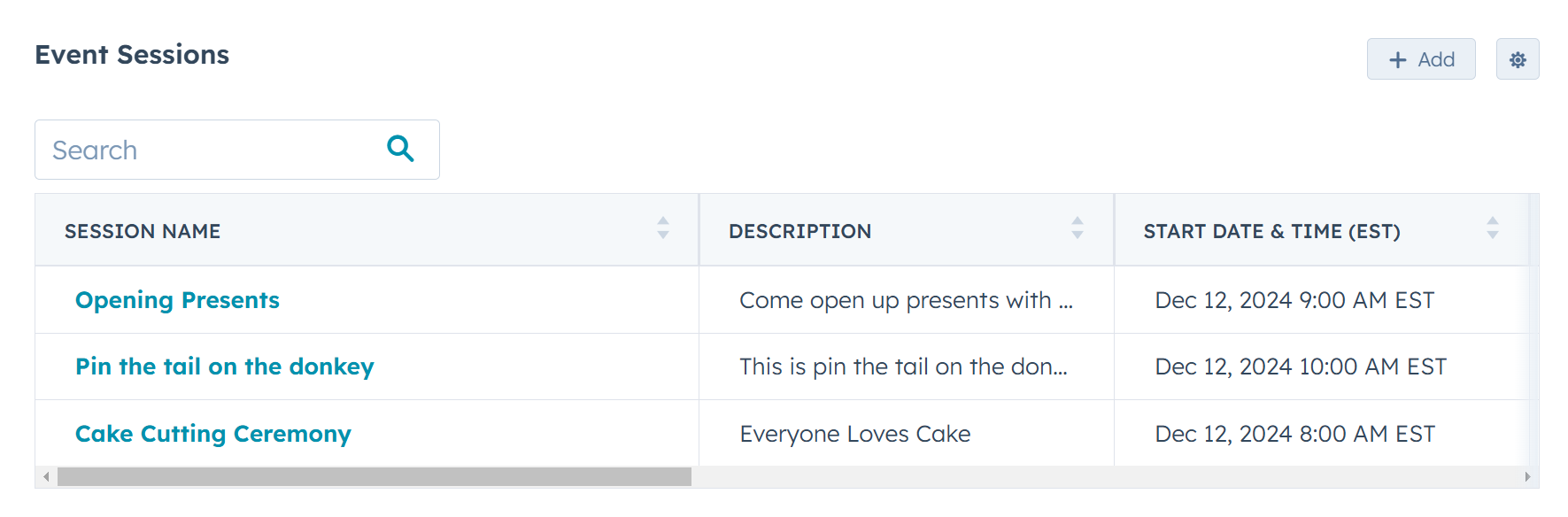
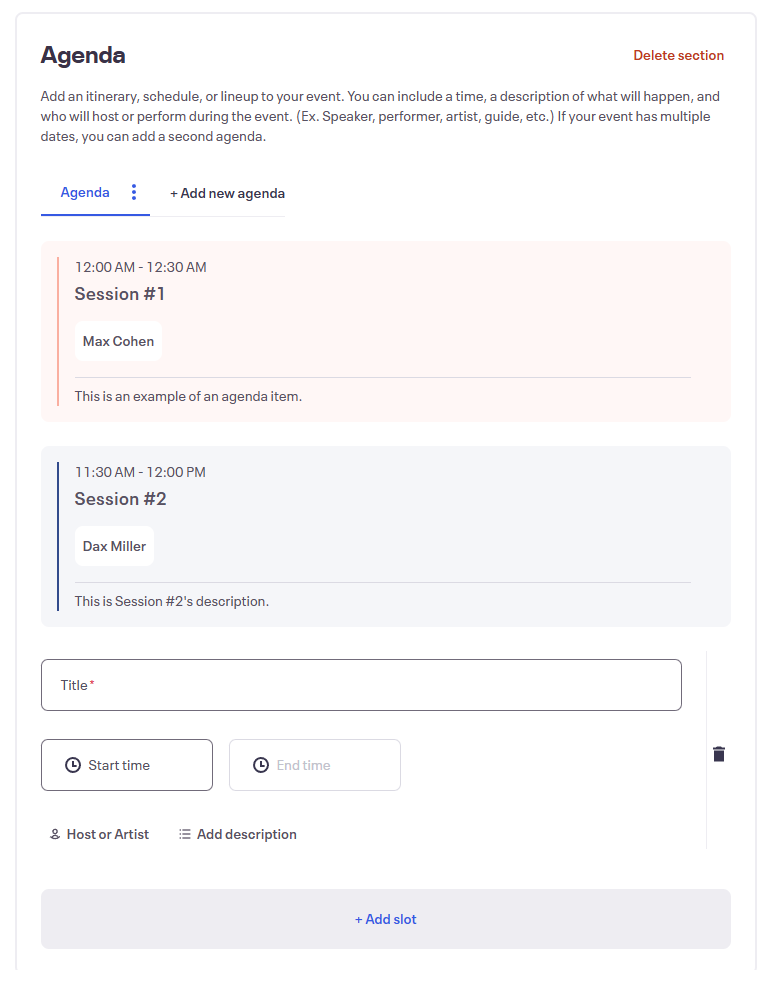
NO. While Eventbrite has "Agendas," they’re not reflected in HubSpot, and attendees can't register for individual sessions.
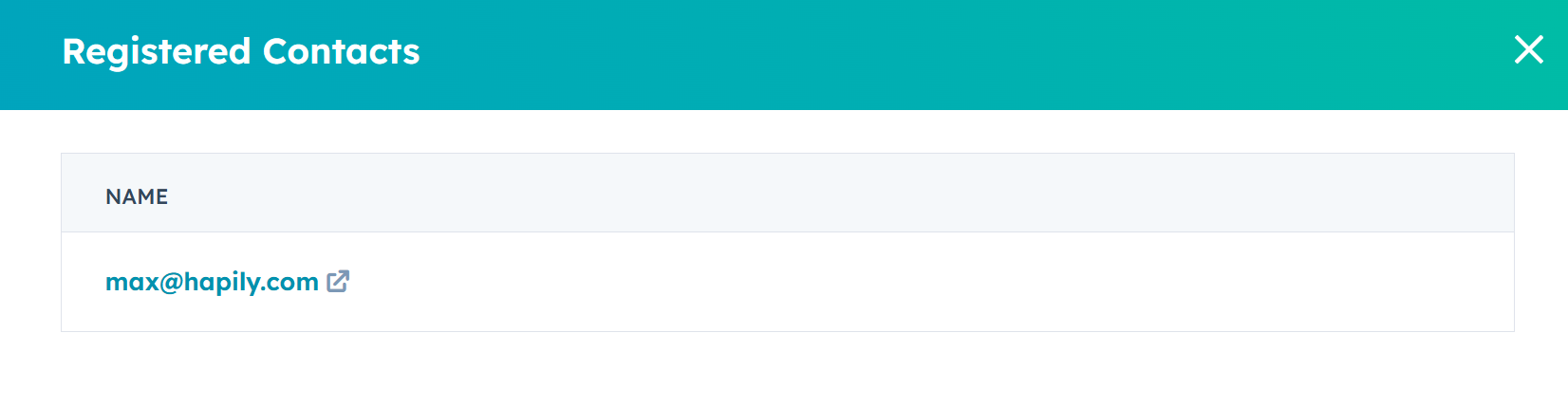
YES! Track attendance, trigger automation, collect feedback, and build better reports.
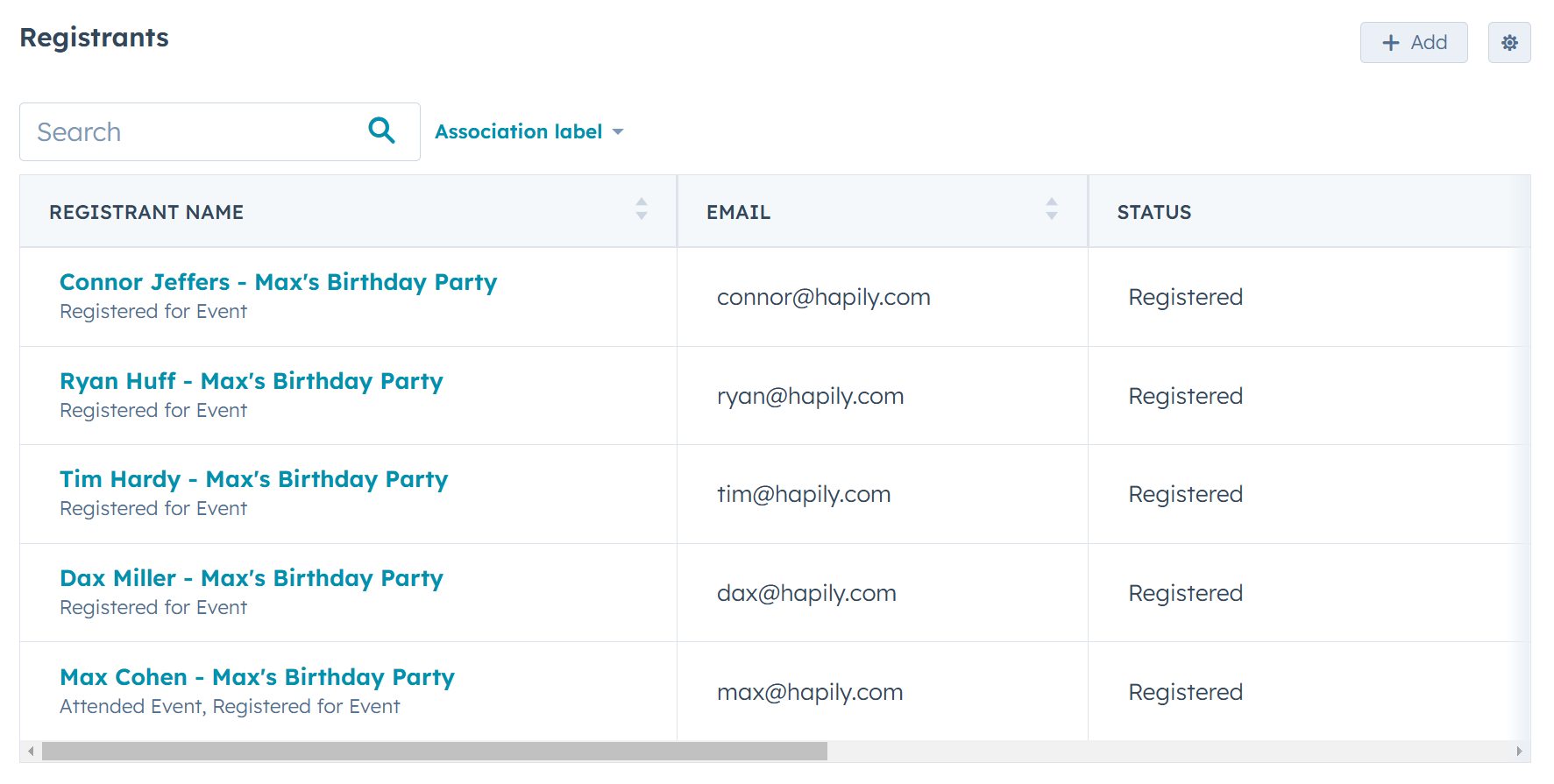
NO. Registration data is hidden — custom question responses don’t sync, and all you get is an email address inside the Marketing Event Record.
YES! Built-in workflow actions let you register contacts for events automatically.
NO. HubSpot workflows can't register contacts for an Eventbrite event.
YES! Associate events with literally anything in HubSpot, including custom objects.
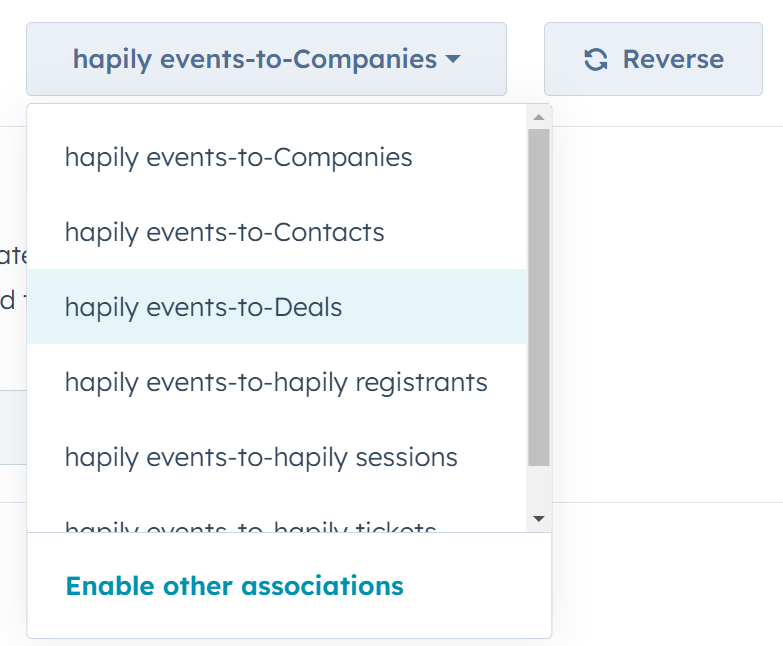
NO. You're limited to the Marketing Event object — nothing else.
YES! Customize the layout just like any other standard or custom HubSpot object.
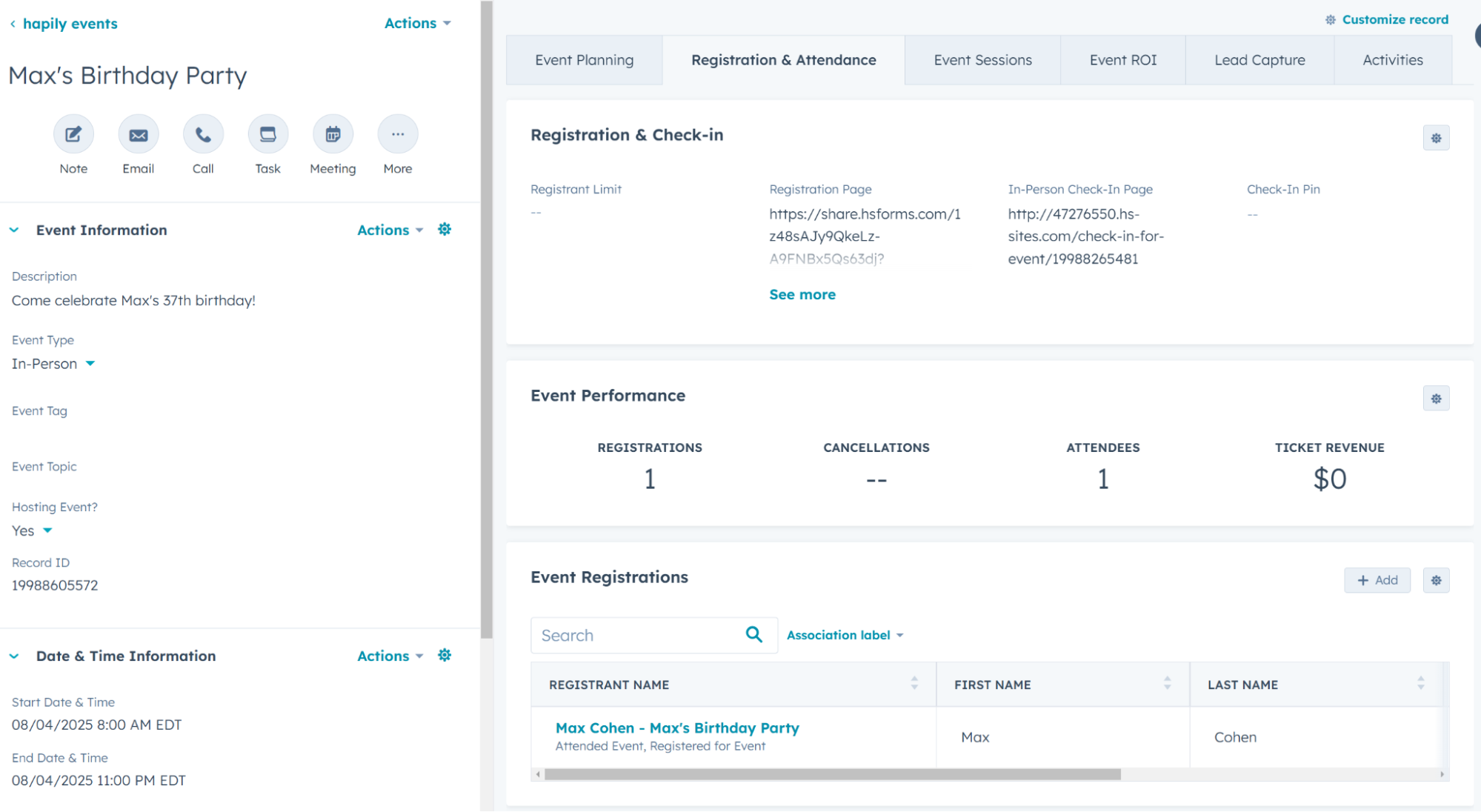
NO. The layout is locked to Eventbrite’s setup.
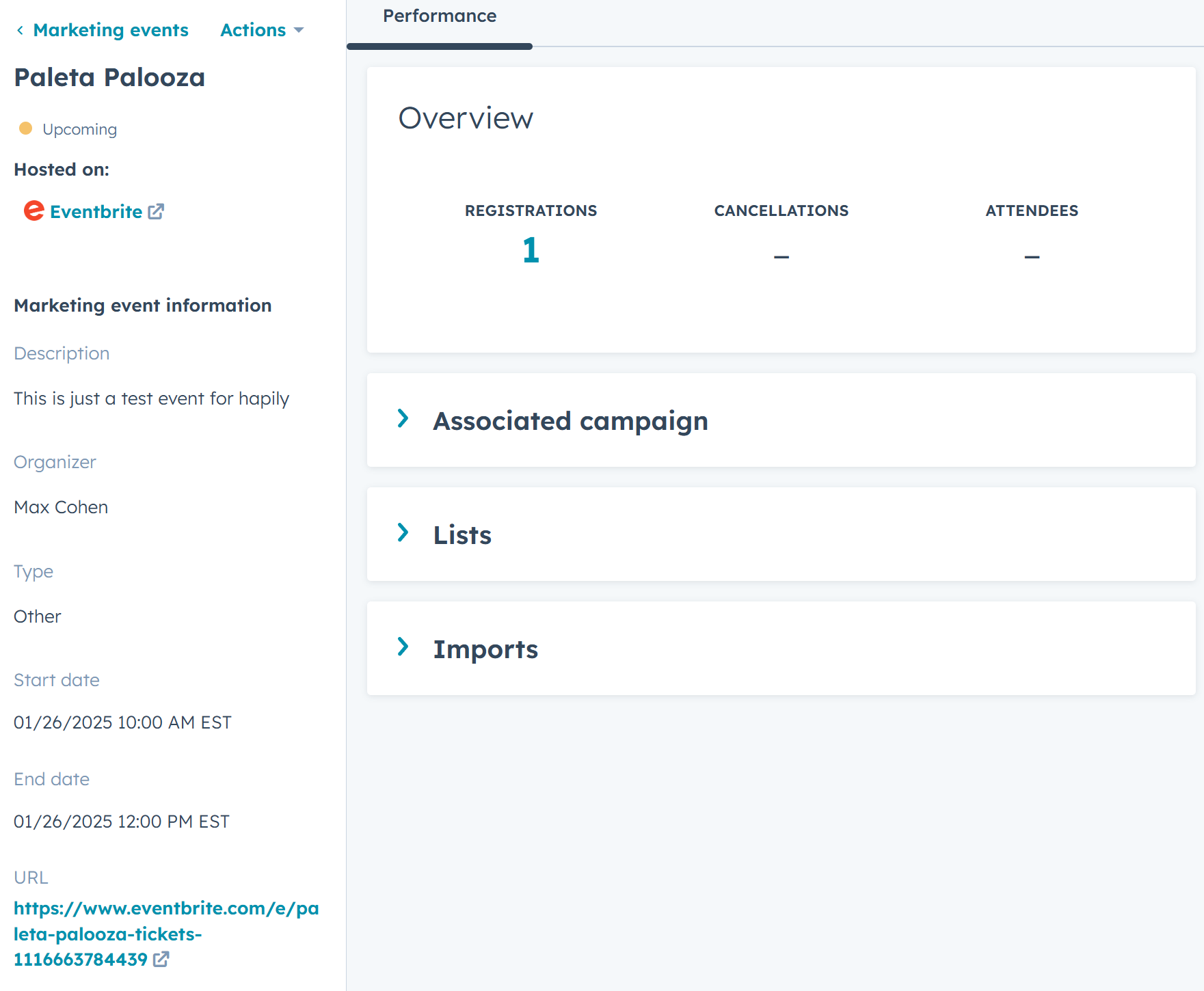

YES! Easily visualize registrations over time and track key event metrics.
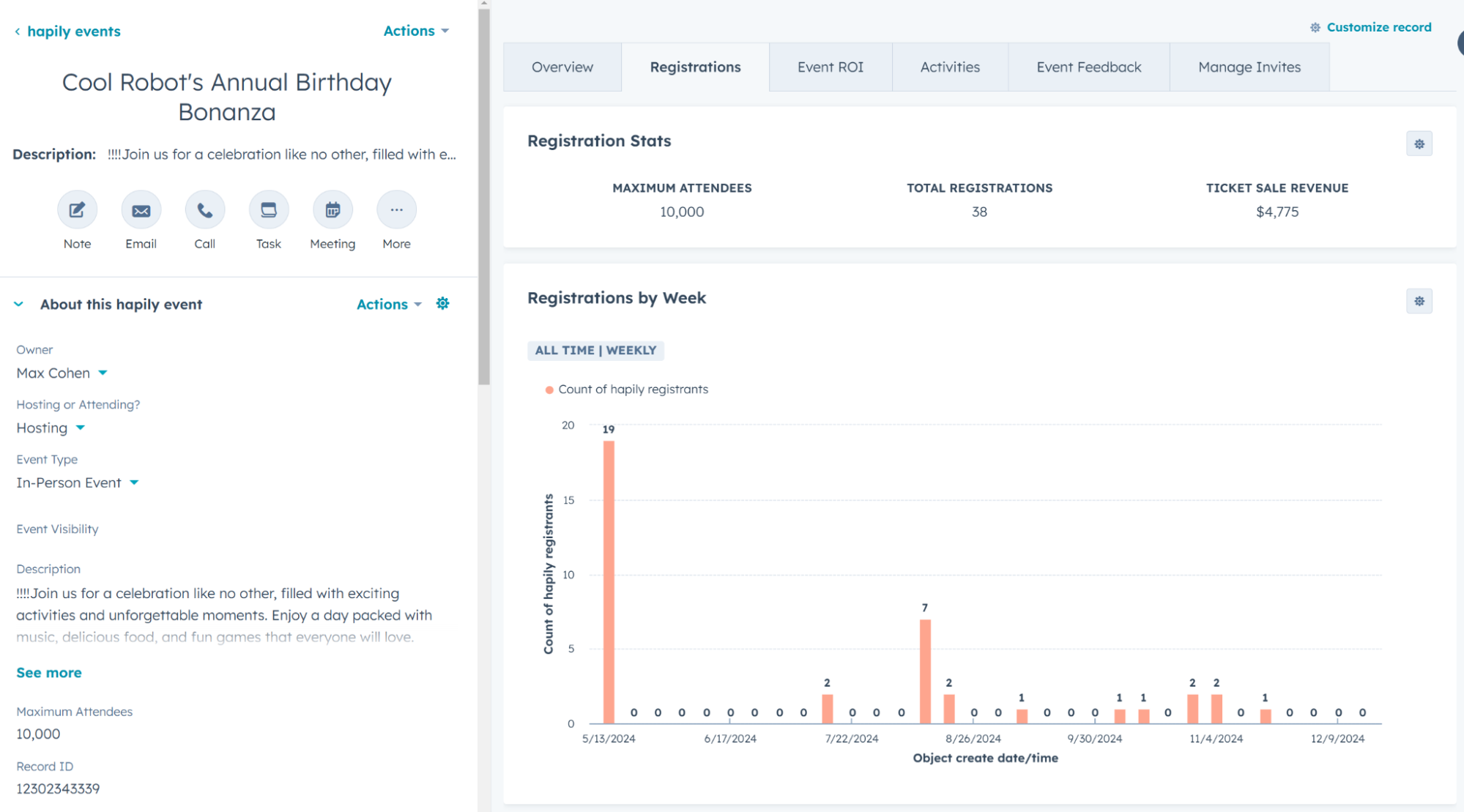
NO. Customization isn't an option — you’re stuck with Eventbrite’s default Marketing Event object.
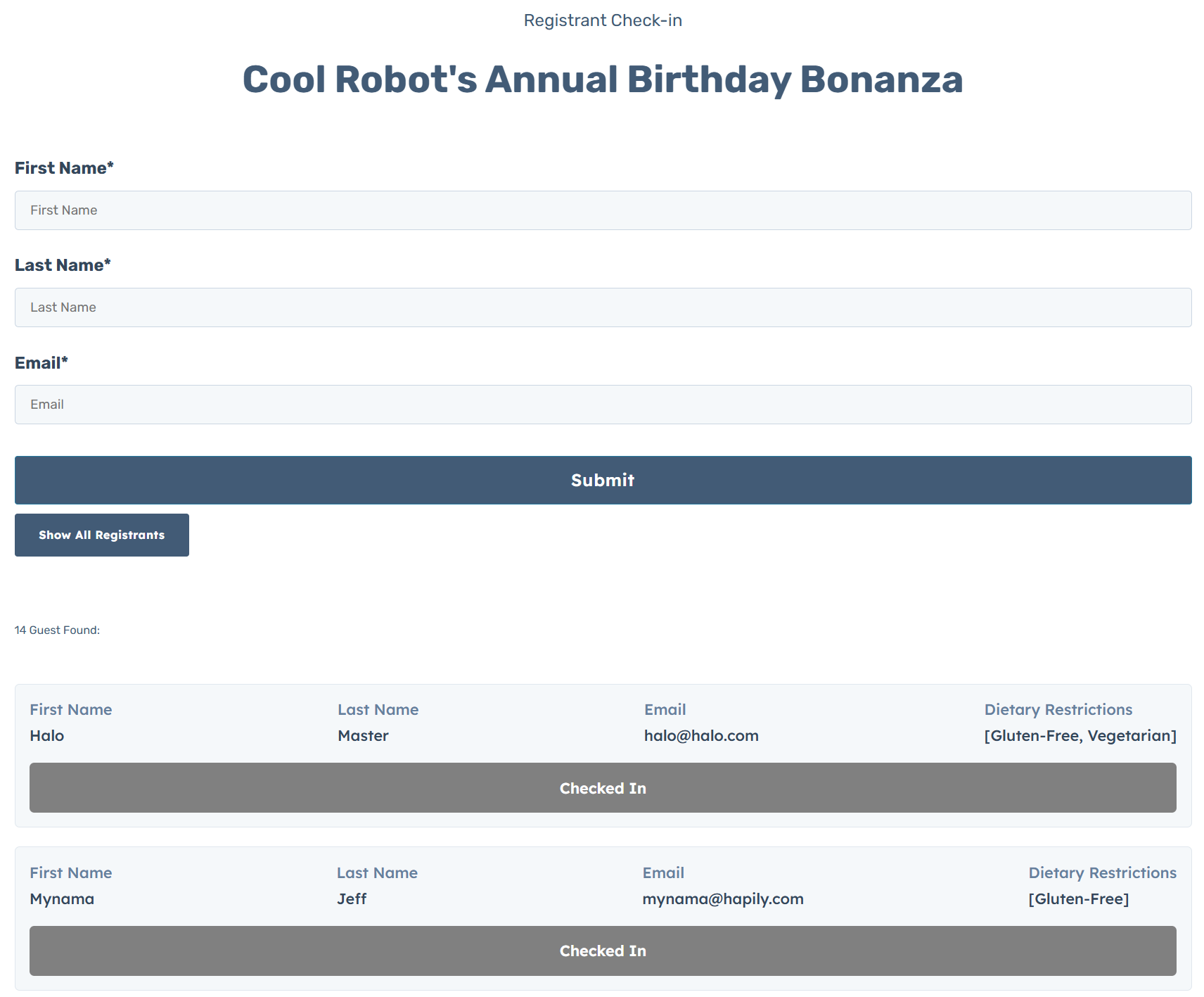
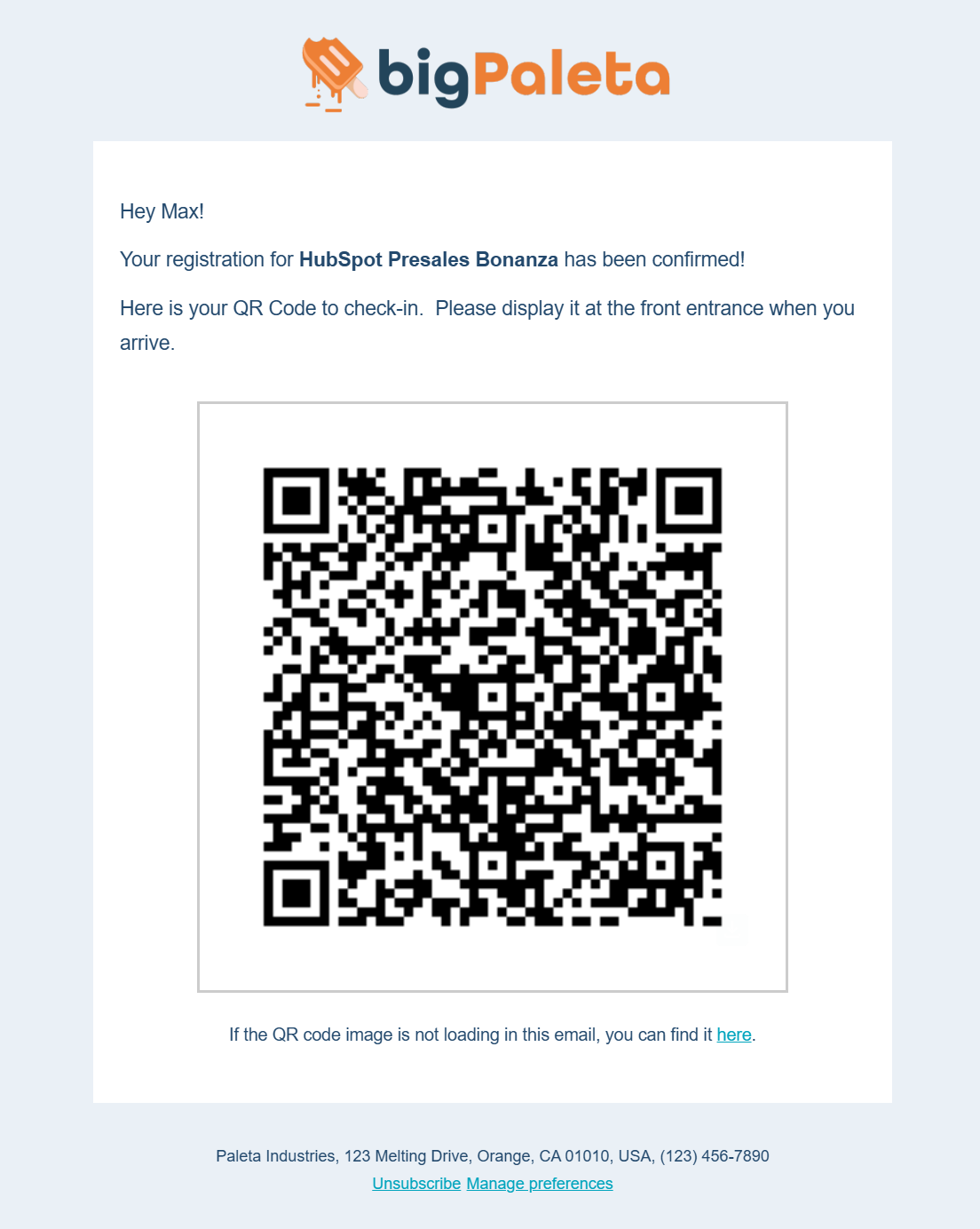
In-Person Tracking Module + QR Code Scanning — no third-party hardware needed.
YES! Includes HubSpot CMS modules and a full CMS theme for event pages.
YES! Associations tables and Timeline Events make it easy to see event history.
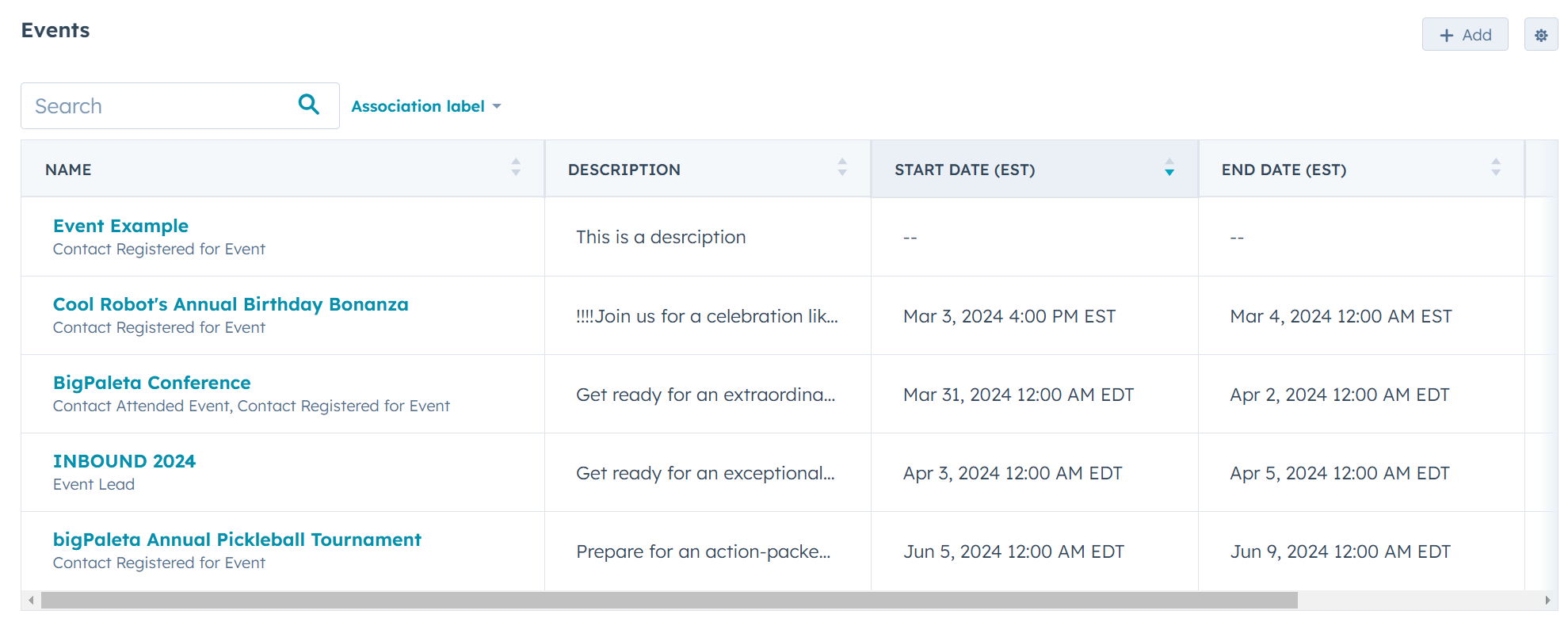
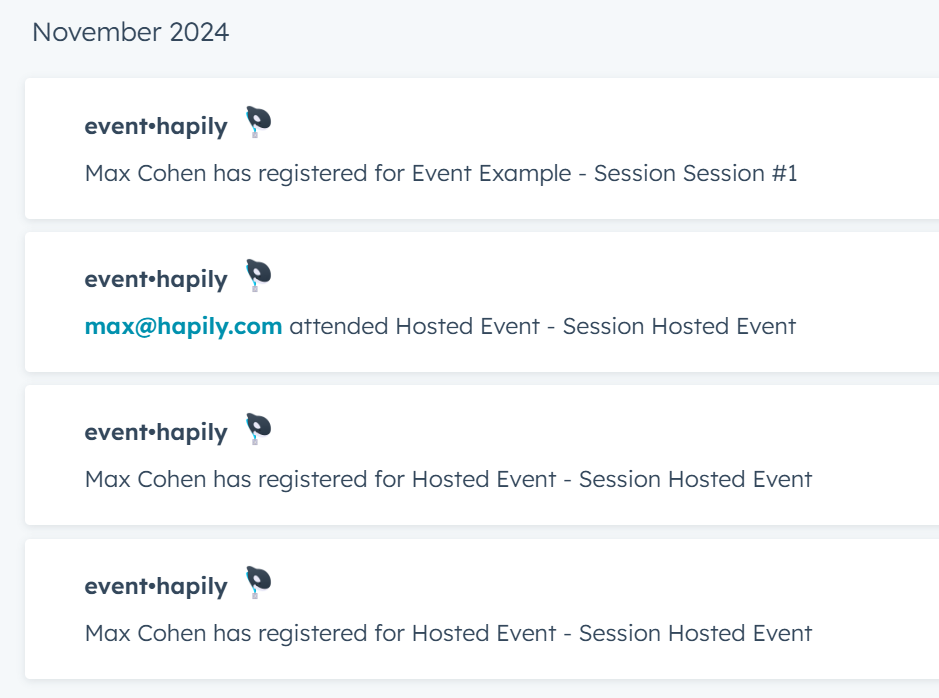
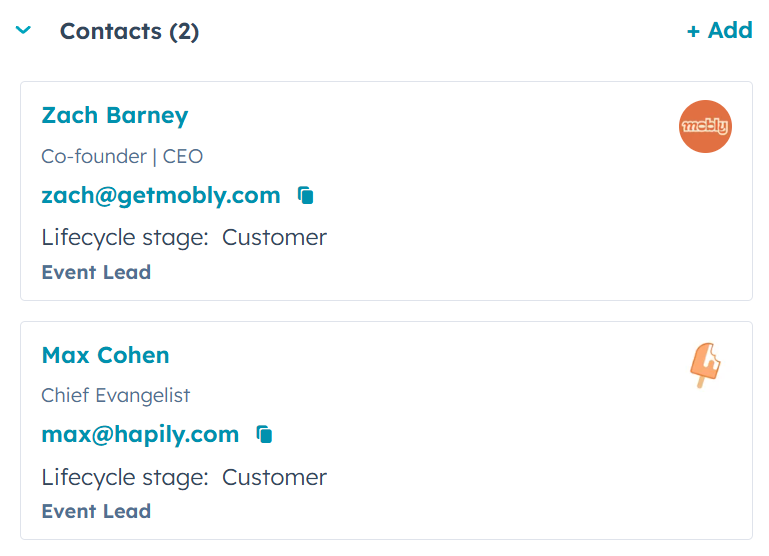
YES! Capture contacts as Event Leads and track engagement
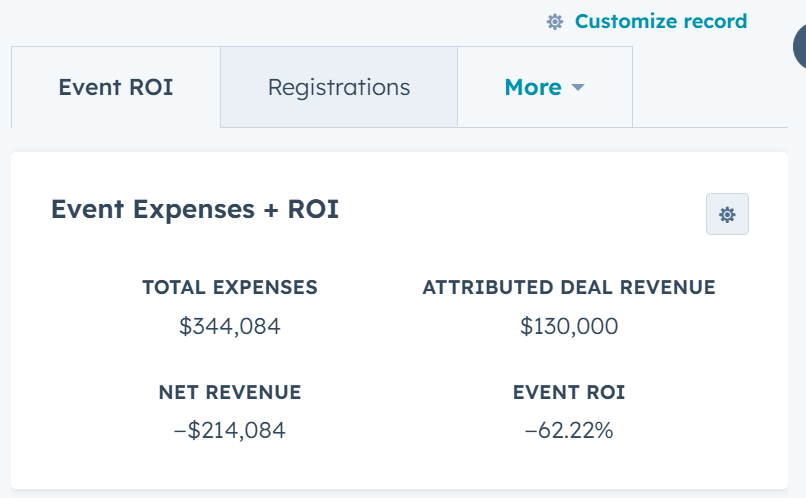
YES! Use custom calculated fields and deal attribution workflows to track ROI however you need.
YES! Custom reports are easy with robust registrant and session data.
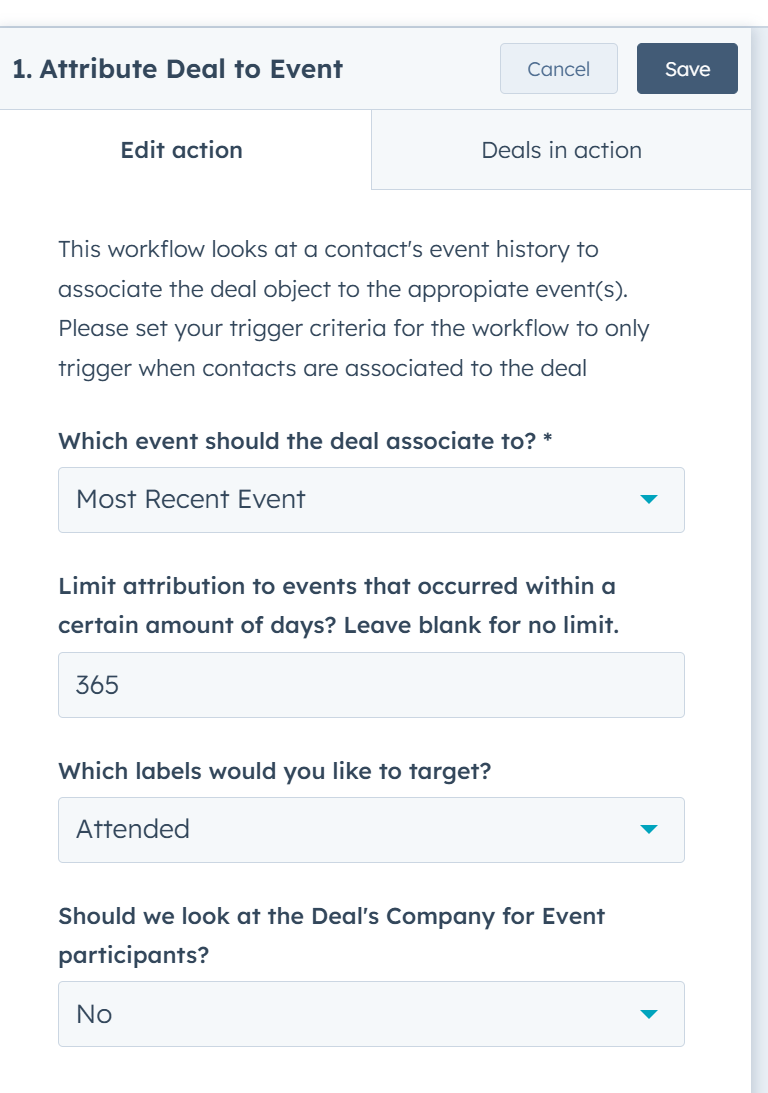
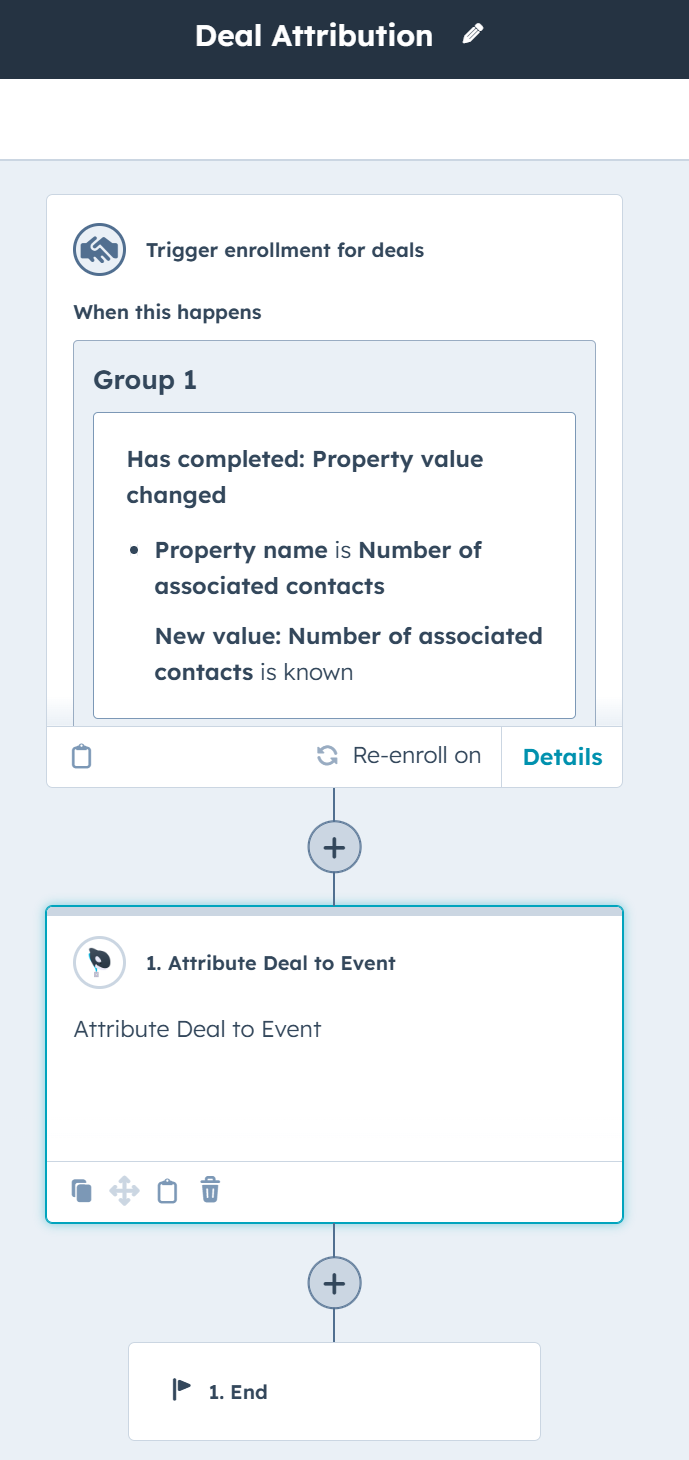
YES! Our Attribute Deal to Event workflow action connects revenue to events.




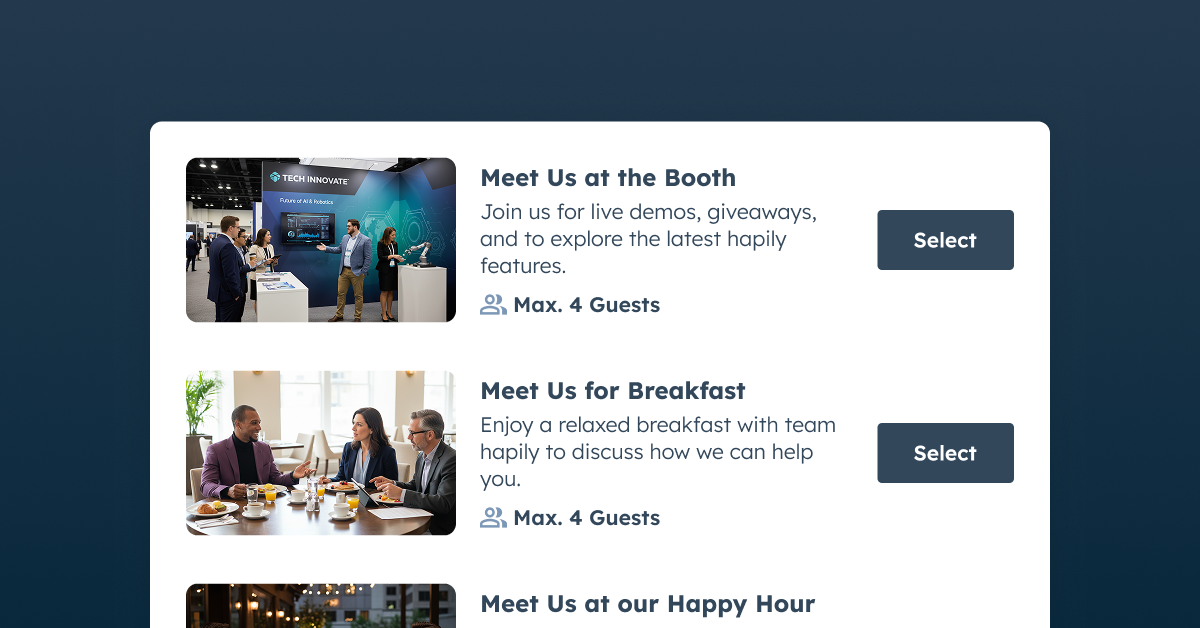
A Bigger Booth Won't Fill Your Calendar: Using Event Meetings to Close More Deals
See how Event Meetings helps fill your team's calendar with the right accounts before you arrive to your event, tracks who actually shows, ...

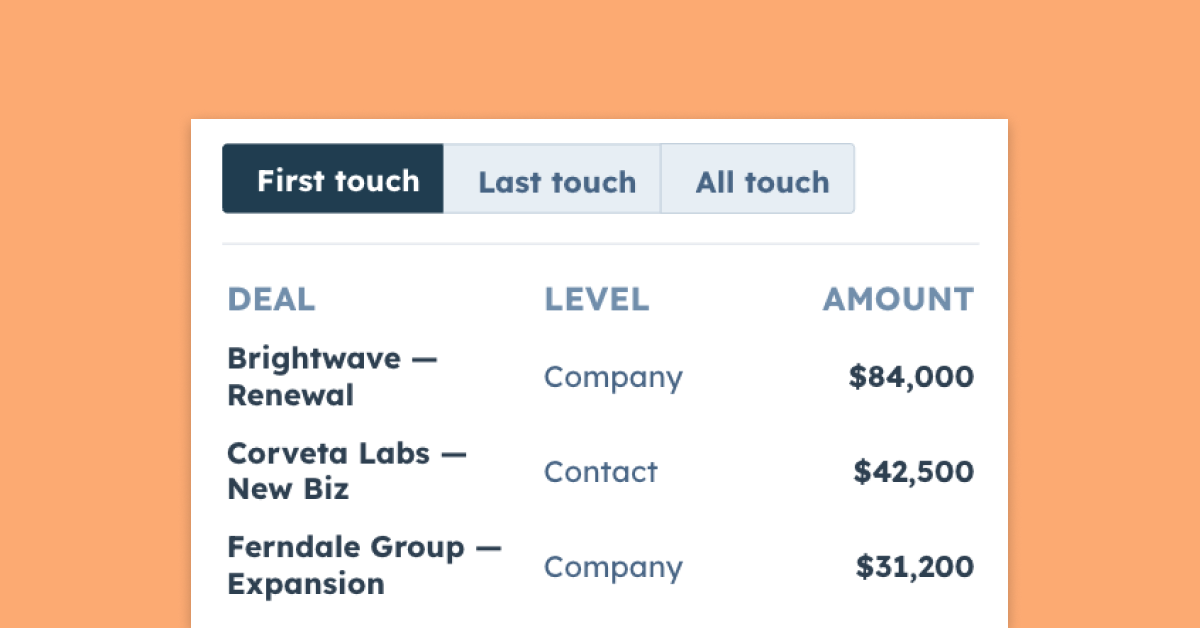
Stop Guessing What Your Events Are Worth And Prove Your Pipeline with Deal and Meeting Attribution Settings
Sourced or influenced, first touch or all touch — see how hapily attributes event pipeline automatically inside HubSpot, so your events get...
.png)
Stay On-Brand: Own Your Full Registration Experience with Brand Settings and Email Sending Domains
Your brand shouldn't vanish the second someone hits register. Now you can keep every event touchpoint yours from signup page to calendar in...