
Badge scans measure traffic. Meetings measure intent.
One tells you how many people walked past something you paid for. The other tells you which named person, at which named account, cleared thirty minutes at a busy conference to sit down with your team.
Only one of those is pipeline. And it's the one most teams leave to chance.
Event Meetings is the part of hapily that makes it something you plan instead. Your team's onsite availability sits behind one booking link, and every meeting lands in HubSpot the moment it's booked — so you know what your event is worth before anyone gets on a plane.
Where Booking Your Onsite Event Meetings Usually Falls Apart
Booking meetings at an event you're attending is still a manual sport.
Someone builds the target list, and reps work it however they work it — a LinkedIn DM, a reply to an old thread, a text to a champion who's also going. Availability gets negotiated one message at a time, and every rep sends their own personal calendar link, which knows nothing about the conference, your booth, or whether somebody else already has that room at 10:00.
So the schedule lives in six places, and the same things go wrong at every show:
-
Two reps book the same room, and one of those conversations happens standing up in a hallway.
-
An enterprise prospect books time with an SMB rep, because the link they clicked was whichever link they happened to get.
-
A rep gets on the plane with a half-empty calendar, and nobody noticed while there was still time to fill it.
Then most of the meetings that do happen never make it into HubSpot. The booking lived outside the CRM, so the record has to be recreated by hand afterward — which means it mostly doesn't get created at all.
None of that is a discipline problem. It's a workflow problem — and it's the one Event Meetings was built to fix.
Set Up Your Spots Once, Then Send One Link
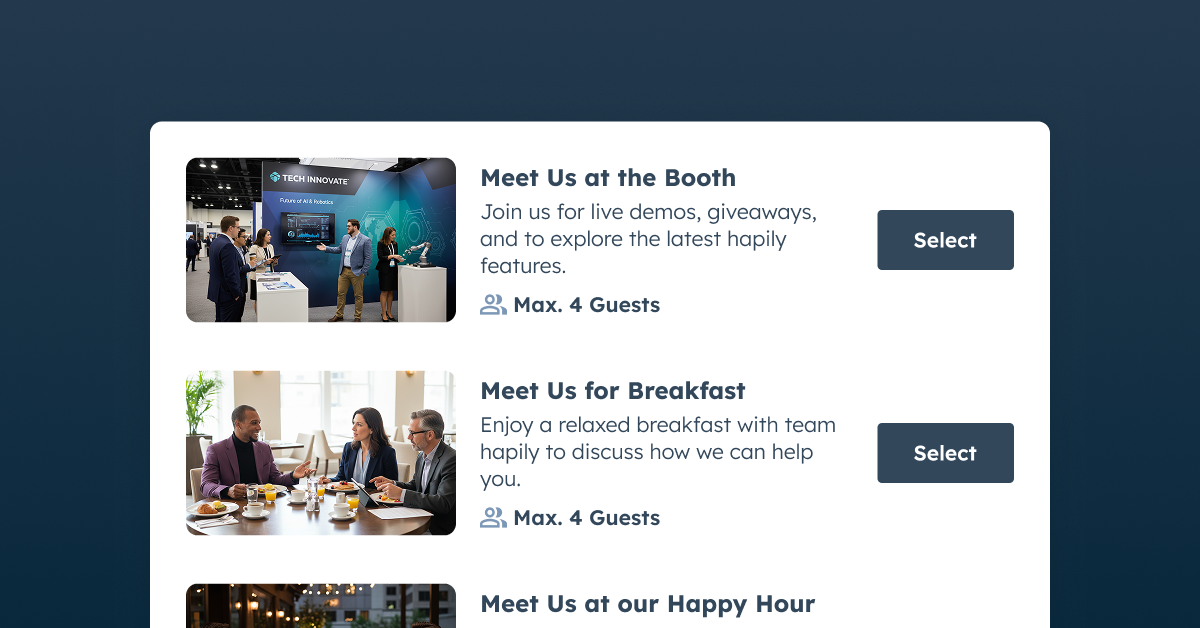
You set up your meeting spots once — the private room, the booth, the breakfast table, the happy hour — and every place your team will be lives behind a single link.
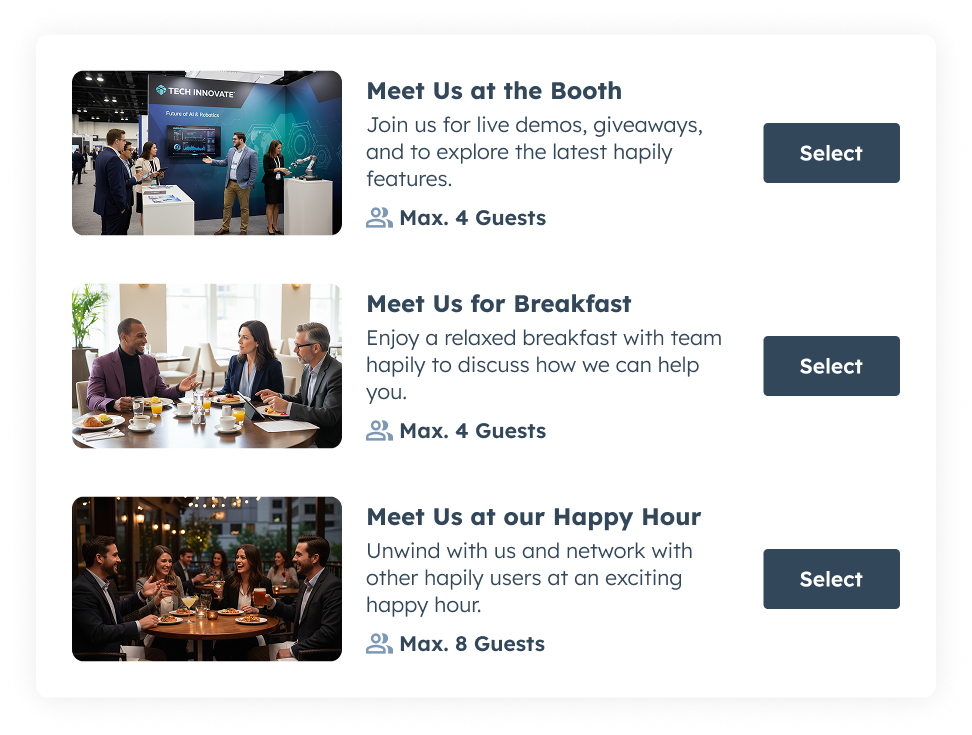
Each spot carries its own capacity and its own hours, which is what lets one link offer different kinds of meetings.
A twenty-minute demo at the booth for the prospect who's still evaluating. Breakfast on Thursday for the account you've been working since January. A happy hour that seats eight, because the goal is getting the whole buying committee in one room. You decide what's on offer and who it's for; the spot holds the line on capacity and timing.
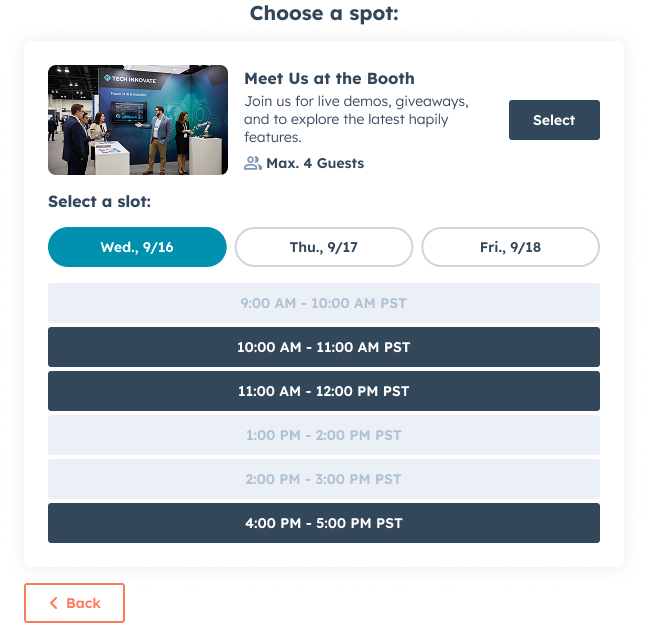
And because it's one link instead of twelve, it goes everywhere your pre-show push already goes: the invite email, the LinkedIn post, the sequence your reps are running, the booth signage.
Every channel points at the same live availability, so the calendar fills from wherever the interest actually comes from — and when someone books, the meeting routes to the right team.
Know Your Meeting Count Before You Book the Flight
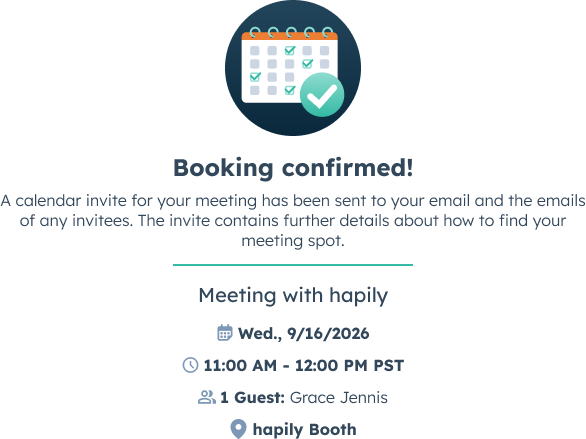
Every booking syncs to HubSpot the moment it happens — against the event, against the contact, against the deal.
So your meeting count is live from the day bookings open. Two weeks out. One week out. The night before.
That changes what you can do about it. If a rep's calendar is half empty two weeks out, there's still time to push — more outreach, a nudge from the champion, a different reason to meet. If you find out on the show floor, there's nothing to do but write it up afterward.
It's the difference between planning an event and reporting on one.
See Every Meeting in One Place — and Log Who Actually Shows
Onsite, nobody has to ask where a rep is or whether the 10:30 is still on. Your team works from one live schedule, so whoever's at the booth can see what's landing in the next fifteen minutes and pull the right rep out of a hallway conversation before it starts. Someone turns up early, you find their meeting by name, email, or company — instead of texting three people to work out whose it is.
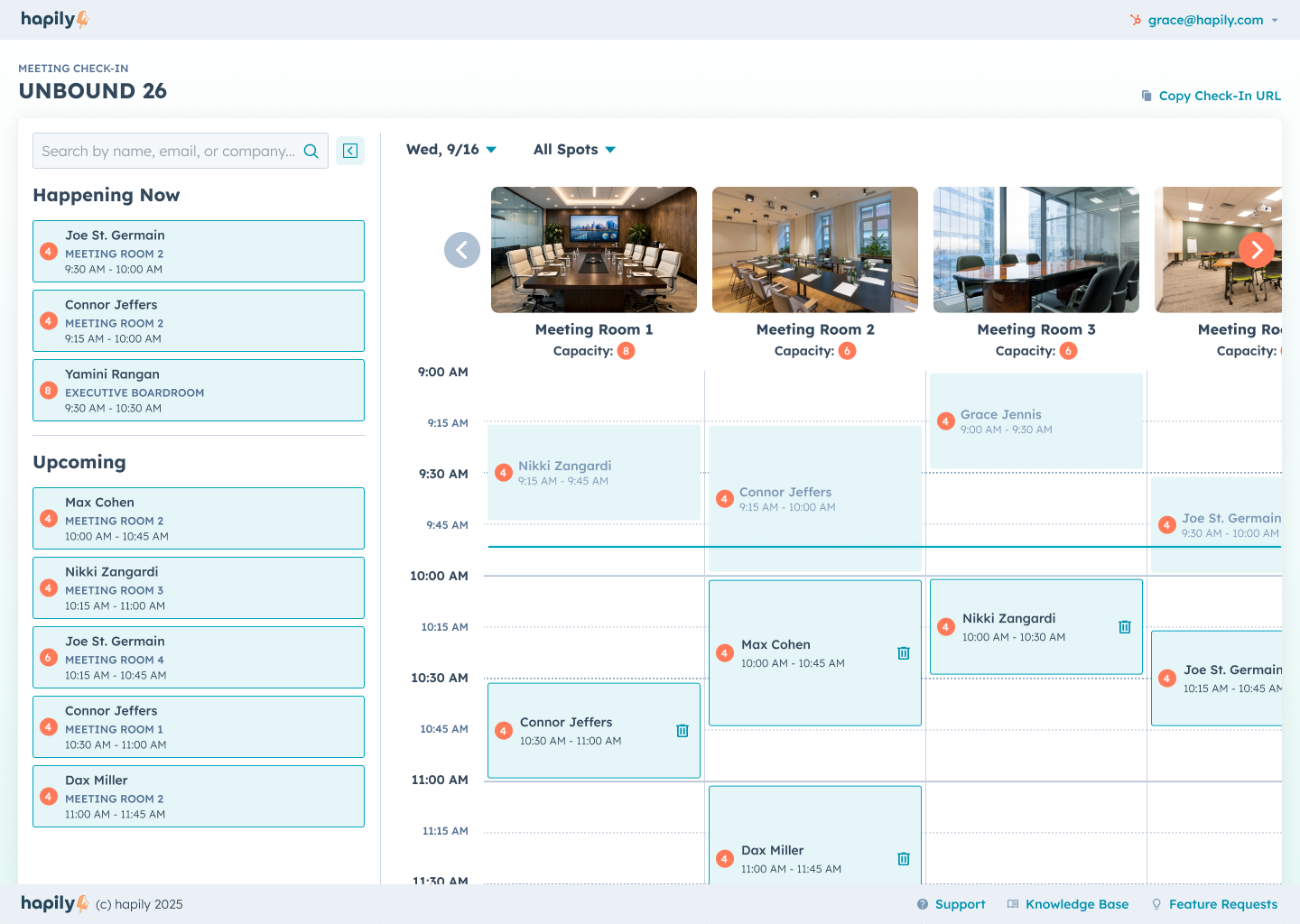
When a meeting starts, you check people in — one at a time, or all at once. Add the colleague they brought who wasn't on the invite. Undo it when someone gets pulled into a keynote.
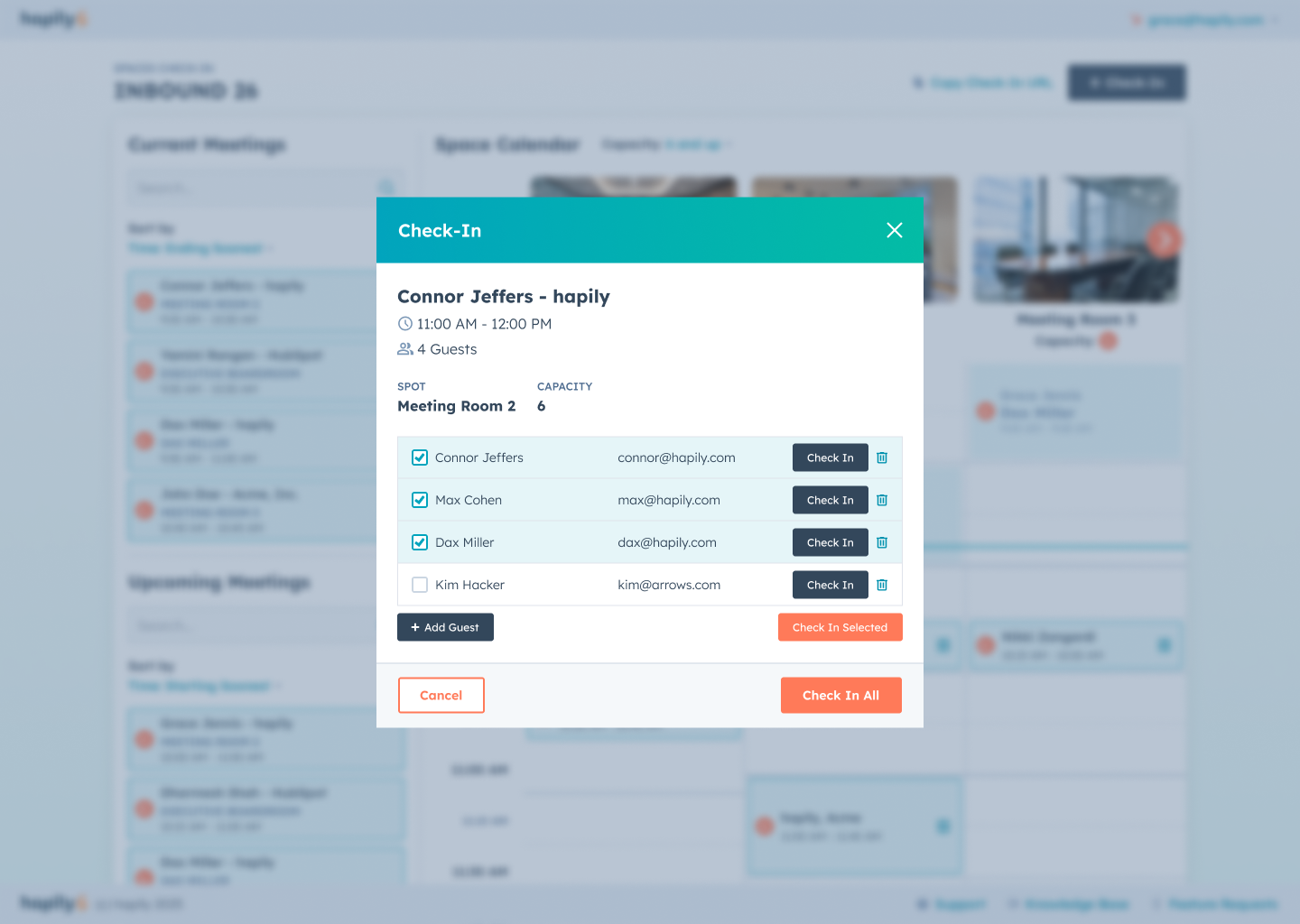
Check-in is the step teams skip and then wish they hadn't, because a booked meeting and an attended meeting are two different facts.
Only one of them belongs in a pipeline report. This way you have both.
Your Follow-Up List Is Already Built When You Land
Every spot, booking, routing rule, and check-in lived in hapily from the start. So Monday morning doesn't open with a data-entry project.
The meetings are already on the contact records. The attendance is already logged. The deals are already associated with the event, ready for attribution to do its job.
Your team opens HubSpot and works a follow-up list that's accurate — instead of spending the first day back cross-referencing a target list against a badge-scanner export while the conversations go cold.
That's what turns event ROI into something you report instead of something you estimate. Not more data. The same data, captured where it happened.
Don't Just Work the Room. Own It.
Attending a conference well was never about presence. It's about density — how much of your target list you sit down with in three days, and how fast those conversations become pipeline you can actually see.
Set your spots once. Send one link. Watch the number climb while you can still influence it, work the show off one live schedule, and log who showed.
Then fly home with every conversation already attached to the account it belongs to, while everyone else is rebuilding their notes from memory.
Request a demo and see what your next event looks like when the calendar is full before you get there!
Heading to HubSpot UNBOUND in Boston September 16–18? We'll be at booth #41 running EventOps at the Skateshop! Book some time with our team to get a first hand look at how this all works :)

.png)