
A quick look at new feature releases, improvements, and bug fixes.
October was a big month at hapily. Across three releases we built out a full promo code system for ticketing, gave you far more control over registrations, refunds, and sessions, and made lead capture quicker in the field. Here's everything that landed.
Promo Codes, End to End
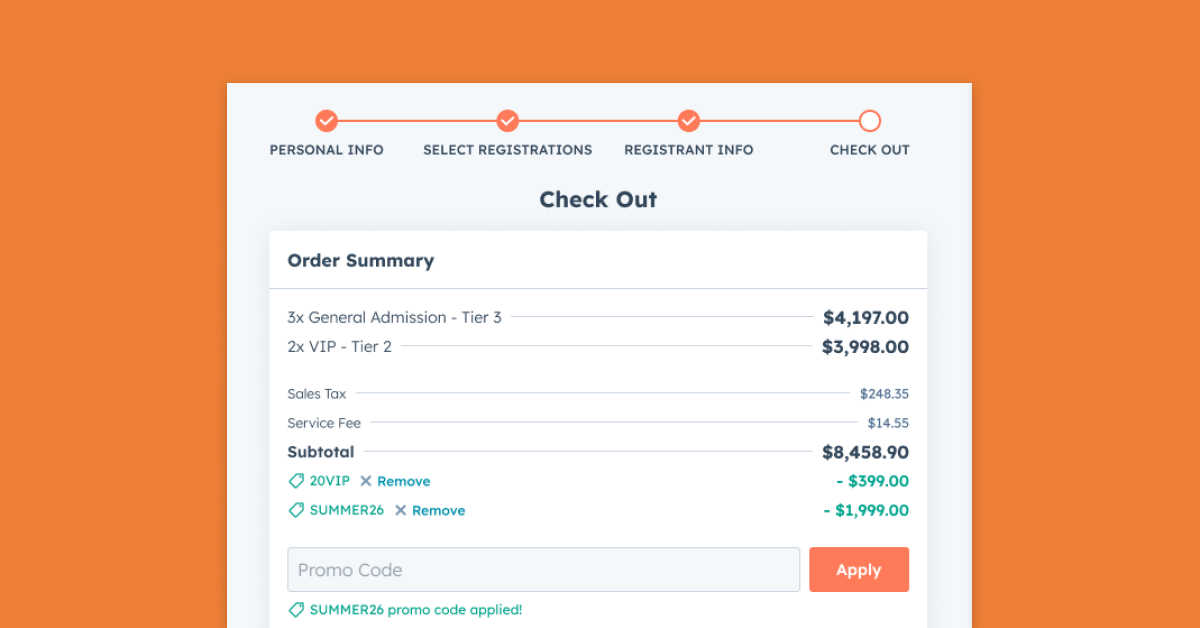
Discount Codes at Ticket Checkout
You can now create discount codes that attendees apply at checkout, or that you pass automatically through a link using a query parameter, to reduce the price of eligible ticket registrations.
- Set a fixed amount or a percentage off, up to 100%.
- Choose whether a code applies to any event, specific events, registration types, or registration flows.
- Add qualification rules like minimum quantity, required ticket types, or buy-one-get-one style offers.
- Control availability with start and end dates and times, per-event and per-customer limits, and total usage caps.
- Discounts apply to the ticket subtotal before fees and taxes, and attendees see clear messaging when a code is applied, invalid, expired, or ineligible.
Promo Codes for a Named Group of People
Sometimes a discount is meant for a specific set of people, not the whole world. You can now create promo codes that only work for a named group, with each person getting their own set number of uses.
- Build your list by pasting emails, uploading a CSV, or attaching a HubSpot list.
- An attached HubSpot list stays in sync, so new list members automatically get the same allowance.
- Codes are matched by email address at checkout, so only the people you've chosen can redeem them.
- Every Specific People code includes a People tab showing exactly who has used their allowance and who hasn't.
- A summary bar displays list size, redemptions used versus available, and total discount given, with a row per person showing name, email, company, redemption count, and last redeemed date.
- You can enter any email to instantly check whether that person or company is eligible for the code and how many times they've redeemed it.
Codes Visible in the Ticketholder Portal
Ticketholders can now see the promo codes assigned to them right in their portal, so you don't have to chase down code details by email.
- Each code appears on its own card with the code ready to copy.
- Cards show the description, expiration, and remaining uses.
- A full redemption history sits alongside each code.
- We've also tidied up the portal by consolidating the Agenda, Edit, Transfer, and Resend Email buttons into a single Actions menu.
Promo Code Details Synced to HubSpot
When a promo code is used, its details are now written to HubSpot on the related deal, line items, and registrant records. That gives your team full visibility into discounts directly in the CRM, making it easier to report on promotion performance and revenue impact.
More Control Over Registration
Flexible Session Registration
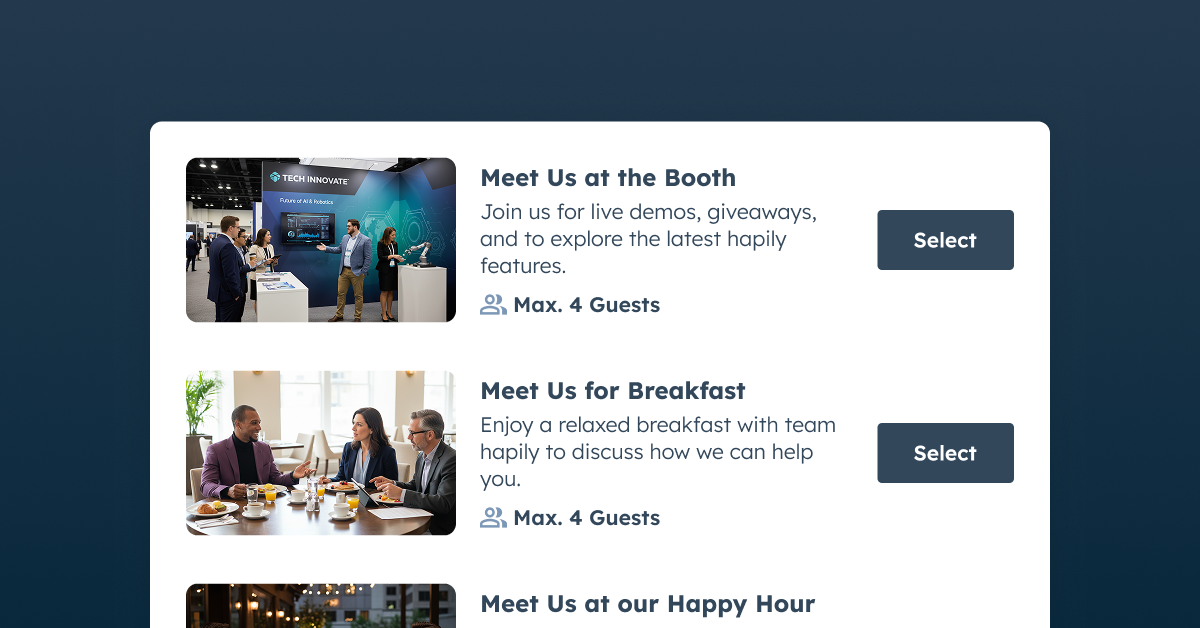
You can now offer individual sessions within your event, helping attendees build an agenda while you keep an eye on capacity.
- Create sessions in the event builder or directly from the event record.
- Add dates, times, descriptions, and capacity limits, then include sessions in your registration flow.
- Set minimum and maximum session selections per attendee.
- Prevent attendees from choosing multiple sessions that share the same start time.
Separate Cancel and Refund Actions
Cancelling and refunding are now independent actions, so your tooling can match your real-world policies.
- Cancel a registration without issuing a refund.
- Refund a ticket fully or partially while the attendee keeps their spot.
- When you refund, optionally check a box to cancel the registration in the same step.
- Cancel now works for all registrants, not just advanced registrations.
- Refunds can be issued from both the Registrants tab and the Payments tab of an event, and bundled purchases get a shortcut straight to the refund window.
Register Attendees from a Deal Record
You can now create event registrants directly from a HubSpot deal record, which is perfect for sponsorship packages or any registration where payment is collected offline. Open the hapily card on the deal, select the event, choose the registration types and quantities, and fill in attendee details. The deal is automatically associated with the event, and you can come back to add more attendees at any time.
Cleaner Pages for No-Cost Events
Registration flows that offer only no-cost registration types now automatically hide the "Free" label on registration cards and in the order summary, so your pages read a little cleaner.
Running and Following Up On Your Event
Attendance Tracking for Every Check-In Method
The Event Check-in app event now fires whenever a registrant is marked as attended, not just when the hapily check-in page is used.
- Attendance updated by Zoom, record imports, and manual changes in HubSpot all trigger the event.
- You can reliably use event attendance in your lead scoring and workflows.
- Each event also records how the check-in happened, so you can filter or segment by source.
More Reliable Post-Event Follow-Up
We've improved post-event email delivery to reduce missed recap emails, including for accounts with a large history of ended events. If your event already has a post-event email configured, the improvement applies automatically with no changes to your existing setup.
Dependable Calendar Updates
When you change an event's time, calendar invitation updates now automatically retry if HubSpot temporarily limits requests. That helps attendees receive the latest schedule even for large events.
Lead Capture in the Field
Create Events on the Go
You can now create events directly in the Mobile Lead Capture app using a streamlined form with an event name, dates, and times. Enable event creation in the admin's Mobile App settings and choose who can use it: admins, admins and event managers, or all users. Permitted users will then see Add Event in the app's event list.
Simplified Voice Note Recording
Recording voice notes on leads is now quicker and more intuitive.
- A single button starts recording.
- One clear Finish button completes the whole process.
- A Cancel option lets you stop and discard.
- Updated on-screen guidance makes it obvious what to do at each step, so your notes get saved without extra taps.
Lead Capture for Pro Portals
Pro portals can now install hapily and use Lead Capture by using HubSpot native app objects.
Fixes & Improvements
We also shipped a long list of fixes and smaller improvements across the product this month. Areas touched include:
- Registration type cards, registration flow cloning, and featured image handling in the Event Builder
- Checkout, payment processing, refunds, and currency display on registrant records
- Deal creation, ticket type line items, and Deal Lists built in the event builder
- hapily app cards, the Event Details card, and links between hapily and HubSpot for App Objects users
- Zoom settings and Zoom synchronization of event names
- Badge scanning, lead name and job title parsing, and AI voice notes during lead enrichment
- Confirmation emails and the ticket carousel embed
As always, we'd love to hear what's working and what isn't — send your feedback our way and it will help shape what we build next.