

Skip to content

AI-Powered
Mobile Lead Capture

Scan badges on any Apple or Android mobile device, enrich contact data in real time, and sync everything to HubSpot before the booth break-down even begins.

Work your event with confidence:

Fast, Flexible Scanning

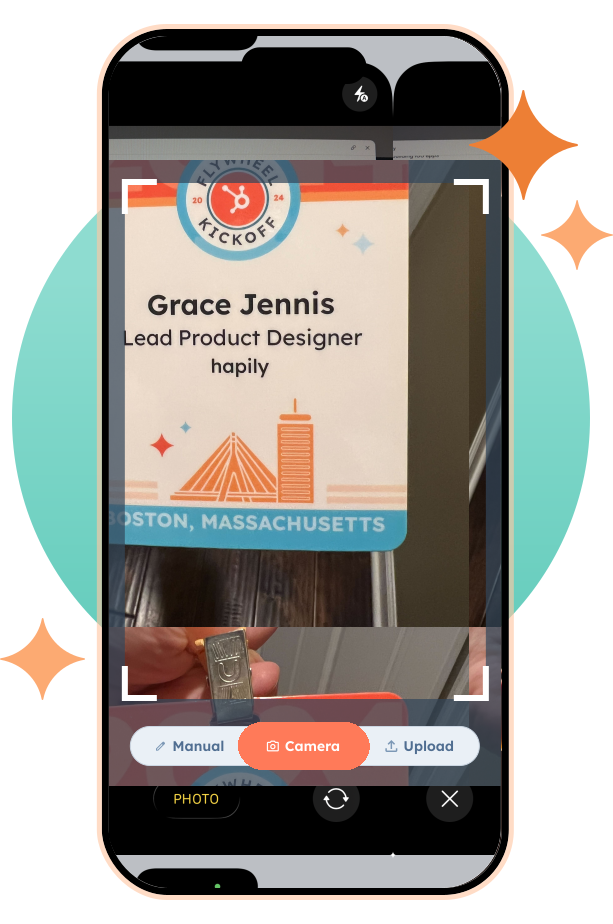
Scan badges from any mobile device — no special hardware, no clunky setup. Just tap and go.

event-hapily-badge-scan

AI-Powered Lead Data

Automatically generate enriched contact data like name, title, company, and email — plus add notes and product interest on the spot.

Instant HubSpot Sync

Leads, deals, and follow-up tasks are created and assigned in real time — no post-event delays or cleanup required.

Frame 14626
Isolation_Mode (42)
FREE COMPARISON GUIDE
Mobile Lead Capture App Report Cards
See how hapily stacks up against other leading mobile lead capture solutions for HubSpot

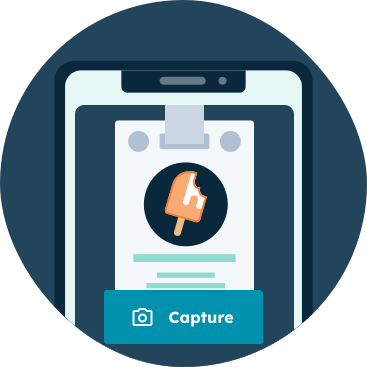
1. Scan badges with any mobile device

Photo Lead Capture

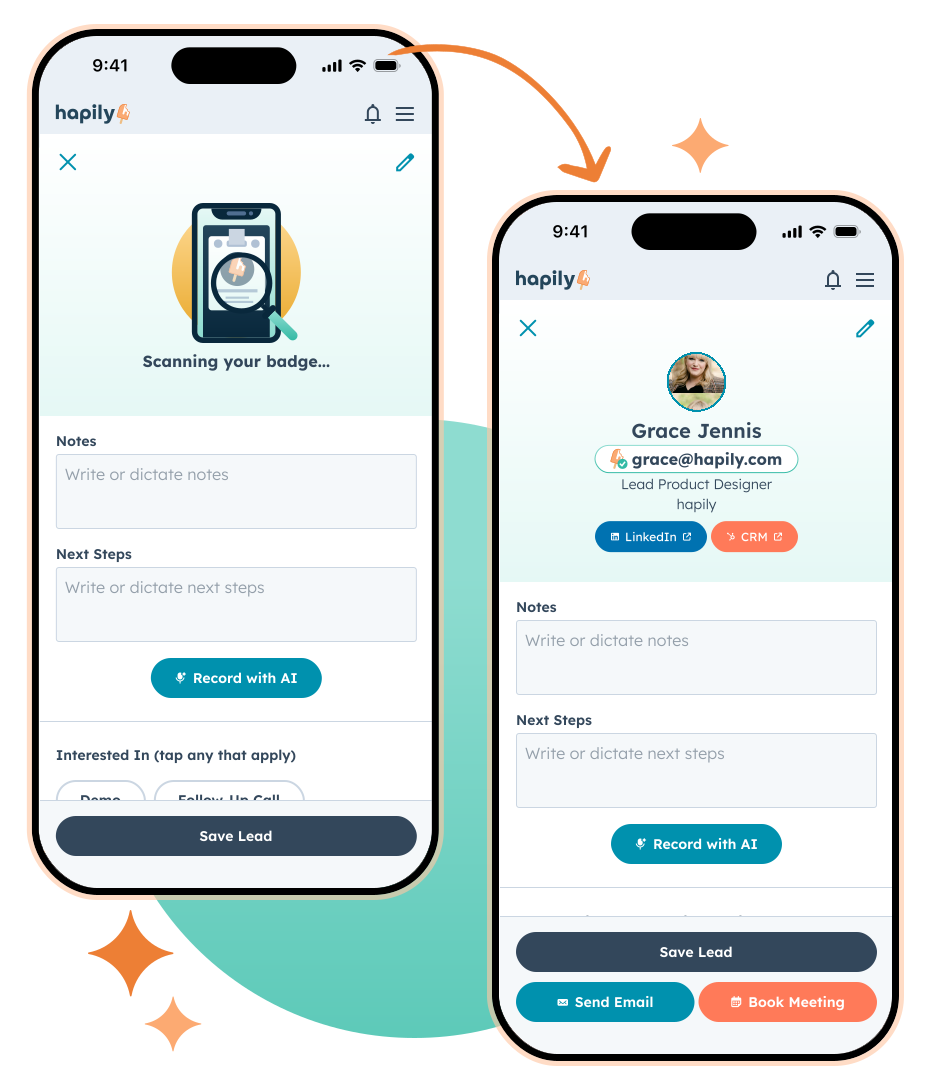
Ditch the extra-pricey rental hardware. Just open the lead capture app from any mobile device, scan the attendee badge, and move on to the next great convo — no delays, no clunky setup.

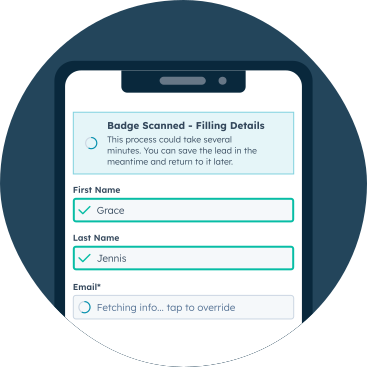
2. Enrich lead data with AI
Lead Capture AI Enrichment 2

Instead of settling for surface-level badge data, AI-powered data enrichment gives you the full picture. Titles, company information, social profiles, and real emails appear instantly so the lead you captured at the booth feels complete the moment it hits your CRM.

3. Flag interests and add notes
AI Voice Notes 3

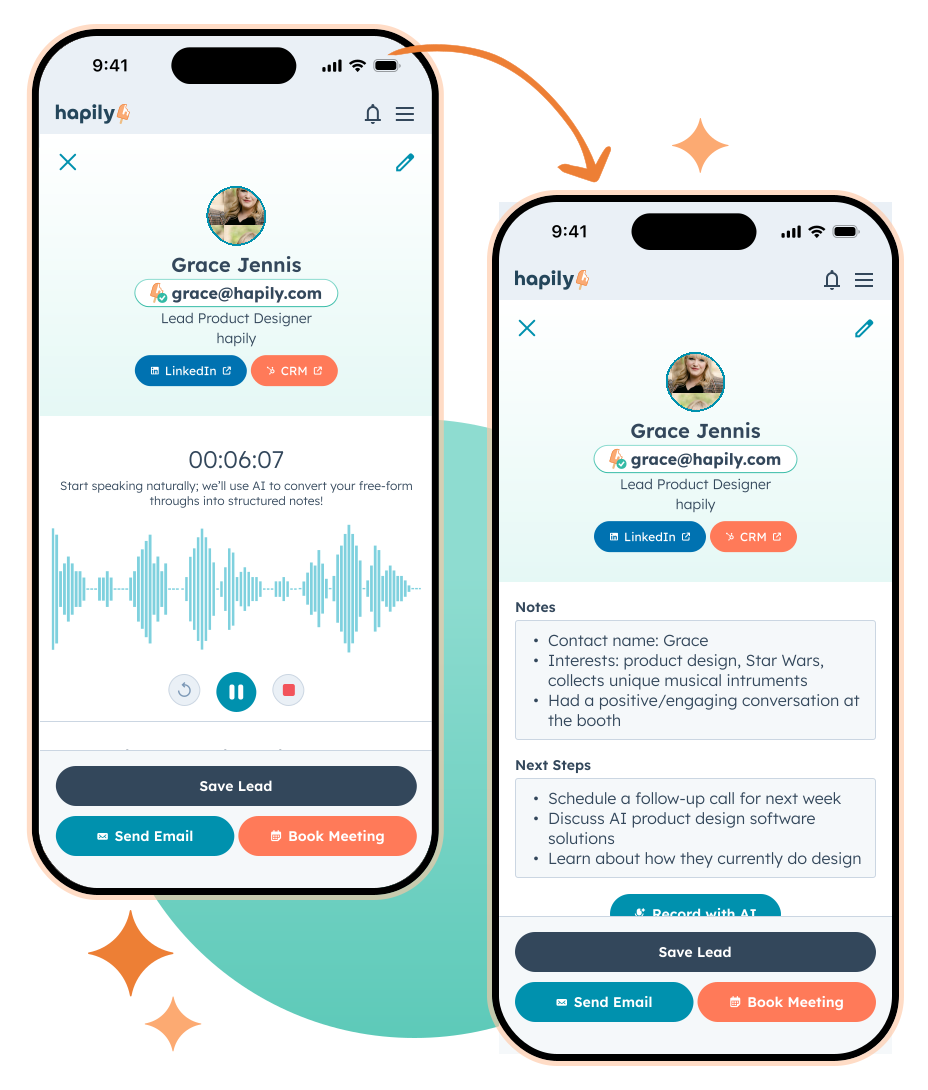
Mark what your lead cares about while it’s still fresh via keyboard... Or, go hands free with voice dictation, summarized by AI into tidy notes. No more relying on your memory (or deciphering scribbles on the plane ride home). 

5. Trigger follow-up instantly
MLC Instant Follow-Up 2

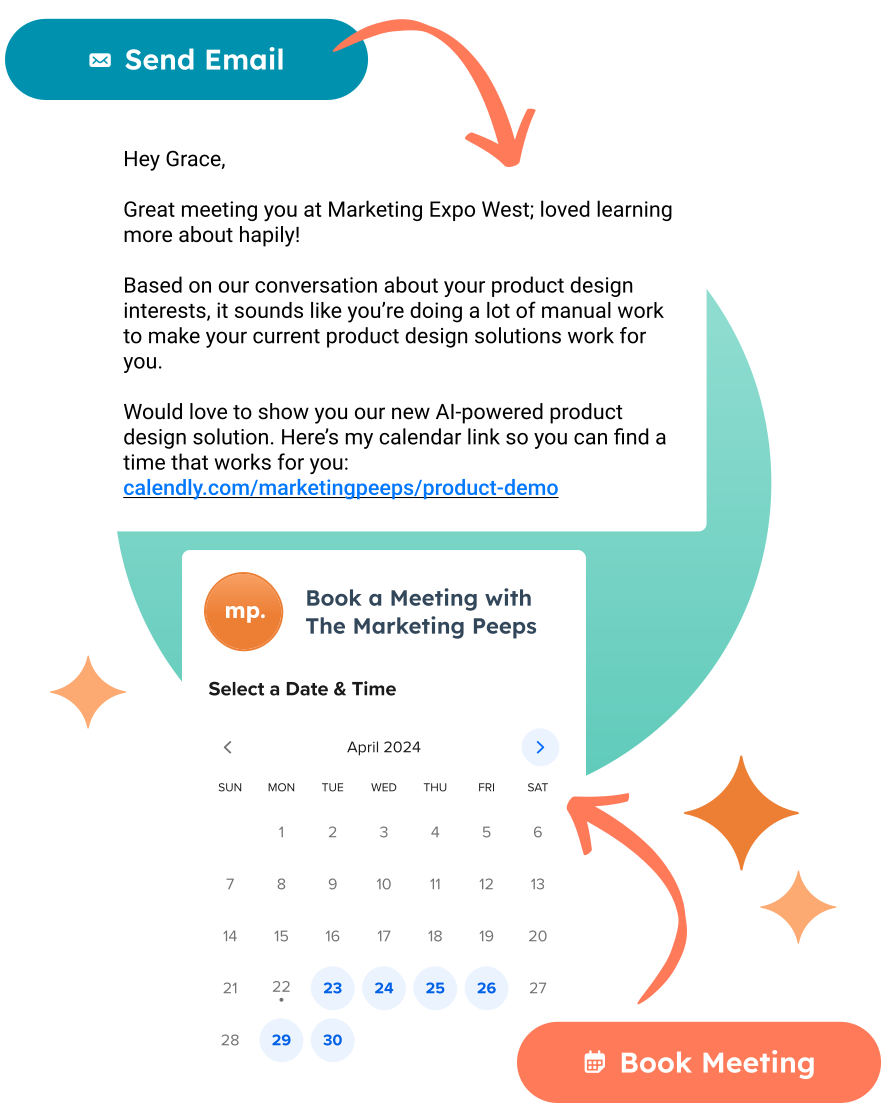
Send hyper-personalized emails based on the actual conversations you had — with interest tags and notes dynamically pulled into a perfectly-timed follow-up that feels like it was written just for your lead (because it was).

Or, get a meeting on the calendar with your lead using booking links right in the app.

4. Send leads straight to HubSpot
Lead Record Left Sidebar Only with Circle 2x

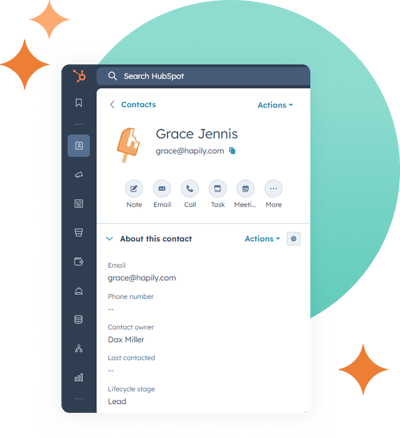
Contacts are created from scanned leads instantly, deals are associated, and workflows kick off automatically — all before you’ve even packed up the booth.

5. Use app events
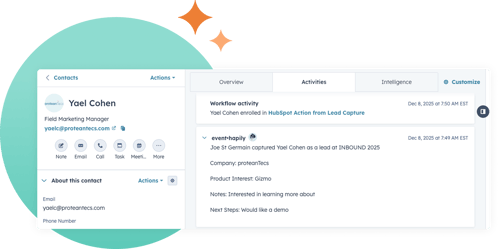
App Events with Circle 2x

Use app events to see more key details about your leads and keep your lead information organized.

6. Track lead volume in real time
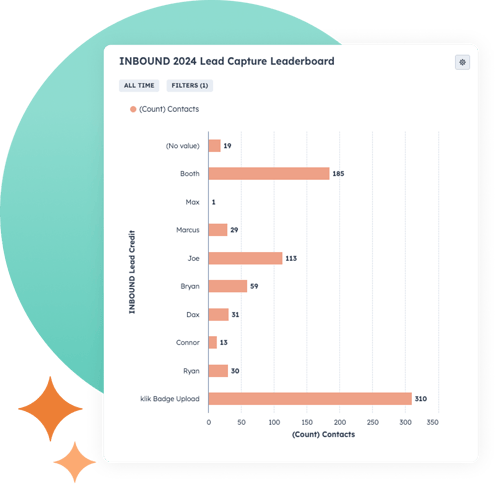
Lead Capture Leaderboard with Circle 2x

See which team member scanned which leads, when, and how many — so you know what’s working while the event’s still live. (And where you're already doing your marketing.)

No More Waiting on CSVs

Skip the pricey scanners and post-event spreadsheets. With hapily’s Mobile Lead Capture, your team can scan badges, enrich data instantly with AI, and sync everything directly to HubSpot in real time.

No More Waiting on CSVs

Skip the pricey scanners and post-event spreadsheets. With hapily’s Mobile Lead Capture, your team can scan badges, enrich data instantly with AI, and sync everything directly to HubSpot in real time.

hapily blog

The latest from the hapily team:

Smarter Error Handling and Admin Control for Lead Capture

Smarter Error Handling and Admin Control for Lead Capture

Not every event lead comes through perfectly (and that's ok!) See how smarter error handling and admin lead management gives you more contr...

Better Data In, Better Follow-Up Out: Expanded Coverage & CRM Matching in Mobile Lead Capture

Better Data In, Better Follow-Up Out: Expanded Coverage & CRM Matching in Mobile Lead Capture

What’s new in enrichment, coverage, and CRM matching within Mobile Lead Capture — and how it changes what you walk away with after every ev...

What’s New in Mobile Lead Capture

What’s New in Mobile Lead Capture

See what’s new in hapily’s upgraded mobile lead capture experience — designed to deliver better data, more context, and faster follow-up fr...


SCHEDULE A DEMO TODAY!

Ready to
event hapily?

Women On Site with Tablet - Light Background