

Skip to content

COMPARISON
hapily with Zoom
vs. Zoom's HubSpot Integration Alone

Using Zoom alone leaves you without the data, automation, and follow-up workflows your event strategy depends on.


Using Zoom to run events while managing every other aspect of your event strategy in HubSpot? You’re likely stuck stitching things together and juggling links, syncing attendance, and guessing at ROI.

Zoom gets the session live, sure. But everything before and after? That’s on you.

hapily changes that by managing the full event lifecycle natively in HubSpot. Here’s how it compares to using Zoom alone and why pairing it with a native event management tool built for HubSpot just works better.

1. How does registration work?


hapily logo

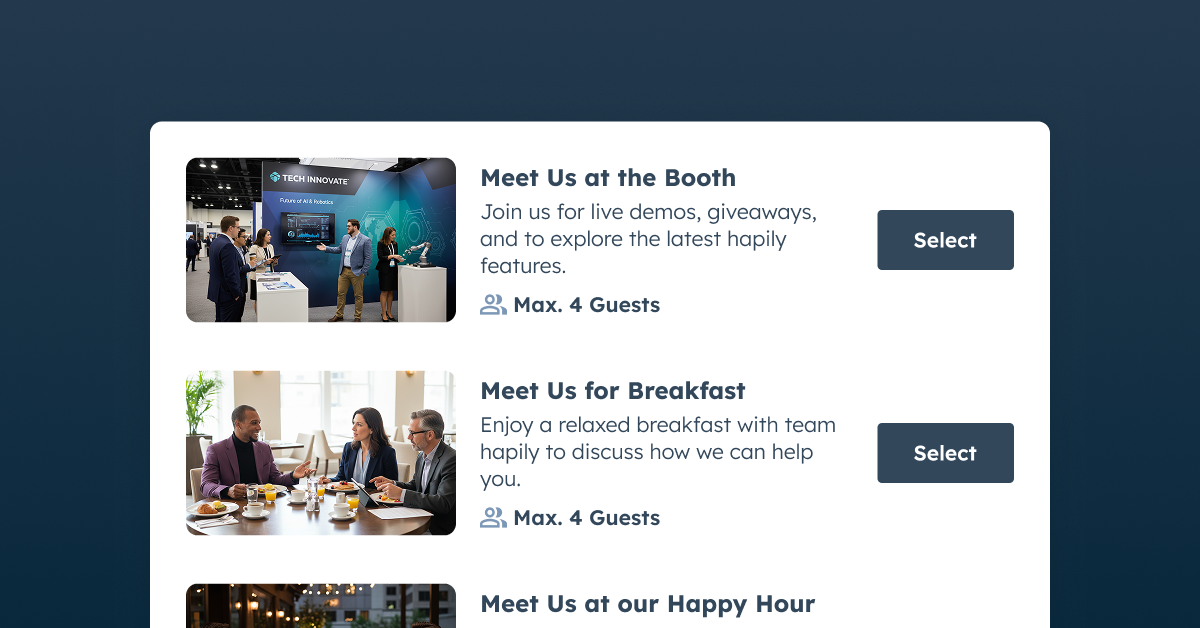
HubSpot Forms or Workflows OR Zoom Registration pages will create registrants in HubSpot and Zoom as well.
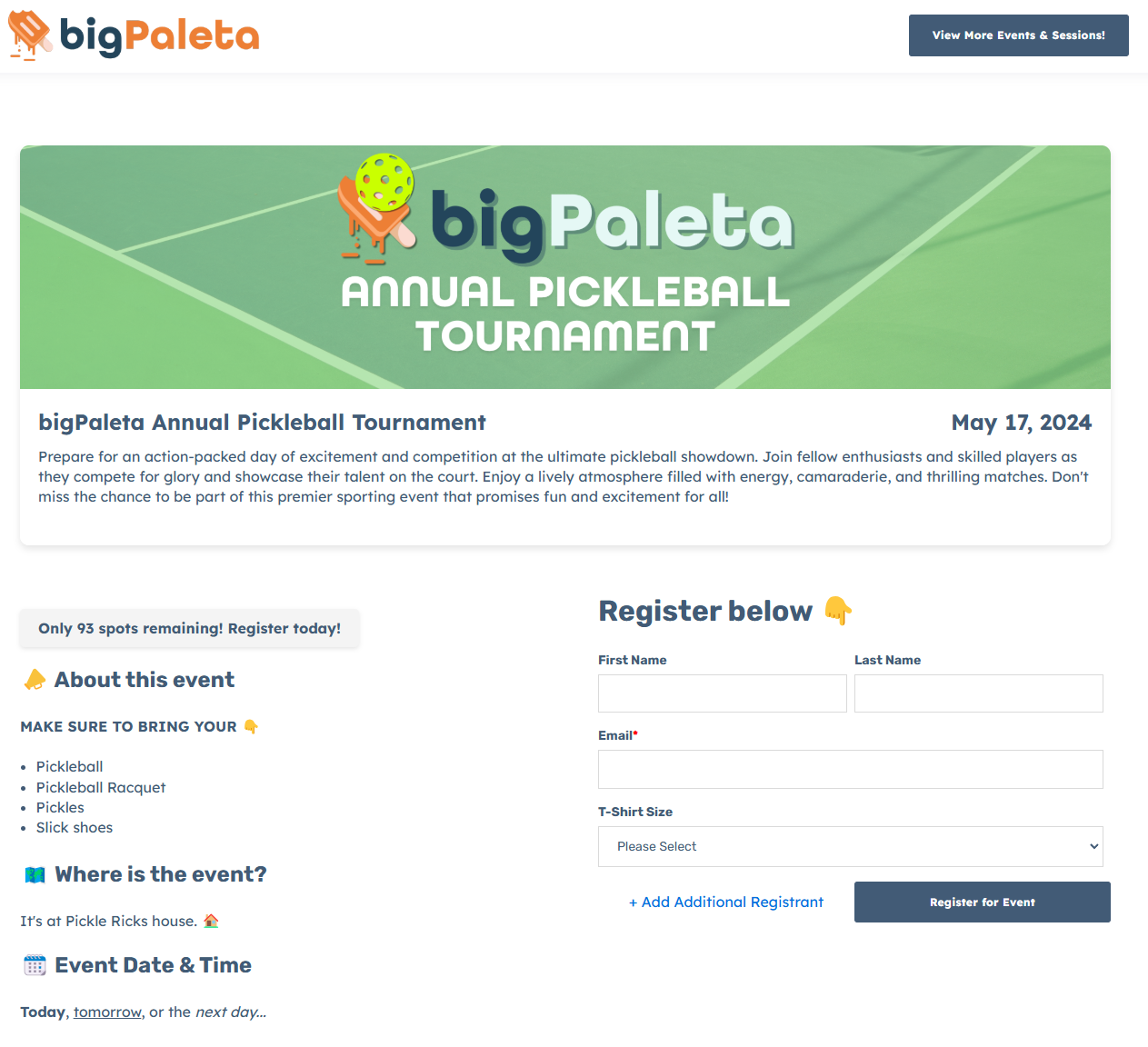
Registration Page
vs.

Zoom_Logo_Bloom_RGB

Zoom Registration Pages, or HubSpot forms, however works with Webinars only.
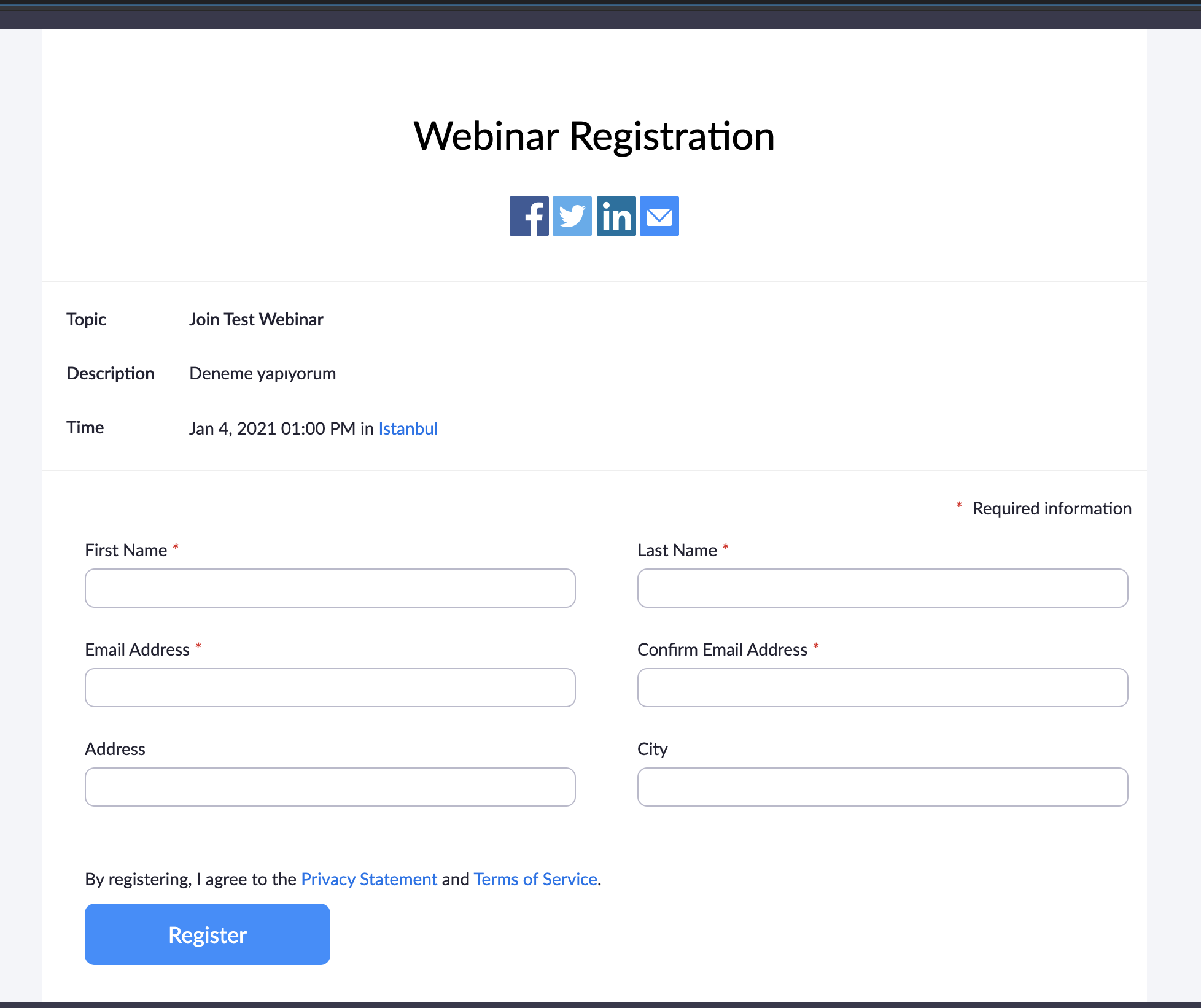


2. Can you track registration and attendance for Zoom Meetings?


hapily logo

YES! You can use Zoom Meetings (with registration enabled) as well as Zoom Webinars.

vs.

Zoom_Logo_Bloom_RGB

NO. Only works with Zoom webinars.


3. Are there separate records for registrations?


hapily logo

YES! Track attendance, trigger automation, collect feedback, and build better reports.
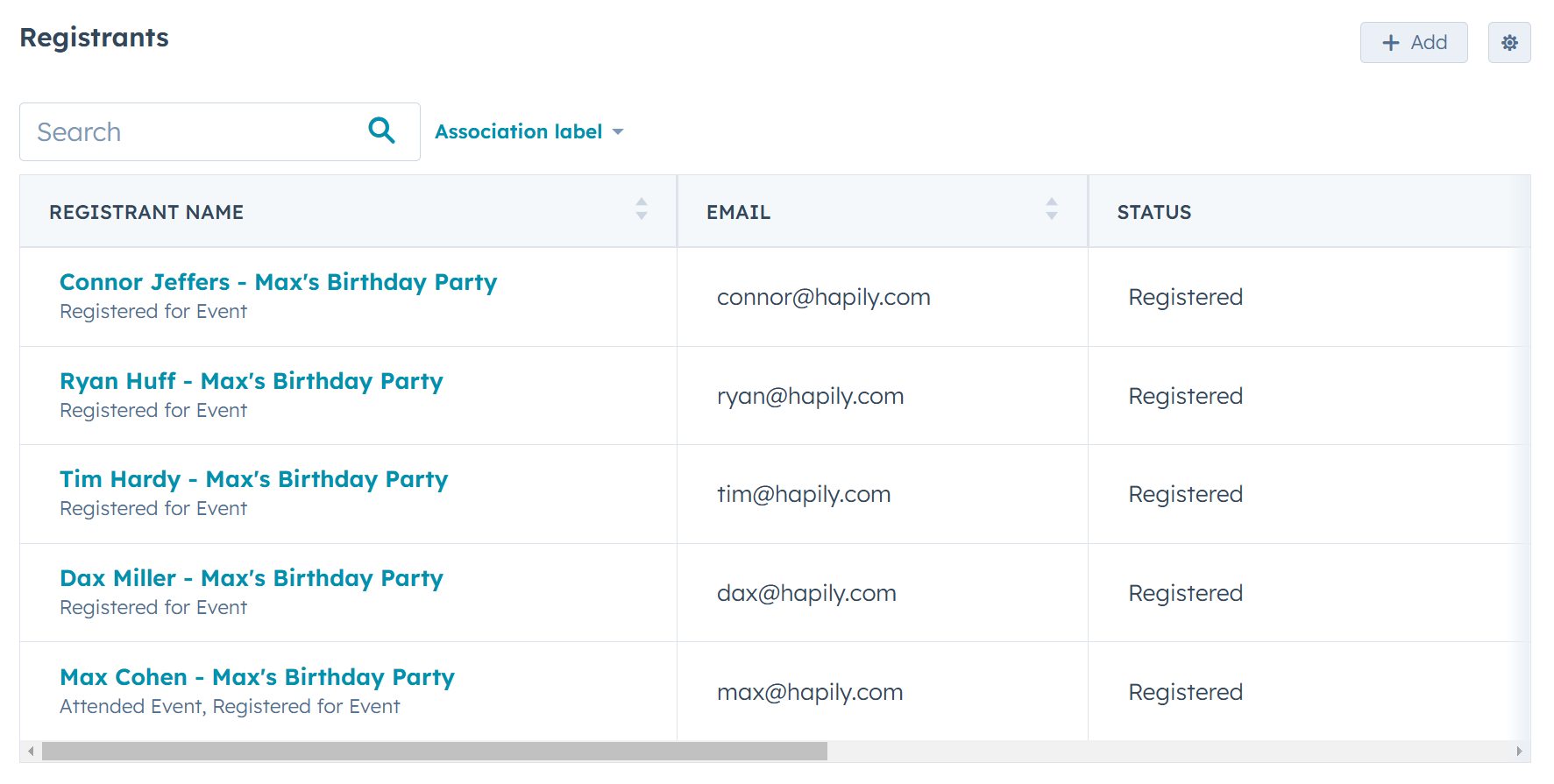
Track Attendance
vs.

Zoom_Logo_Bloom_RGB

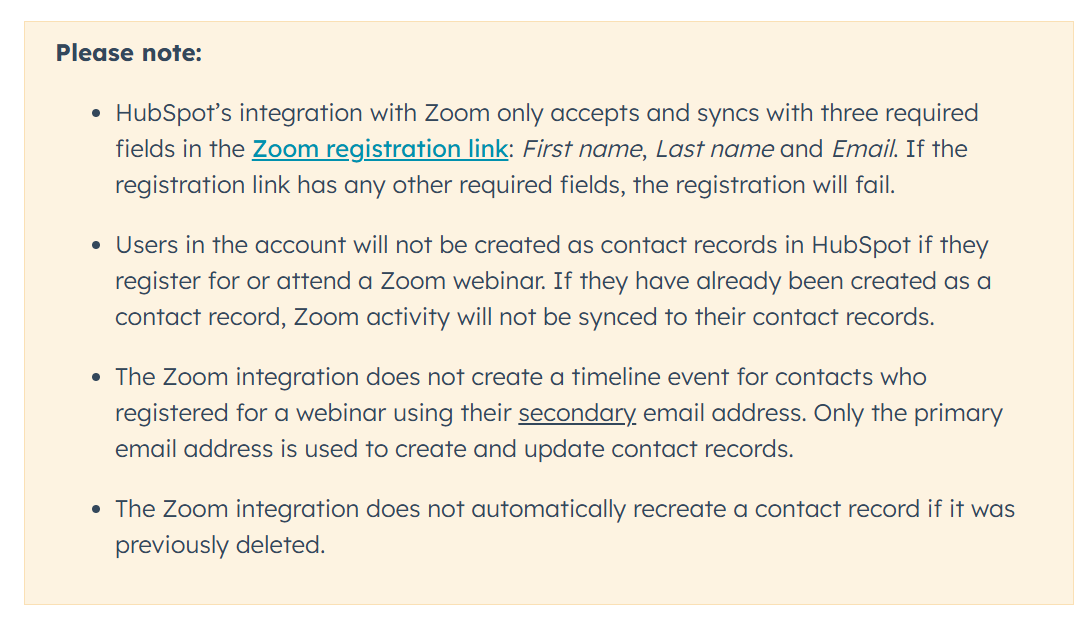
NO. The native integration only sends timeline events to the Contact record; no further tracking is available.
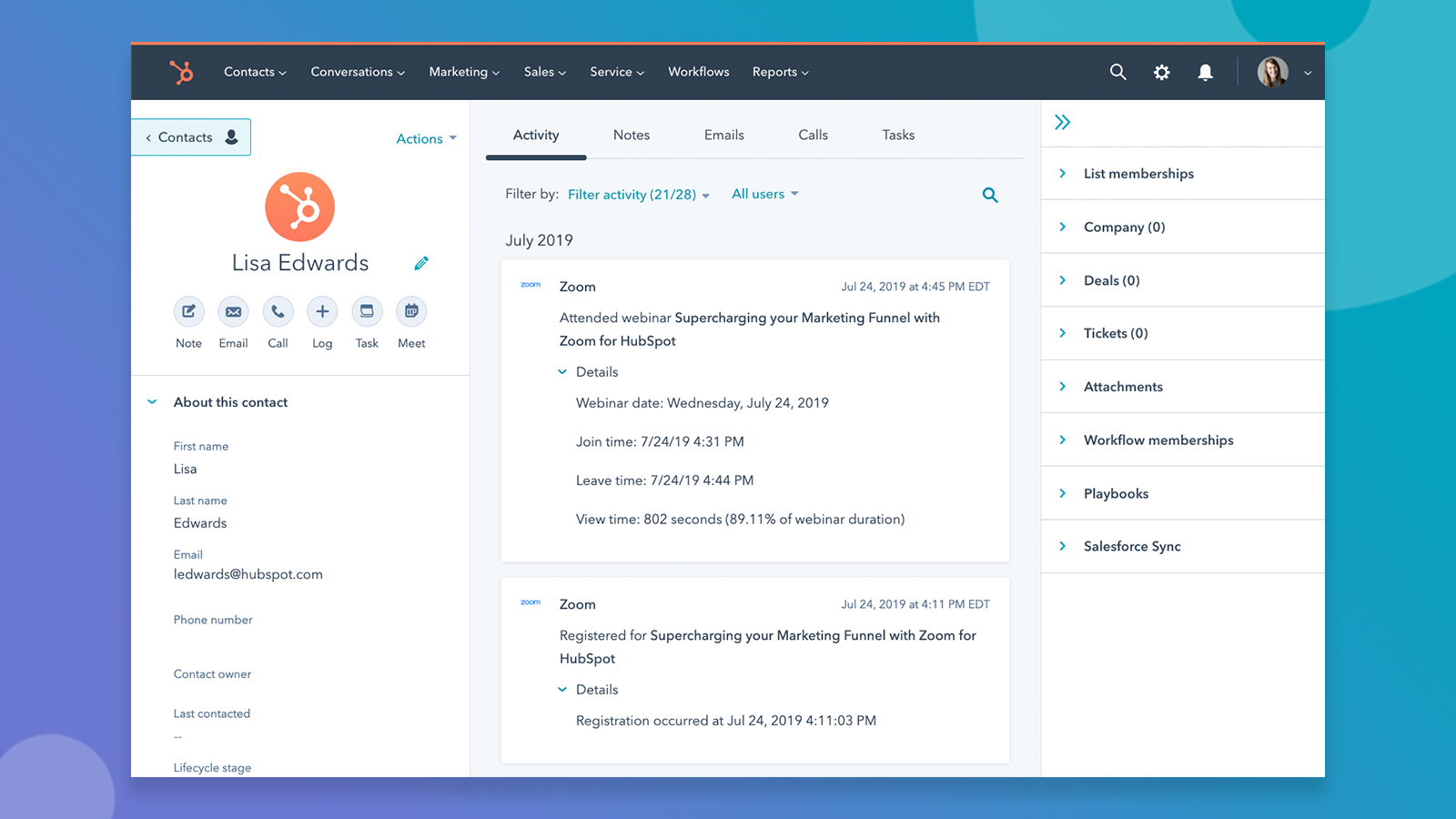
event hapily zoom timeline events


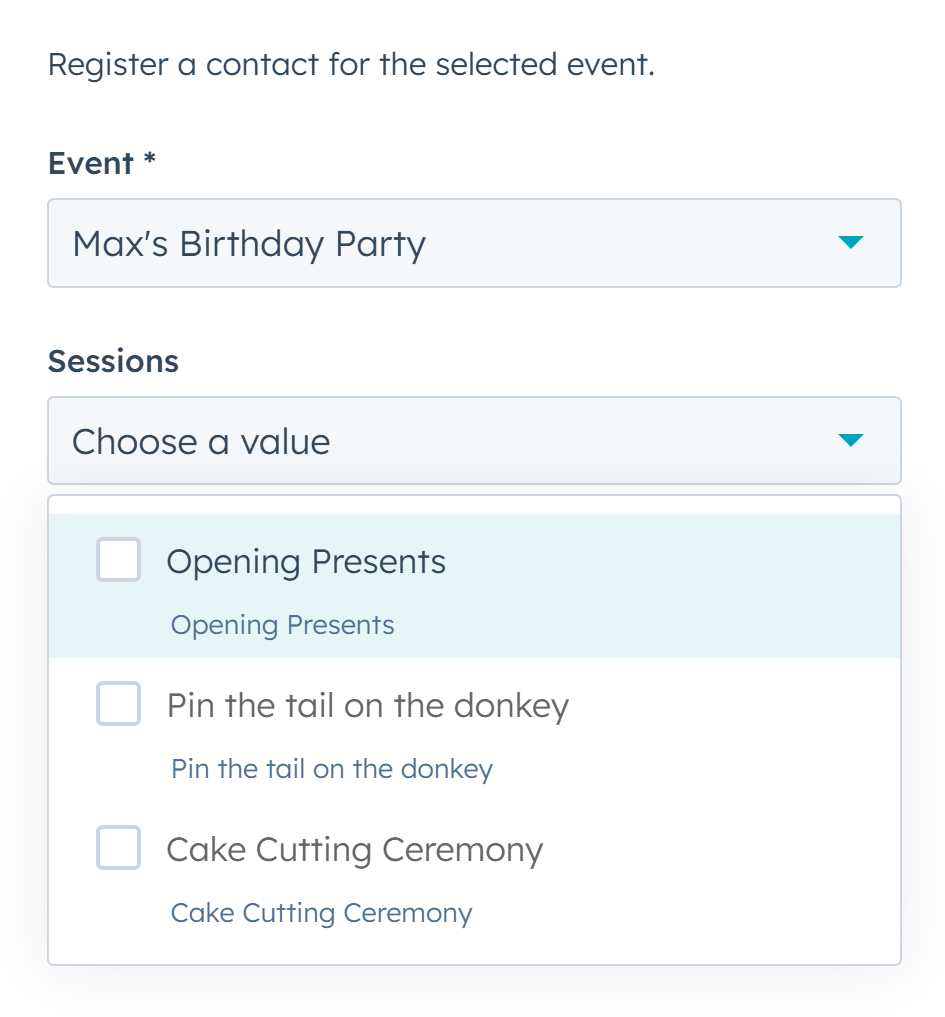
4. Can you use workflows to register contacts for an event?


hapily logo

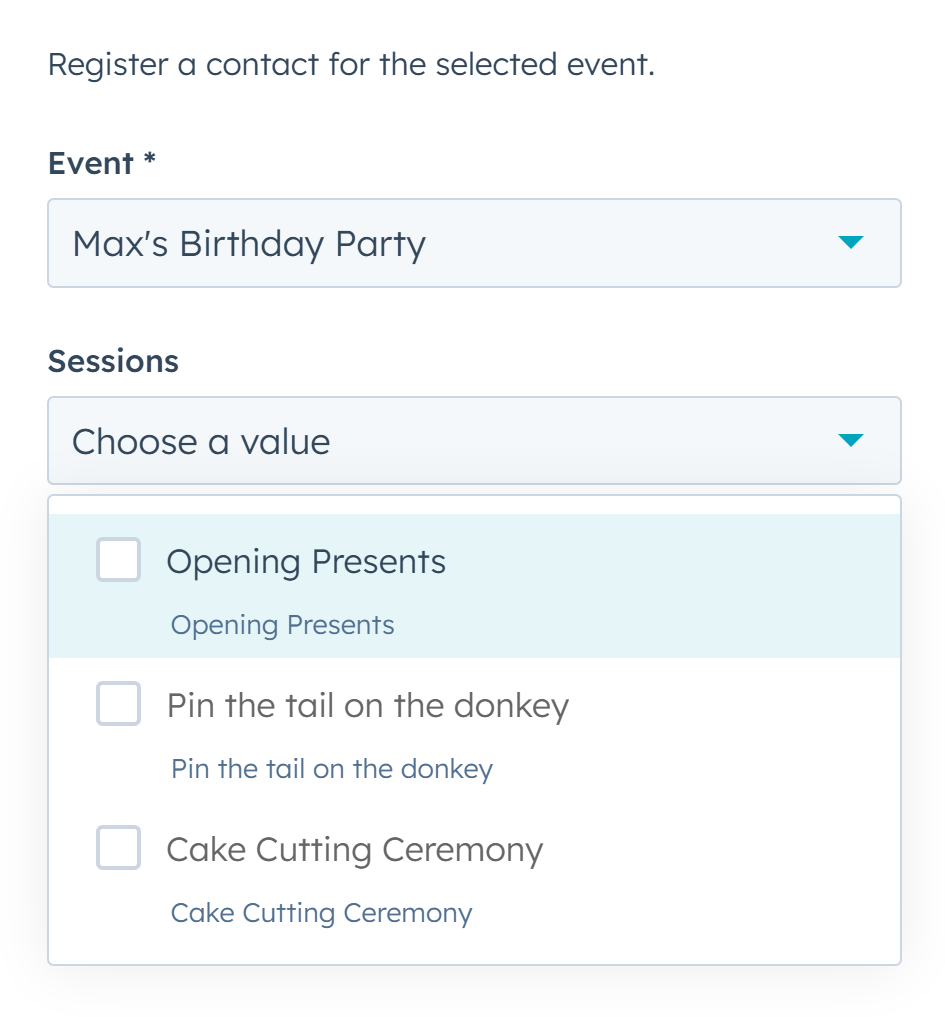
YES! Built-in workflow actions let you register contacts for events automatically.
HubSpot Forms
vs.

Zoom_Logo_Bloom_RGB

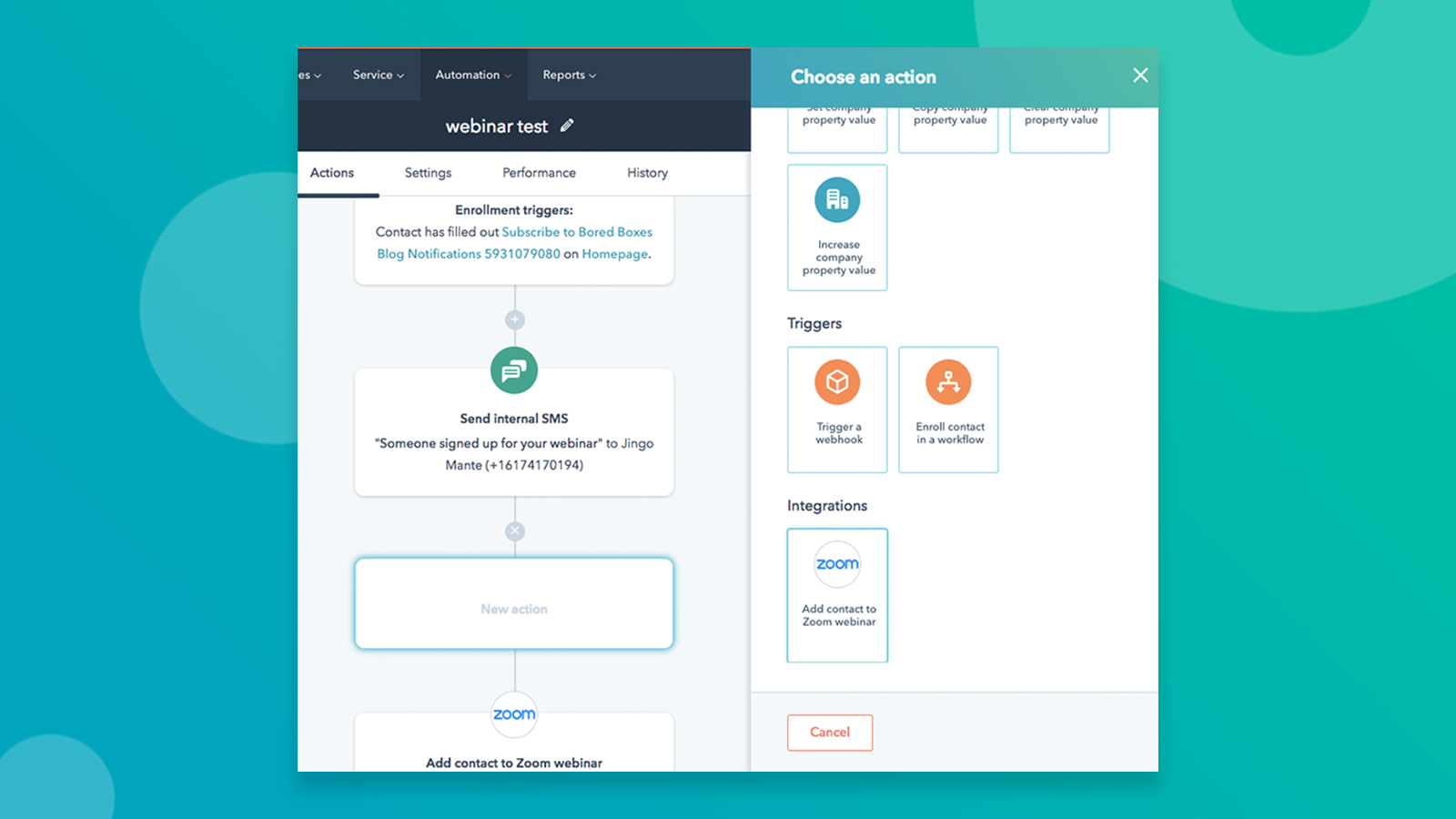
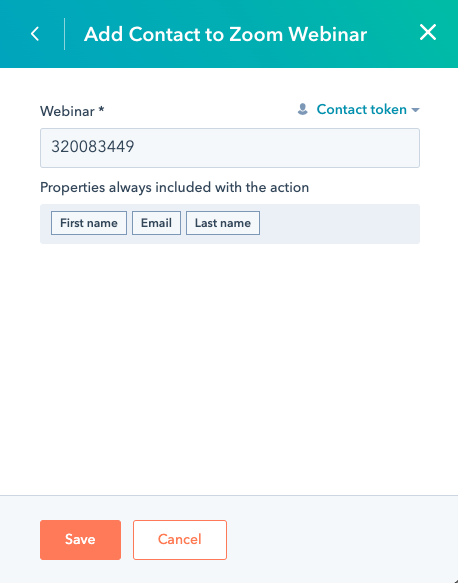
YES, BUT: ONLY to a webinar, and you need to inject a webinar ID instead of just selecting from a list. No other actions are available (like Cancellations, Attendance Tracking, etc.).


5. Can you associate events with other HubSpot objects?


hapily logo

YES! Associate events with literally anything in HubSpot, including custom objects.
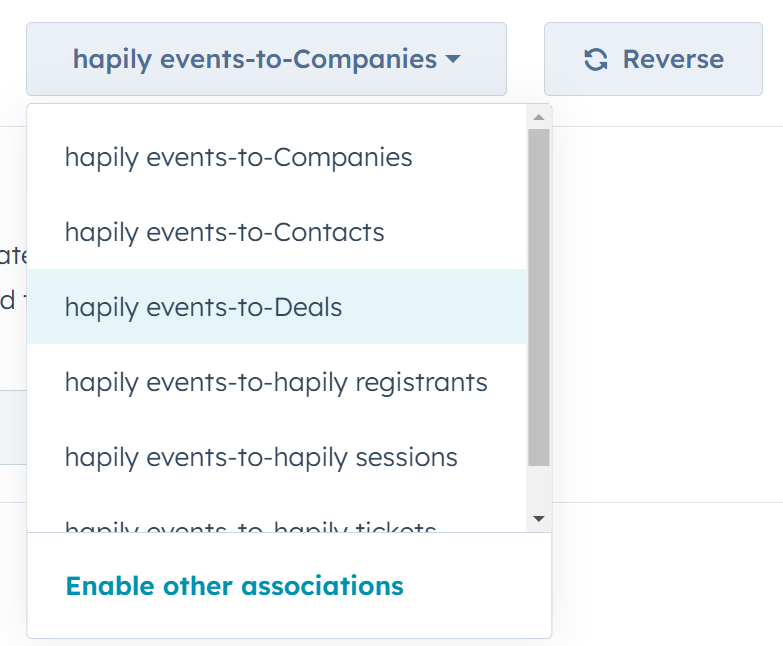
image8
vs.

Zoom_Logo_Bloom_RGB

NO. You're limited to the Marketing Event object — nothing else.


6. Can you customize the event record layout?


hapily logo

YES! Customize the layout just like any other standard or custom HubSpot object.
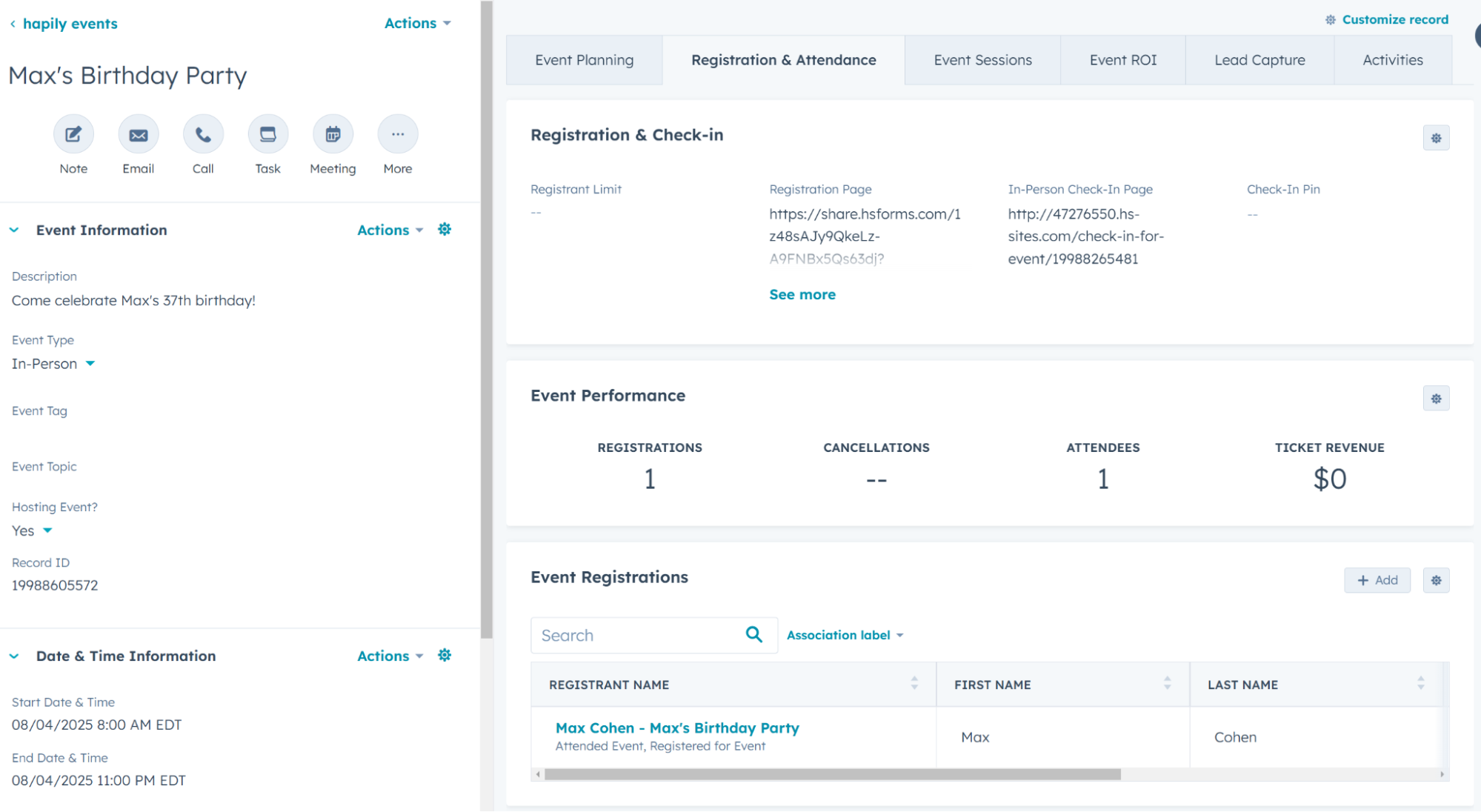
Event Stat
vs.

Zoom_Logo_Bloom_RGB

NO. The layout is locked to Eventbrite’s setup.
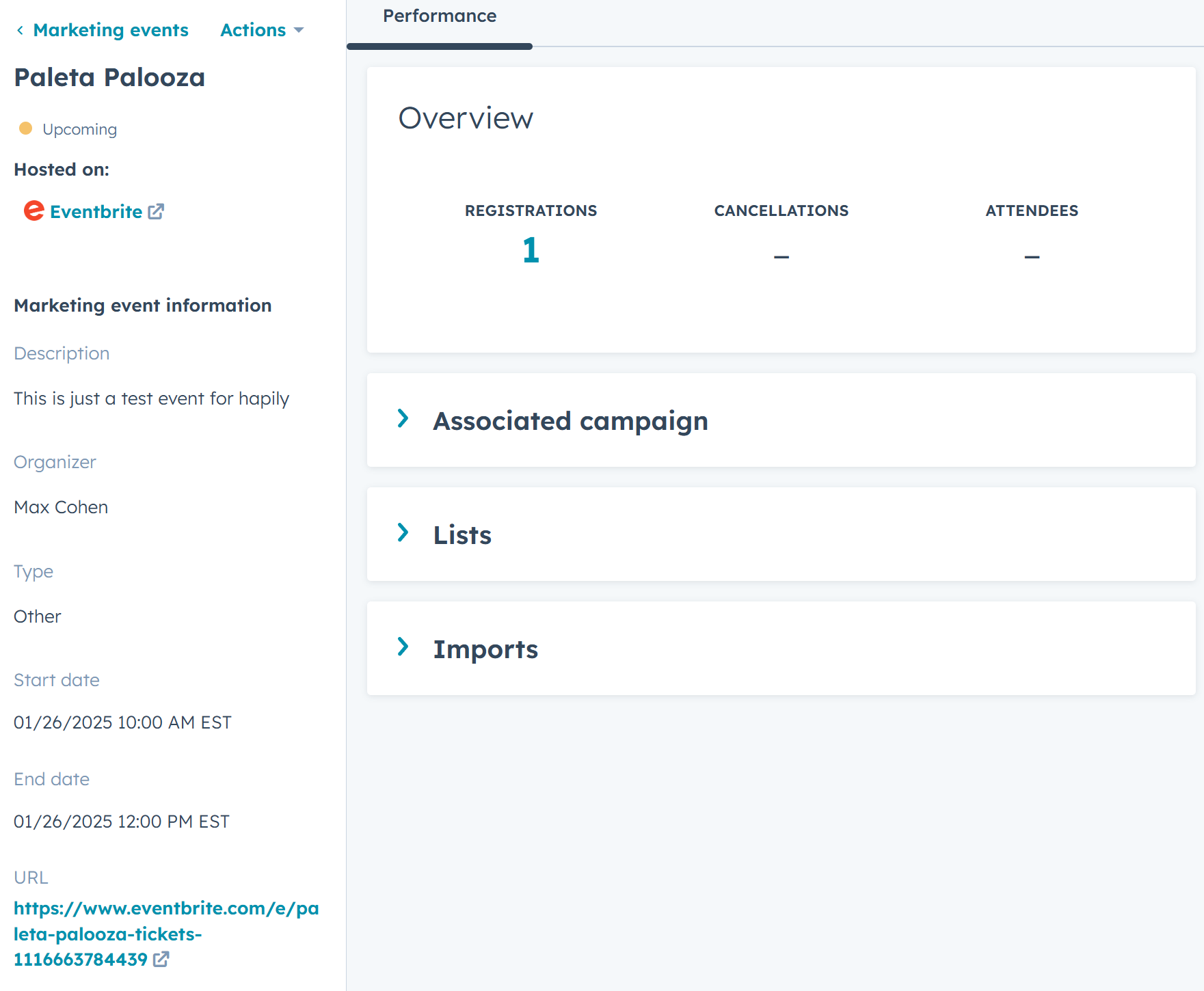
image18


7. Can you build custom report UI cards?


hapily logo

YES! Easily visualize registrations over time and track key event metrics.
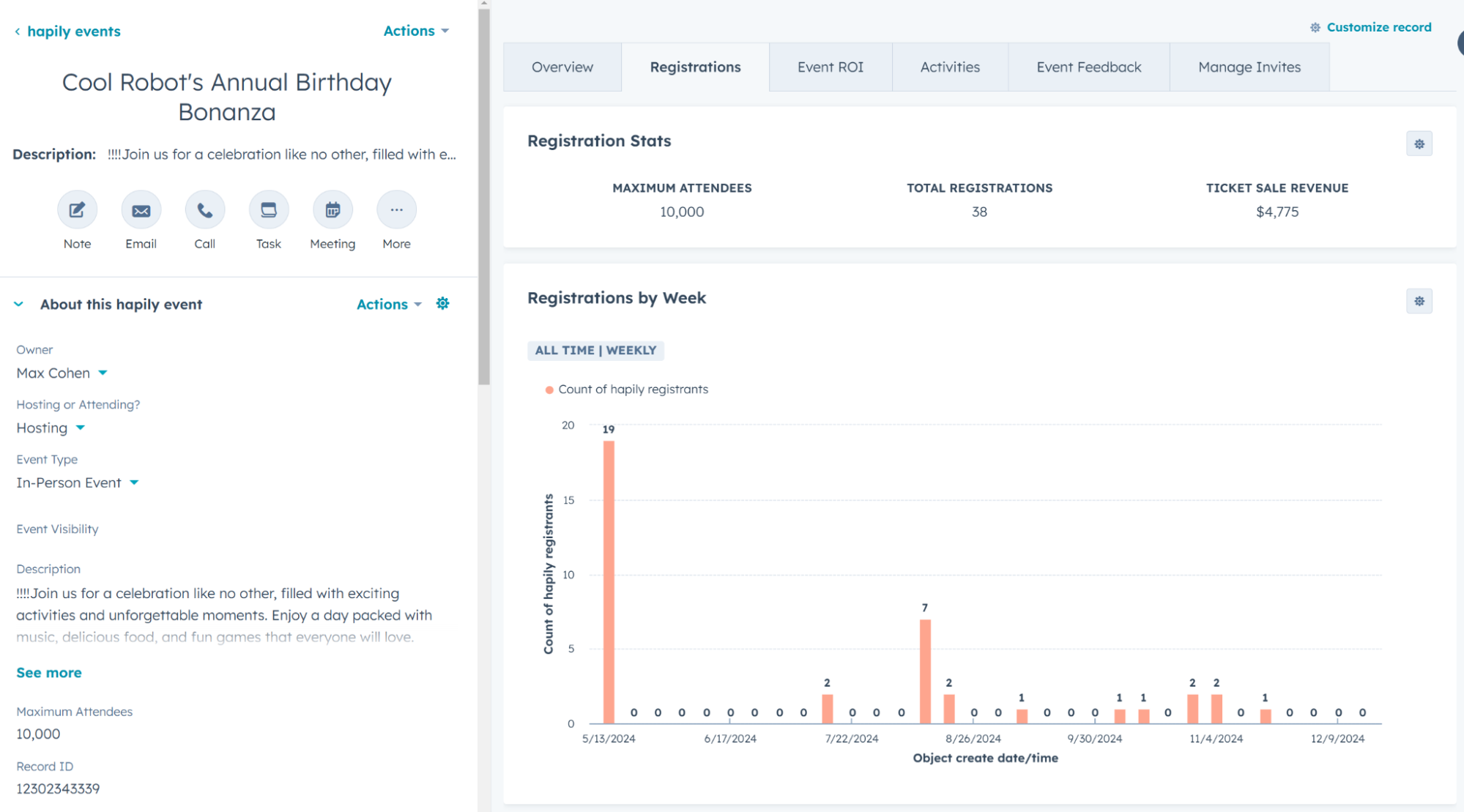
Event Reports
vs.

Zoom_Logo_Bloom_RGB

NO. Customization isn't an option — you’re stuck with the default Marketing Event object.


8. How do you track attendance?


hapily logo

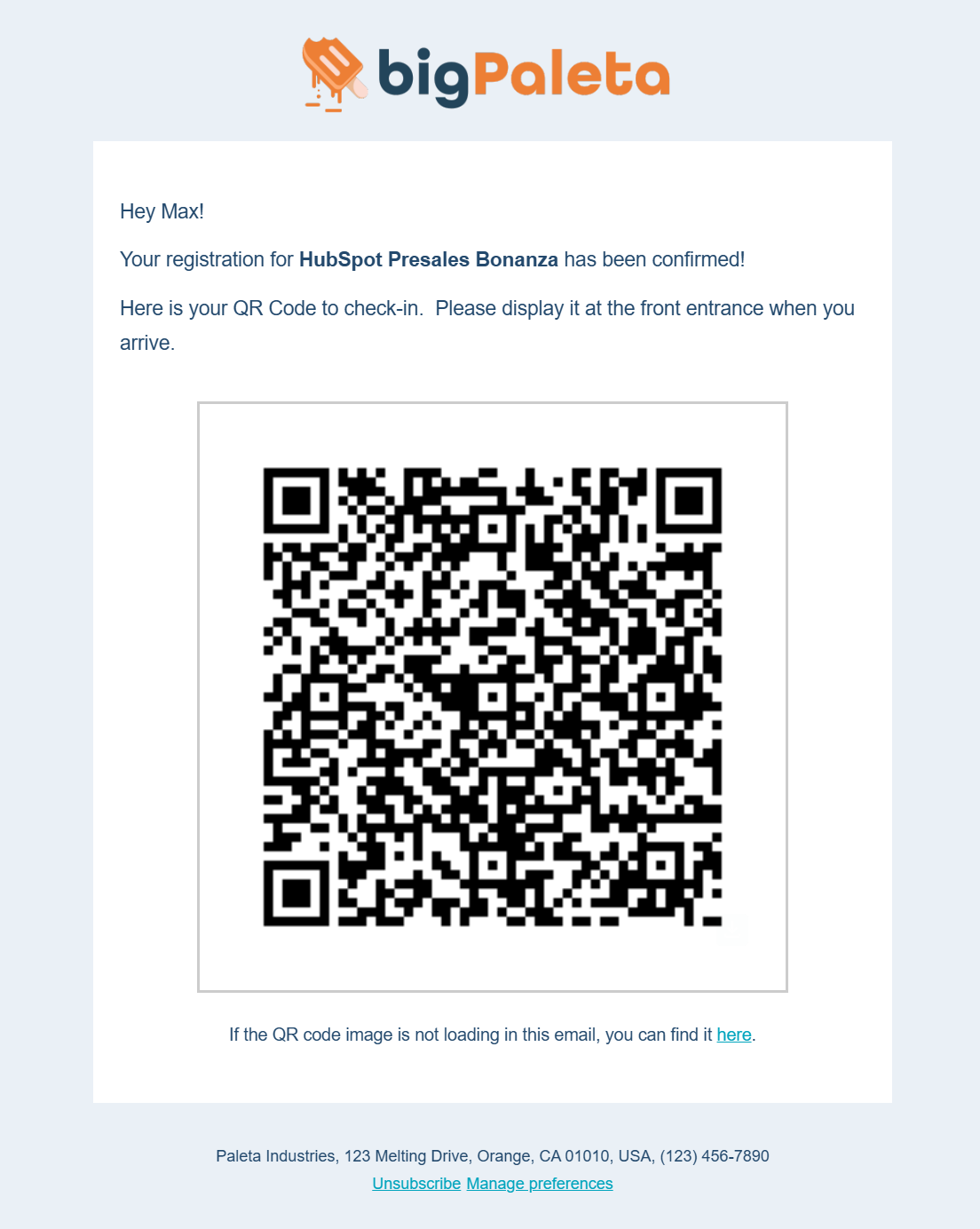
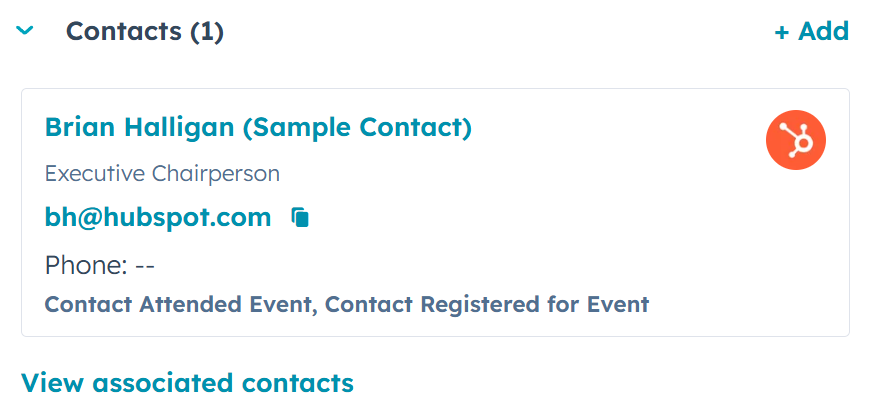
In-Person Tracking Module + QR Code Scanning — no third-party hardware needed.
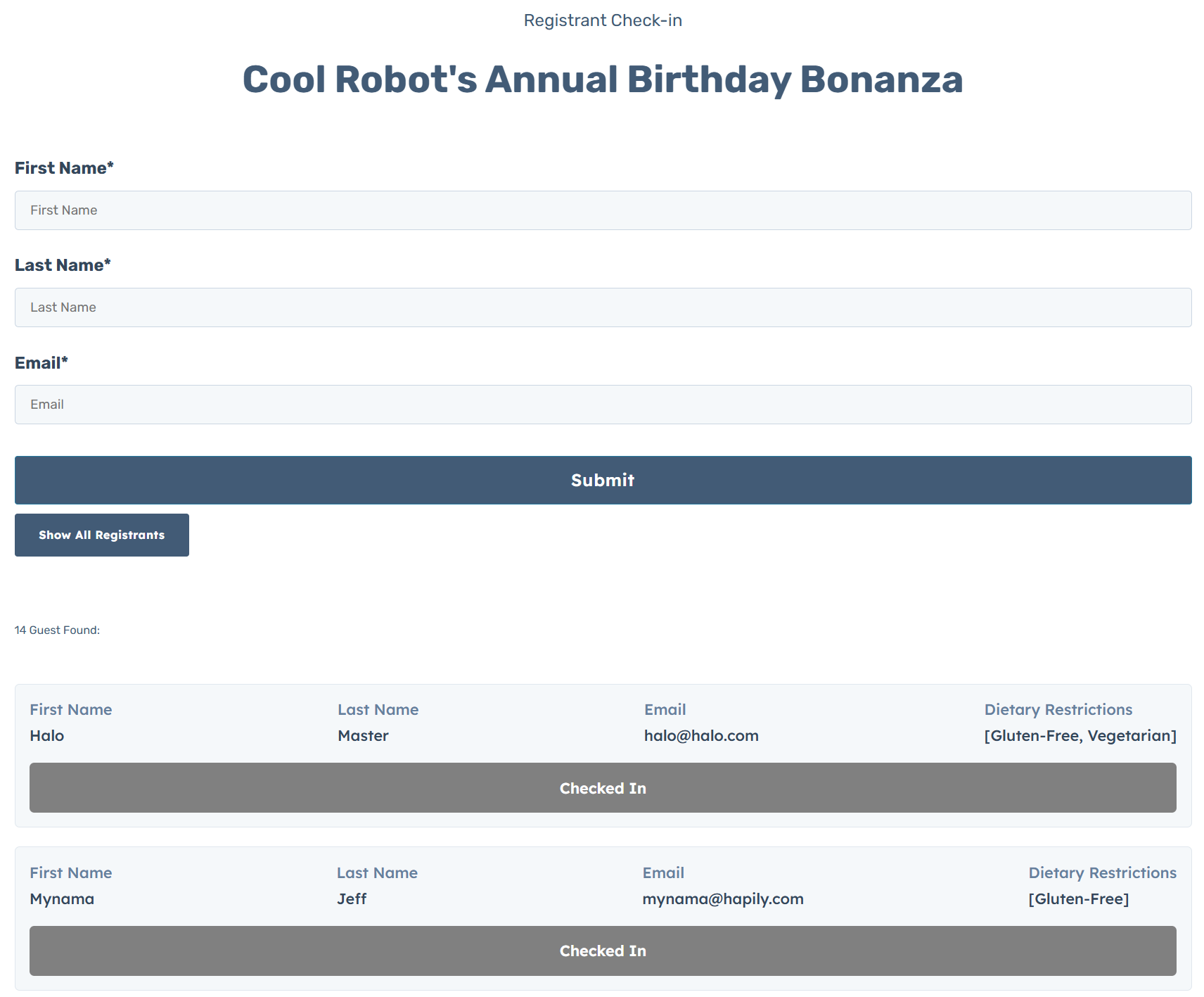
Check In Form
QR Code
Associated Contacts
vs.

Zoom_Logo_Bloom_RGB

Zoom sends attendee data to the Marketing Events object.


9. Are there out-of-the-box CMS modules for event registration?


hapily logo

YES! Includes HubSpot CMS modules and a full CMS theme for event pages.
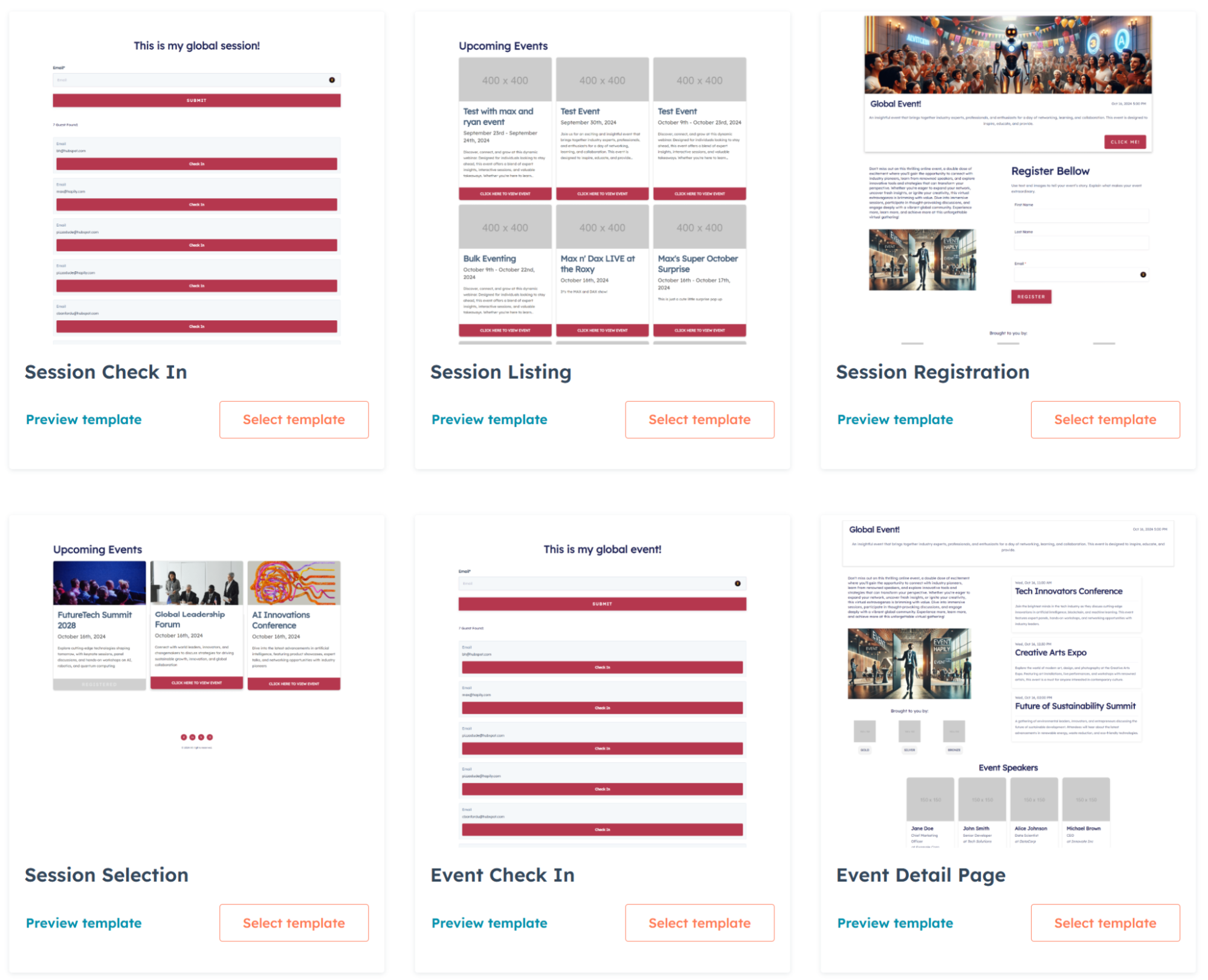
CMS Theme
vs.

Zoom_Logo_Bloom_RGB

NO. Zoom has no features that create CMS Templates/Modules/Pages to assist with event registration.


10. Can you see attended events on Contacts?


hapily logo

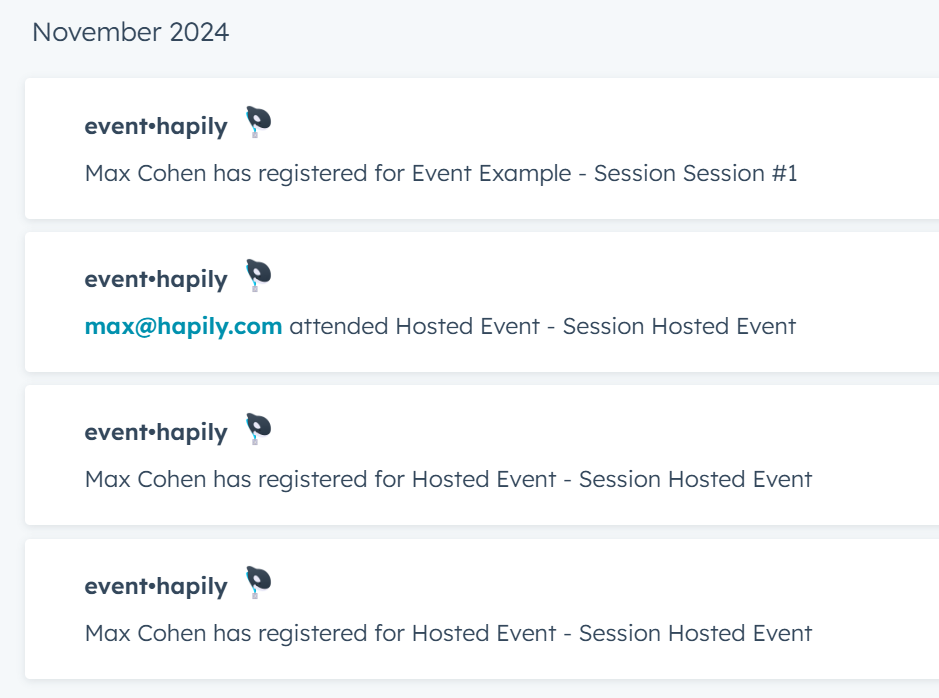
YES! Associations tables and Timeline Events make it easy to see event history.
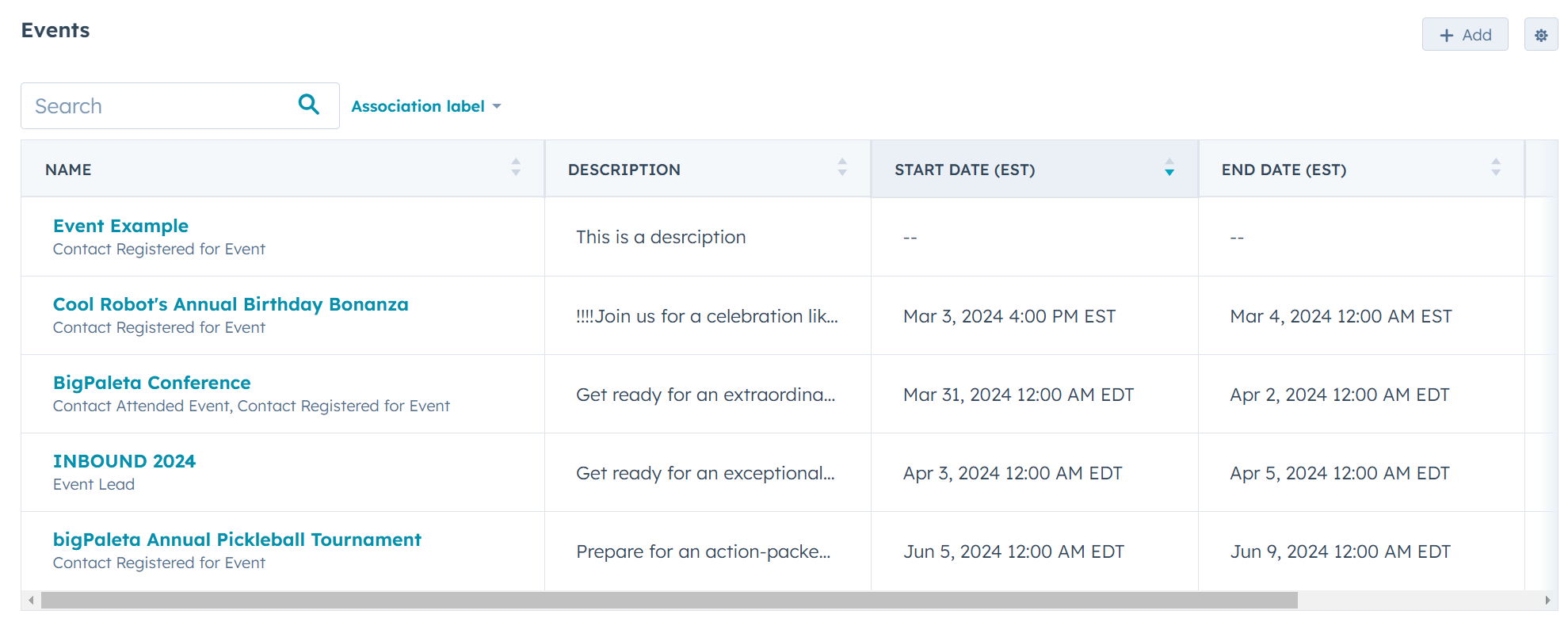
Attendance Tracking
Activity log
vs.

Zoom_Logo_Bloom_RGB

NO. Contact timelines show limited event info, and custom question data (e.g., t-shirt size, dietary needs) doesn’t sync.


12. Can you track event ROI?


hapily logo

YES! Use custom calculated fields and deal attribution workflows to track ROI however you need.
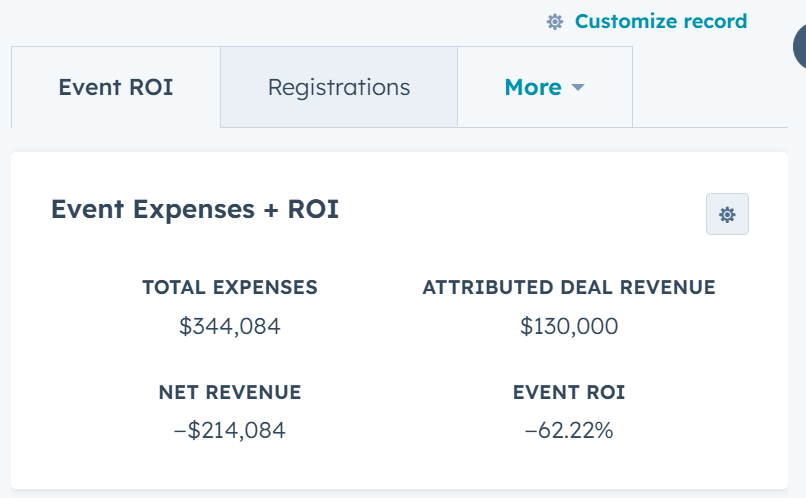
ROI stats
vs.

Zoom_Logo_Bloom_RGB

NO. You cannot create customizations on the Marketing Event object created by Zoom that helps manage ROI on an event-by-event basis.


13. Can you build custom reports?


hapily logo

YES! Custom reports are easy with robust registrant and session data.

vs.

Zoom_Logo_Bloom_RGB

Only using limited data from the Marketing Event objects created and managed by Zoom


14. Can you attribute deals to events?


hapily logo

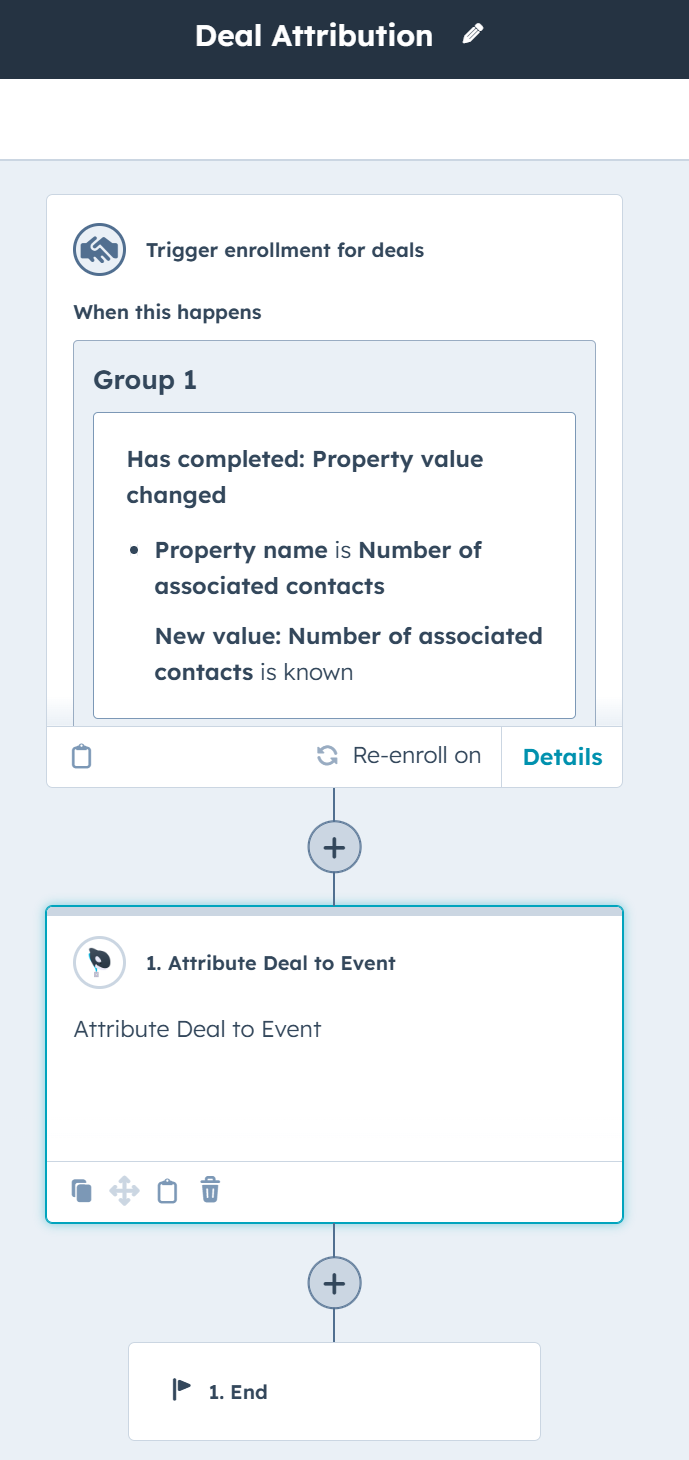
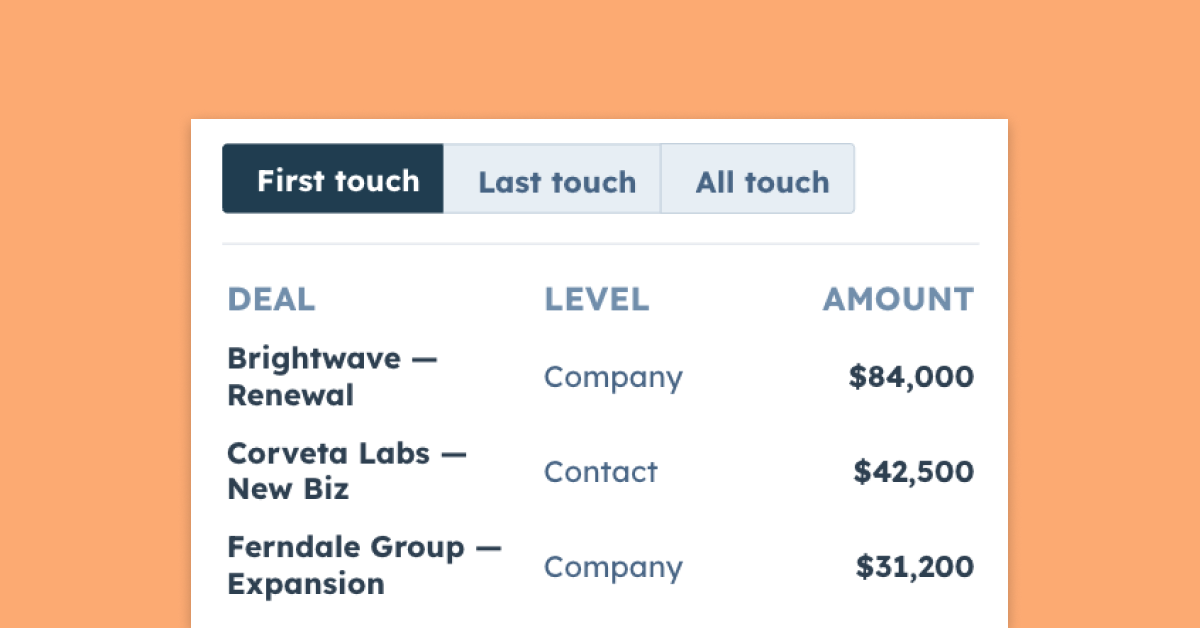
YES! Our Attribute Deal to Event workflow action connects revenue to events.
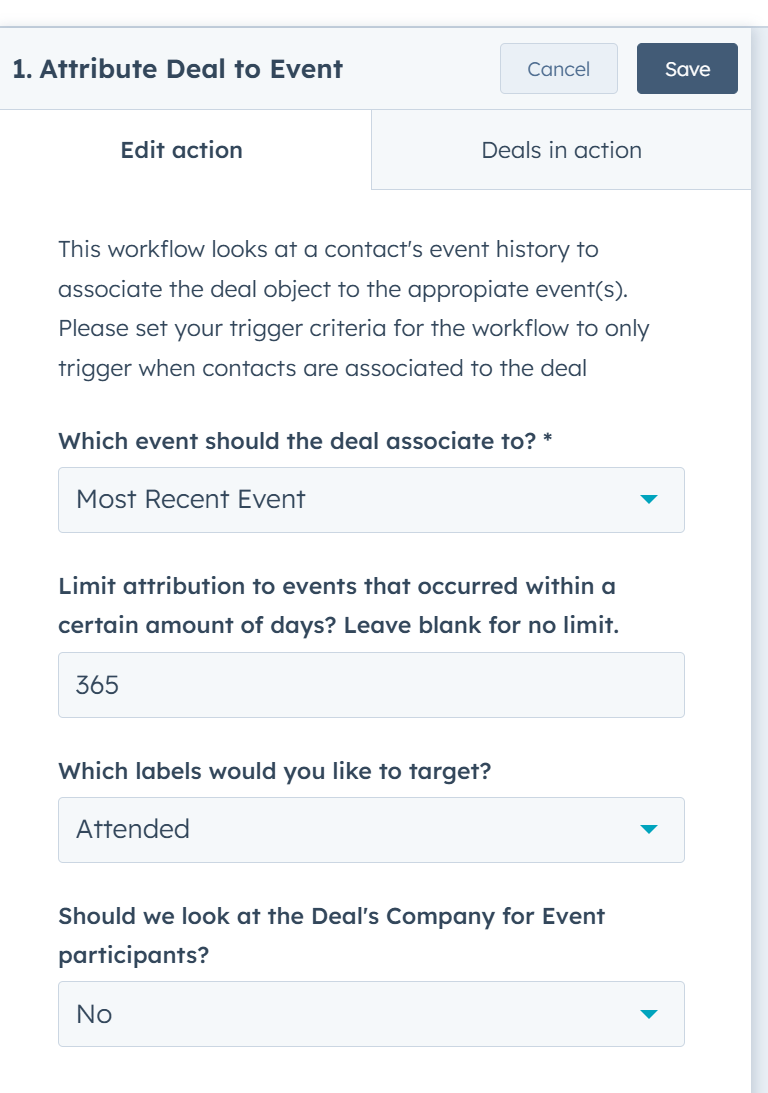
Deal Attribution to Event
Attribution Workflow
vs.

Zoom_Logo_Bloom_RGB

NO. You can’t associate Deals with the Marketing Events that Zoom creates and manages.

hapily blog

The latest from the hapily team:

[ON-DEMAND WEBINAR] Events That Build Trust: A CRM-Powered Approach for Professional Services Teams

[ON-DEMAND WEBINAR] Events That Build Trust: A CRM-Powered Approach for Professional Services Teams

Learn how CRM-powered events build trust in professional services by connecting event data with client context, ensuring seamless execution...

Release Notes | January 2026

Release Notes | January 2026

A quick look at new feature releases, improvements, and bug fixes.

How Enriched Lead Data Strengthens Your Post-Event Strategy

How Enriched Lead Data Strengthens Your Post-Event Strategy

Capturing leads is easy, but enriching them is where the magic happens.


SCHEDULE A DEMO TODAY!

Ready to
event hapily?

Women On Site with Tablet - Light Background