
Inviting people to an event sounds simple. In reality, it’s rarely just one list and one email. Some invites go out through marketing. Some happen manually from sales reps. Some come from past attendees, partners, or “we should absolutely invite them” conversations that never quite make it into a system.
Before long, invite strategy turns into scattered context:
- Lists live in one place
- Emails live in another
- Results are buried somewhere else (if they exist at all)
And when someone asks, “Who did we invite, how did we invite them, and did it work?” the answer usually involves tabs, guesswork, and a little hand-waving.
There’s no single place to see the full picture, which makes it harder to learn from past events or confidently plan the next one.
That’s the gap our new Invite Manager UI extension was built to close.
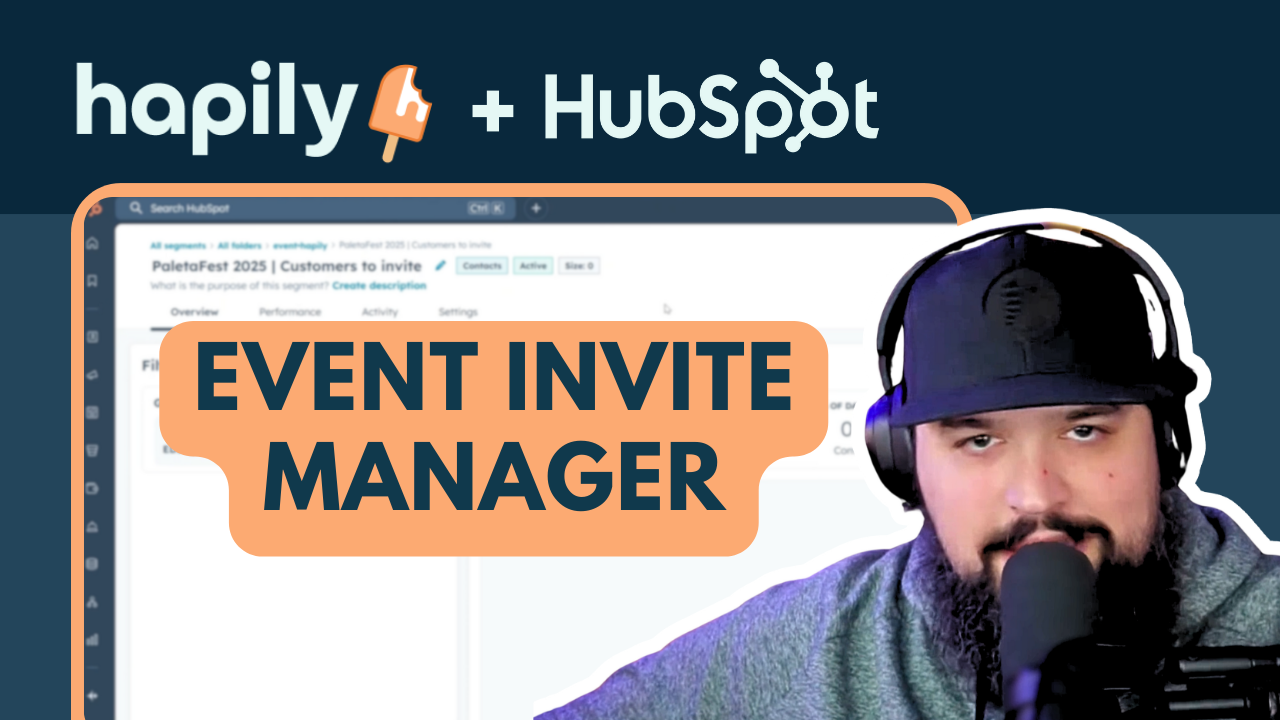
Don't feel like reading? Watch Max dig into it here:
Events Need an Invitation Command Center
When events live inside your CRM, invitations shouldn’t float around outside of them. Invite Manager brings three things together directly on the event record, so invite strategy stays connected to the event itself:
- Who you’re inviting
- How you’re inviting them
- What actually happened as a result
Not in a dashboard. Not in a spreadsheet. Right where the event already lives.
The goal isn’t to change how you invite people, it’s to make sure every invite has context and continuity, no matter how many channels or people are involved.
Invite Lists: Who Should (or Shouldn't) be Invited
Every event starts with audience decisions, and those decisions are rarely straightforward. Most teams are juggling multiple groups at once:
- Customers vs prospects
- Past attendees
- Partners
- Hand-picked outreach from reps
Invite Manager lets you attach those audiences directly to the event — whether you:
- Create a new list specifically for that event
- OR link an existing list you already trust
That means anyone looking at the event record can immediately understand who was intentionally in scope, without digging through list tools or relying on naming conventions alone.
Behind the scenes, naming conventions stay clean and consistent so lists are easy to find later. On the event record itself, you only see what matters: clear, readable list names tied directly to the event.
The result?
No more wondering which lists were “for this event” versus reused from somewhere else.
Invite Emails: Complete Visibility Without Micromanaging
Some teams send polished marketing emails. Some don’t send emails at all. Some do both and add in manual outreach on top.
The beauty of Invite Manager is it doesn’t force a workflow. It reflects the one you already have, while keeping invite activity visible on the event itself.
By linking invite emails directly to the event record, you can:
- see which emails were used to invite which audiences
- understand timing and sequencing at a glance
- keep invite history tied to the event itself
You’re still using HubSpot’s native email tools. Invite Manager just makes sure the event has a memory, so invite decisions don’t disappear once an email is sent.
Reporting That Actually Tells You If It Worked
This is where things usually fall apart. Emails get sent, but results live elsewhere. Lists grow, but no one knows why. And registrations happen, but the overall invite strategy is hard to evaluate.
Because Invite Manager connects all of your lists, emails, and registrations on the event record, you can see:
- Total # of unique invites
- Total # of registrants
- Registration rate
These numbers give teams a quick read on how their invitation strategy performed.
They make it easier to answer questions like:
- Did we invite the right people?
- Did this audience convert better than others?
- What should we change next time?
That context makes it easier to refine invite strategy over time instead of starting from scratch with every event.
Bringing Invitation Strategy Back to the Event
Events aren’t one-off moments anymore. They’re part of a larger growth engine.
When invite data lives outside the event, context gets lost — and follow-up suffers. When it stays connected, teams can move faster, communicate more confidently, and make smarter decisions the next time around.
Invite Manager isn’t about sending more invites. It’s about keeping invitation strategy grounded in the event itself where it belongs.

.png)