Get started with Associ8—the tool that makes associating HubSpot records fast, flexible, and fully automated.
What is Associ8?
Associ8 is a HubSpot workflow extension that lets you automatically create, label, and remove associations between records—no manual linking or custom code needed.
You can use Associ8 to automatically:
- Link standard and custom objects using shared data (e.g., associate a Deal to a Contact using “Company Domain Name”)
- Apply association labels to better organize relationships
- Remove association labels with Label Peeler
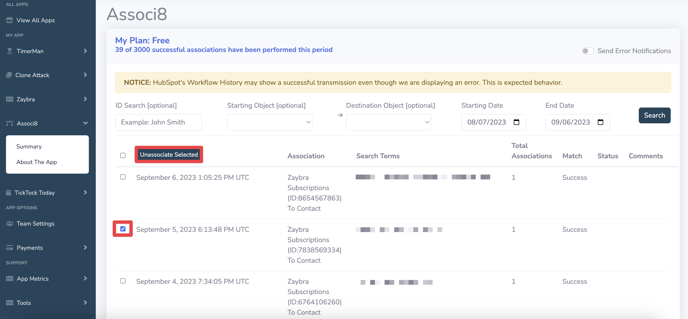
- Remove outdated or incorrect associations with Unassoci8
Where to Start
Here’s everything you need to get up and running:
Overview of Associ8 Actions
Associ8 includes four workflow actions:
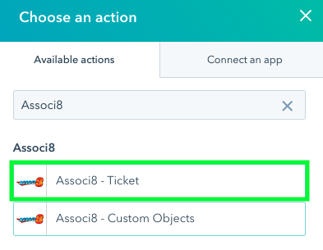
- Associ8 - {Object Type}
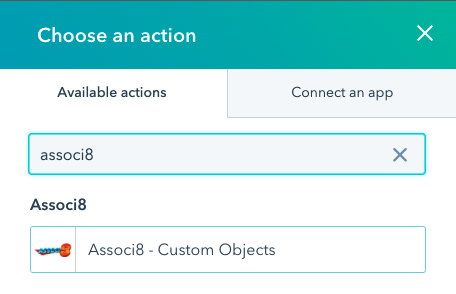
- Associ8 - Custom Objects
- Label Peeler
- Unassoci8
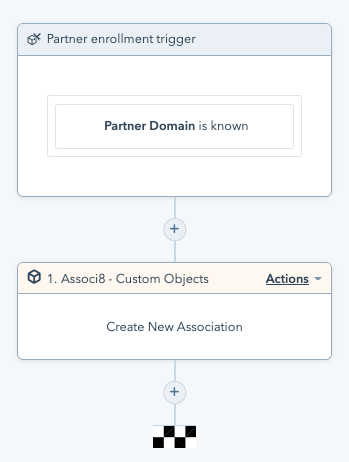
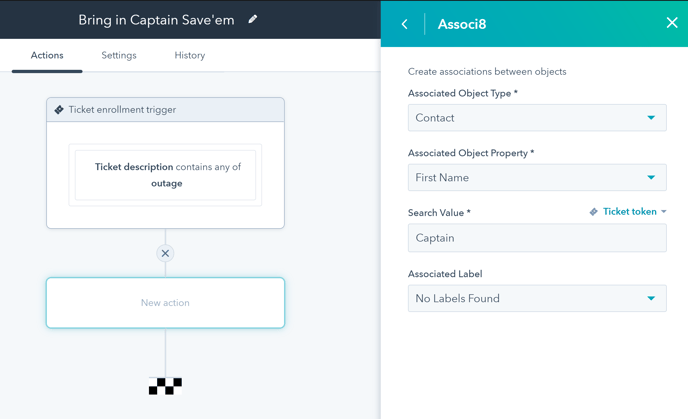
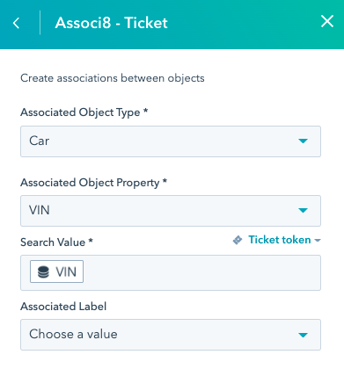
1. Associ8 – {Object Type}
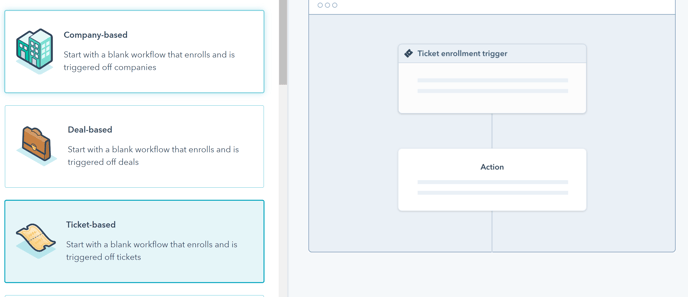
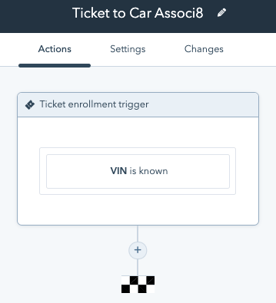
Use in: Deal, Contact, Company, or Ticket–based workflows
Purpose: Create associations between a standard object and any standard or custom object using matching property values
How it works:
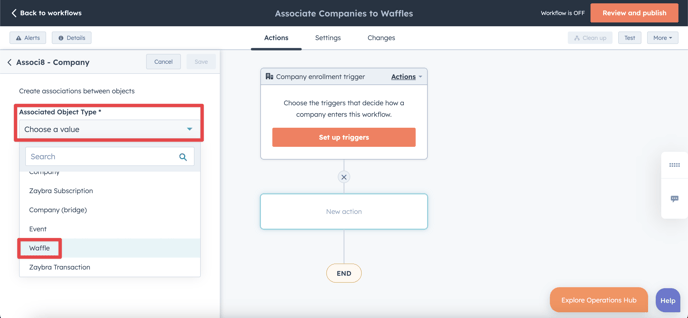
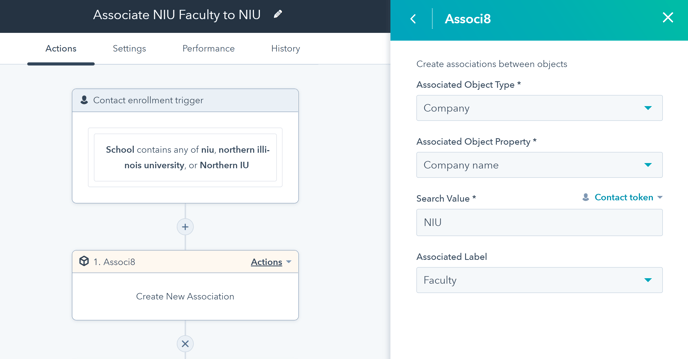
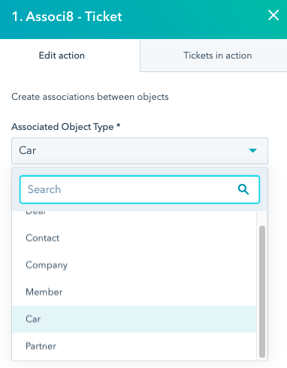
- Select the object type you want to associate the enrolled object with
- Choose a search value from the enrolled object (e.g., a Contact’s email)
- Match it against a property on the associated object (e.g., a Company’s domain)
- (Optional) Apply an association label to categorize the relationship
Example use case:
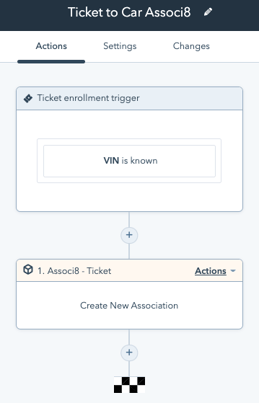
In a Ticket-based workflow, use the Ticket’s “Customer Email” property to find and associate the related Contact. Then, apply a label like “Support Requester” to clarify their role in the relationship.
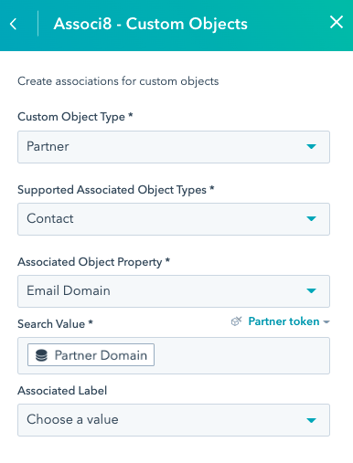
2. Associ8 – Custom Objects
Use in: Custom object–based workflows
Purpose: Create associations between a custom object and any standard or custom object using matching property values
How it works:
- Specify the custom object type the workflow is based on at the top of the action
- Select the object type you want to associate the enrolled object with
- Choose a search value from the enrolled object (e.g., an email address)
- Match it to a property on the associated object
- (Optional) Apply an association label to categorize the relationship
Example use case:
In a “Survey Response” custom object workflow, use the response’s email to find and associate the correct Contact by matching it to the Contact’s email property.
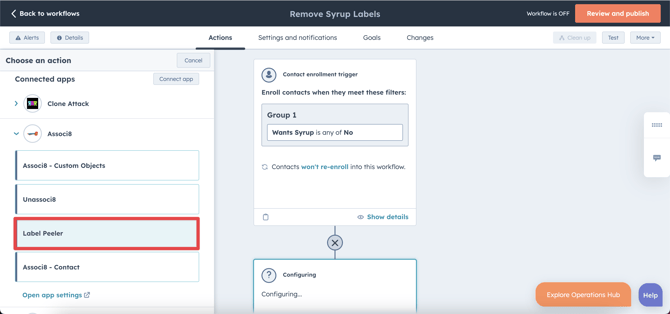
3. Label Peeler
Use in: Any object-based workflow
Purpose: Remove association labels without deleting the association itself
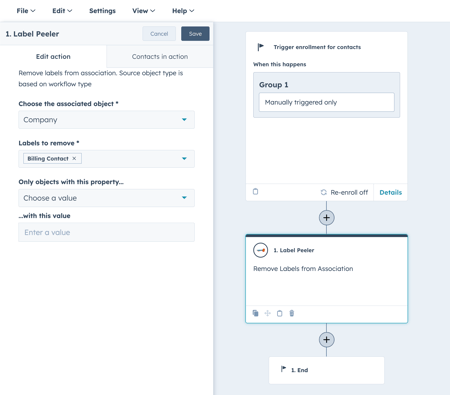
How it works:
- Select the object(s) involved in the association
- Choose the label(s) you want to remove
- Set any necessary conditions to target the correct records
- The association remains intact—only the label is removed
Example use case:
Remove the “Active Ticket” label from Contacts associated with a Ticket once the ticket is closed, while keeping the association in place.
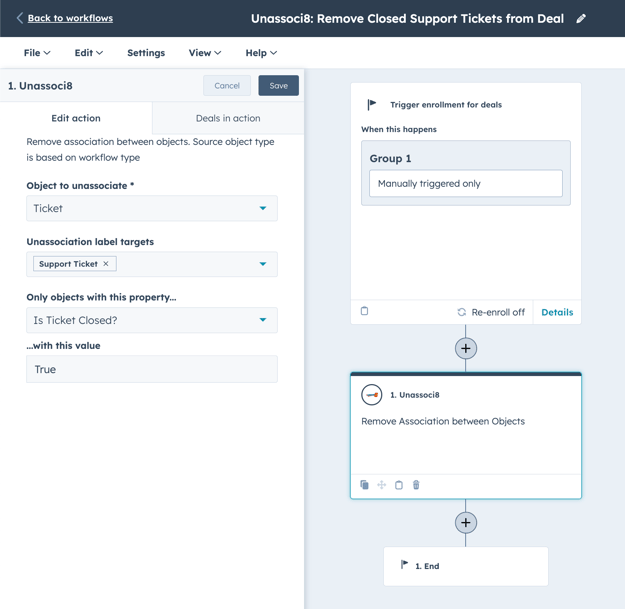
4. Unassoci8
Use in: Any object-based workflow
Purpose: Fully remove an association between two records
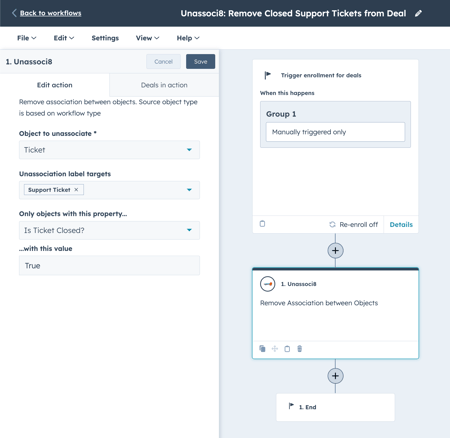
How it works:
- Define the object type you want to unassociate
- Set any necessary conditions to target the correct records
- The association is completely removed from both records
Example use case:
In a Company-based workflow, identify Contacts that are no longer with a company and remove their association to the Company to keep your CRM clean and up to date.
Common Use Cases
Here are some examples of what you can do with Associ8:
- Associate Deals ↔ Companies based on matching domain
- Link Contacts ↔ Custom Objects like event check-ins or survey responses
- Remove outdated Contact ↔ Ticket associations
- Strip out legacy labels using Label Peeler
Subscription & Billing
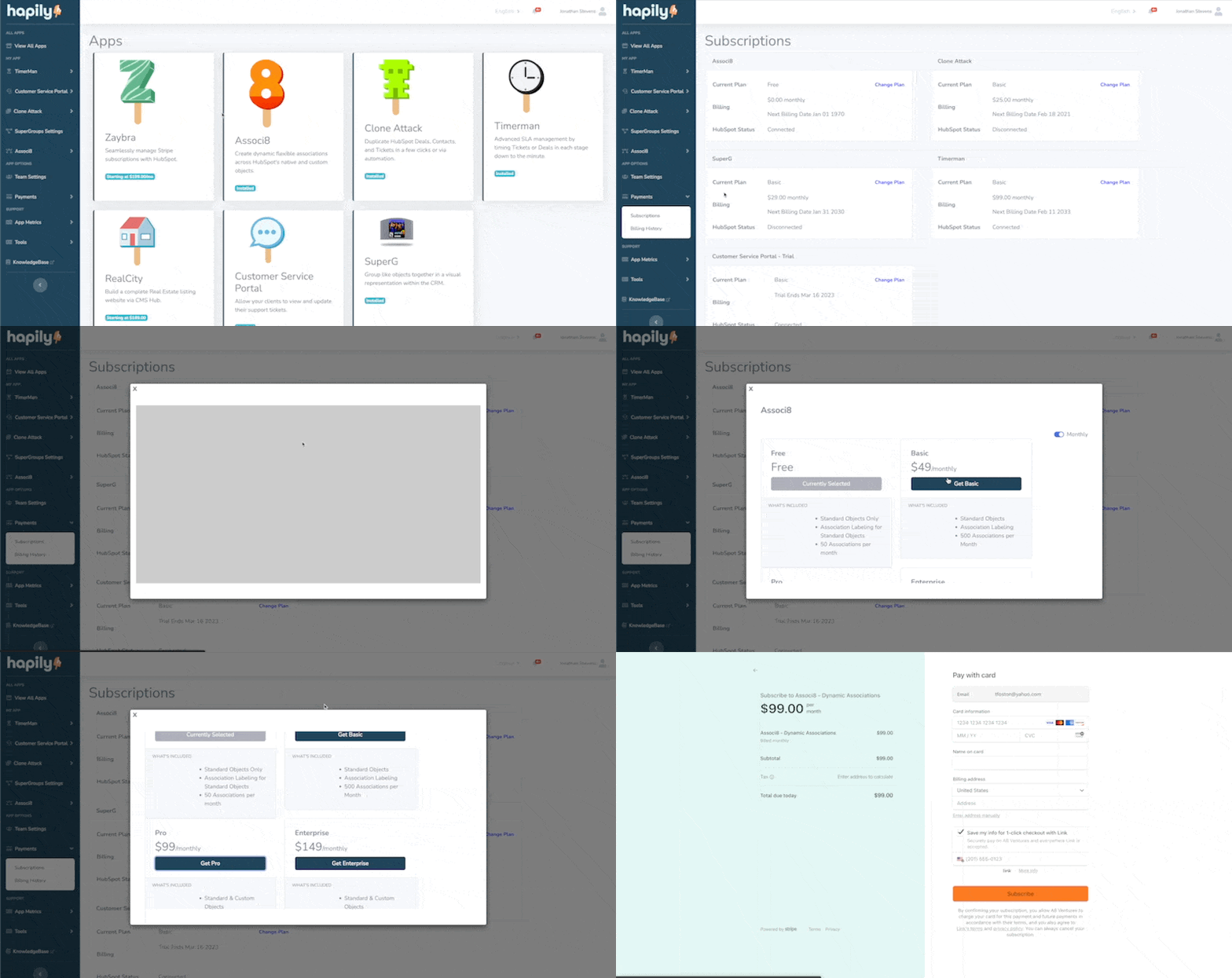
Associ8 offers flexible subscription plans to fit teams of all sizes—from small teams looking to automate simple associations to enterprise operations managing thousands of records per month.
Plan Overview
| Plan | Monthly Price | Includes |
|---|
| Free | $0 | Standard Objects
50 associations/month |
| Starter | $49/mo | Standard Objects
500 associations/month |
| Pro | $99/mo | Standard Objects
Custom Objects
5,000 associations/month |
| Enterprise | $149/mo | Standard Objects
Custom Objects
500,000 associations/month |
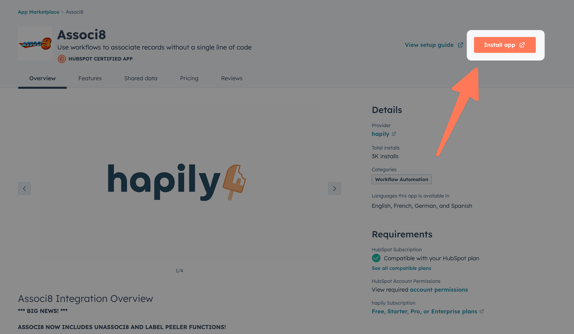
All prices are subject to change and do not include taxes. Refer to the Associ8 App Listing for the most up-to-date info.


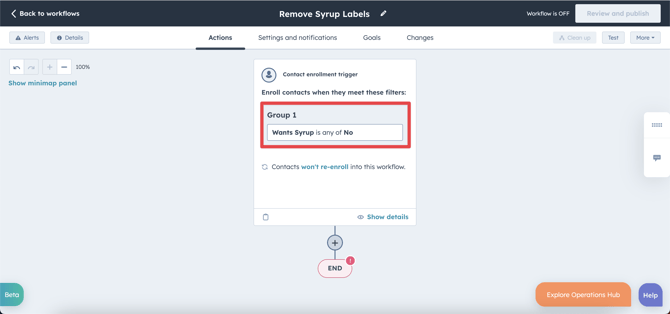
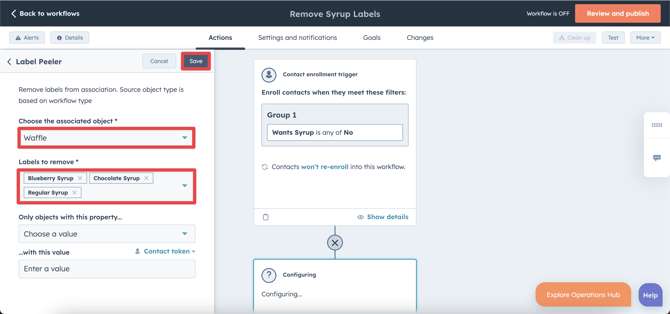 Don’t worry if the enrolled record doesn’t have all the selected labels—Label Peeler will only remove the ones that exist!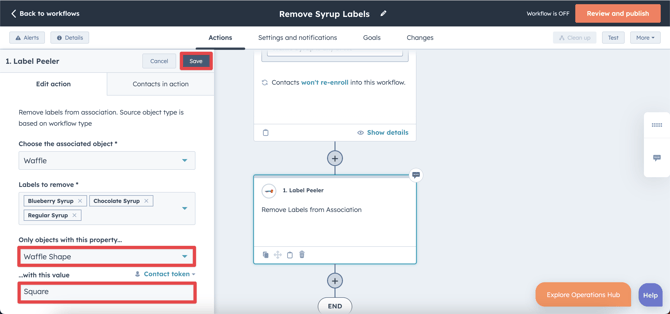
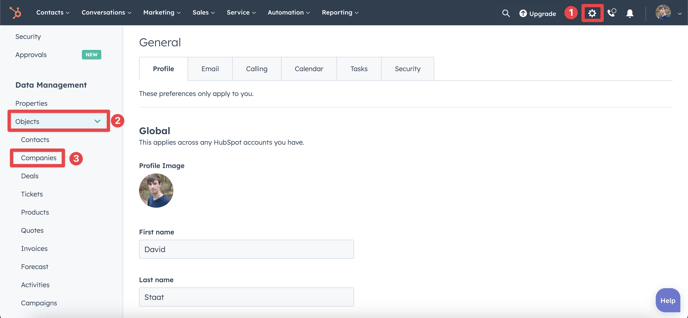
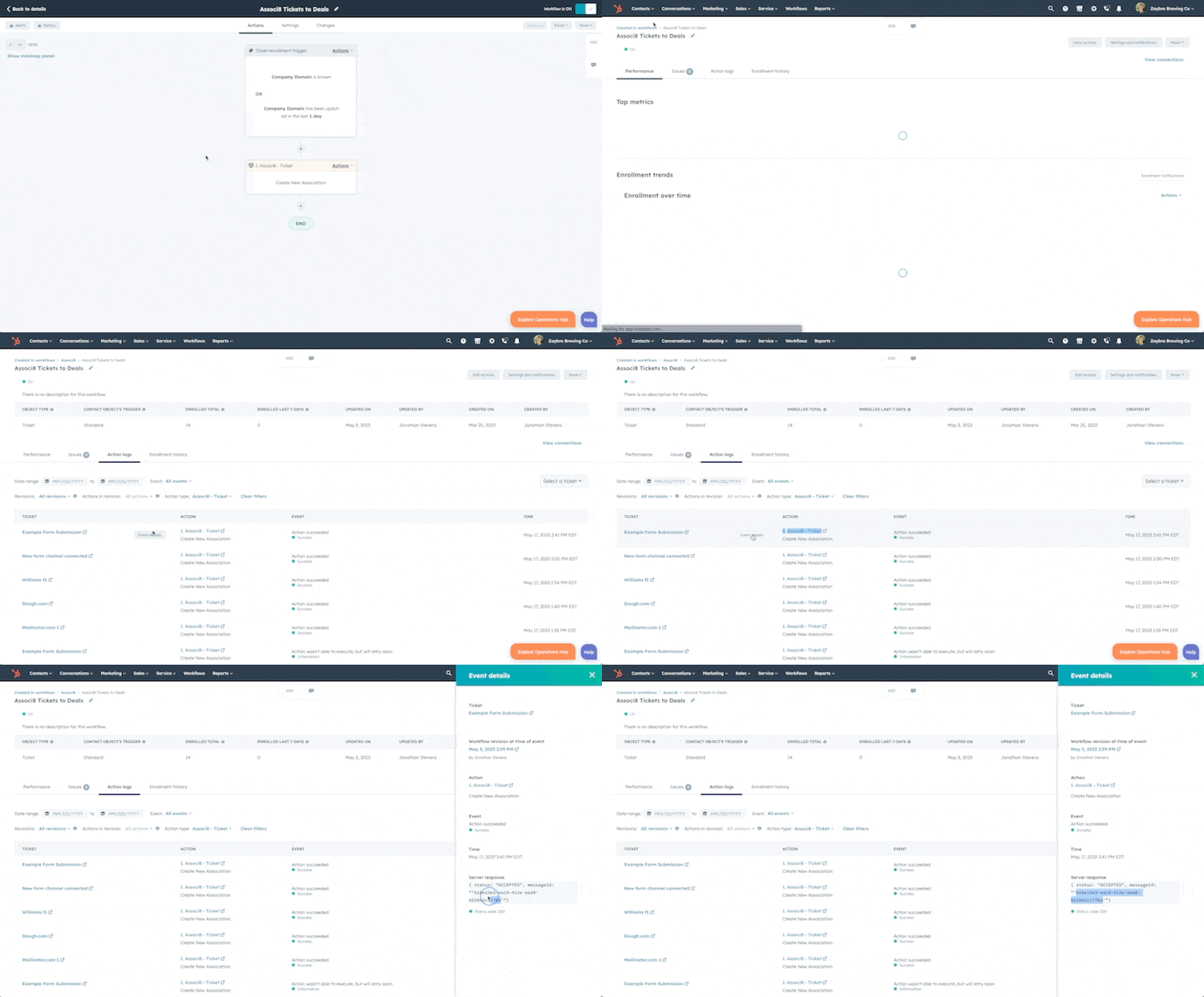
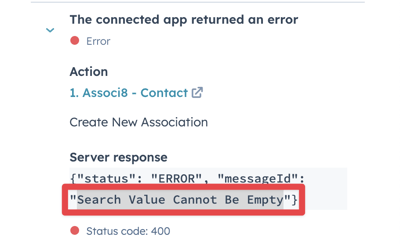
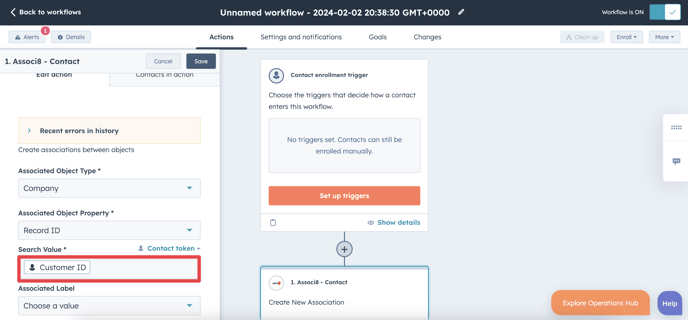
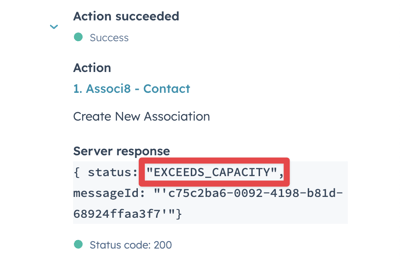
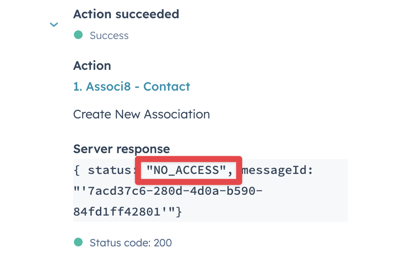

 We recommend testing your workflow before you turn on your workflow.